How to Write Business Proposals That Actually Win Clients (Without Boring Them to Tears)
Tired of proposals that get ignored? Learn how to write business proposals that actually close deals with our guide on structure, persuasion, and AI tools.
Ever hit 'send' on a business proposal and then... nothing? It feels like launching a message in a bottle into a vast, silent ocean. You’ve poured hours, maybe even days, into getting it just right, only to be met with the deafening sound of crickets. The cycle of refreshing your inbox is a special kind of torture, isn't it?
Let's get real for a second. The hard truth is that most proposals fail because they're all about the sender. They shout, "Look at us! Look how great our services are!" But your potential client isn't looking for a cheerleader; they're looking for a problem-solver. They have a massive headache, and your proposal is just more noise unless it’s the exact aspirin they need.
Why Your Business Proposals Are Getting Ghosted
The single biggest mistake I see people make is jumping straight into their solutions without first showing they actually understand the problem. Think about it: you wouldn't trust a doctor who wrote you a prescription without even asking about your symptoms. So why would a client trust a proposal that doesn’t show any real understanding of their unique situation?
This is where you need to change your whole mindset. Stop thinking of yourself as a "service provider" and start acting like a "problem diagnostician." Your first job isn't to sell; it's to listen, diagnose the issue, and then prescribe the perfect solution.
The Mindset Shift From Provider To Problem-Solver
This is the secret sauce. When you shift your thinking, the way you write proposals changes completely.
Here’s what that looks like in the real world:
- Ditch the "About Us" Intro: Don't lead with your company's life story. Seriously, no one cares yet. Instead, start by summarizing their problem in your own words. It immediately shows you were listening during that initial discovery call.
- Connect Every Feature to a Benefit: Don't just list what your service does. Spell out why it matters to them. Instead of saying, "We offer SEO optimization," try something like, "Our SEO strategy will bring in more qualified leads, so your sales team can finally stop chasing dead ends."
- Speak Their Language: Did the client say their "lead pipeline has dried up"? Use that exact phrase. It builds instant rapport and shows you're on the same page.
To really drive this home, let's look at the difference between a proposal that's all about "me" versus one that's all about "you"—the client.
The Proposal Shift From 'Me' to 'You'
This table breaks down the crucial mindset shift from a self-focused proposal (that usually gets ignored) to a client-centric one that actually wins deals.
See the difference? The winning approach isn't a sales pitch; it's a strategic document that builds trust before you even get to the price tag. When you nail this, your follow-up emails will feel less like desperate pokes and more like professional check-ins. For more tips on that, check out our guide on that get replies.
Turning Proposals Into Your Best Sales Tool
A truly client-focused proposal does more than just list services—it becomes one of your most powerful marketing assets. In fact, research shows that over 41% of businesses that invest in strategic marketing, including thoughtful proposal writing, significantly boost their chances of long-term success. The ones that win are the ones that directly address client pain points and show a clear path to a solution.
The moment a potential client opens your proposal, they should feel understood. Your goal isn't for them to think, "This company is qualified." It's for them to think, "Finally, someone who actually gets it."
This simple change in focus transforms your proposal from a tedious administrative task into your most effective tool for winning new business. It stops being a document they have to read and becomes one they want to read because it’s all about them. And when that happens, you’ll start getting a lot fewer ghosts and a whole lot more signed contracts.
The Core Elements of a Winning Proposal
Forget those generic, fill-in-the-blank templates you find online. A proposal that actually gets a signature tells a compelling story, and every good story has a clear, logical structure. Think of it less like a dry report and more like a roadmap that guides your client toward a confident "yes."
Let’s break down the essential parts of a proposal that wins, piece by piece. Getting these elements right is the foundation of a proposal that feels less like a sales pitch and more like a partnership.
This simple diagram shows the powerful shift from a 'me-focused' document to a 'you-focused' one that actually connects with a client.
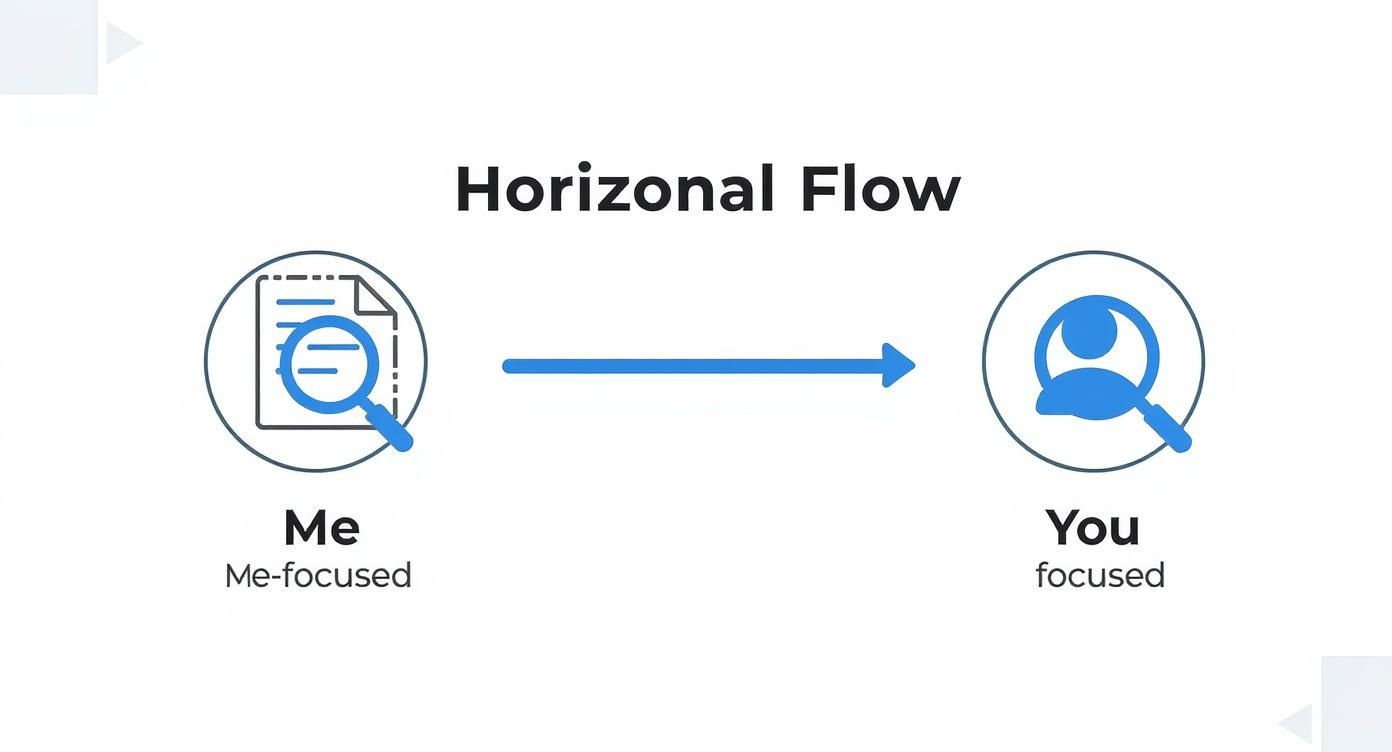
The big idea here? A great proposal always starts with the client’s world before you ever mention your own solutions.
The Executive Summary: Your Movie Trailer
This is your proposal's "movie trailer." It’s a short, high-impact overview designed to hook the reader and make them want to see the rest of the show. It needs to briefly touch on their main problem, your proposed solution, and the incredible outcome they can expect.
Keep this section clean and free of jargon. The goal is to give a busy decision-maker everything they need to know in about three minutes. If they read nothing else, they should walk away understanding the core value you’re bringing to the table. Pro tip: write this part last, it makes it a thousand times easier.
The Problem Statement: Proving You Listened
Right after the hook, you need to prove you’ve been paying attention. This is where you articulate their problem, often better than they can themselves. Try to use the exact language they used in discovery calls to show a deep understanding of the challenges keeping them up at night.
This isn’t just about listing problems; it's about showing empathy. When a client reads this section and thinks, "Wow, they really get it," you’ve built a foundation of trust that makes the rest of the proposal feel like a collaborative plan.
Your Proposed Solution: The Hero Arc
Now that you've set the stage, it's time to introduce the hero of the story: your solution. This is where you draw a direct line from their pain points to your services. Whatever you do, avoid generic feature lists.
Instead, frame your solution with a clear "because of this, we'll do that" approach:
- Don't say: "We will provide weekly social media content creation."
- Do say: "To solve your inconsistent online presence, we will create three engaging, on-brand social media posts per week. This ensures your audience stays connected and your message remains top-of-mind."
Every part of your solution should be a direct answer to a specific problem.
Scope And Deliverables: Your Anti-Scope-Creep Weapon
This is arguably the most critical section for protecting your sanity down the road. Scope creep—that dreaded beast where a project slowly balloons beyond its original goals—is almost always born from a vague proposal.
Be brutally specific here. List exactly what is included and, just as importantly, what is not included.
A crystal-clear scope section is your best friend. It manages expectations from day one and gives you a firm document to refer back to if a client asks for "just one more thing."
Use bullet points or a simple table to outline every single deliverable. If you're building a website, specify the exact number of pages, revisions, and key features included. No ambiguity.
A Realistic Timeline: Managing Expectations Like A Pro
A timeline proves you’ve thought through the logistics and have a realistic plan for getting things done. It gives the client a clear picture of what will happen and when, which builds immense confidence in your ability to deliver.
I always recommend breaking the project into phases with clear milestones. This makes a large project feel manageable and shows a clear path to the finish line.
- Phase 1: Discovery & Strategy (Weeks 1-2)
- Phase 2: Design & Development (Weeks 3-6)
- Phase 3: Revisions & Testing (Week 7)
- Phase 4: Launch & Handover (Week 8)
This kind of structure looks professional and helps the client plan their own internal resources around your work.
The Investment: Framing Price As Undeniable Value
Finally, the money talk. Never, ever call it "Pricing" or "Costs." Always frame it as the Investment. This simple word shifts the entire conversation from an expense to a strategic business decision that generates a return.
Present your investment clearly, often in a tiered table if you offer different packages. Break down what’s included in each tier to help them see the value at each level. Beyond just writing well, understanding and applying can dramatically increase your close rate. How you present your investment is a huge part of that strategy.
Writing Words That Sell Without Being Salesy
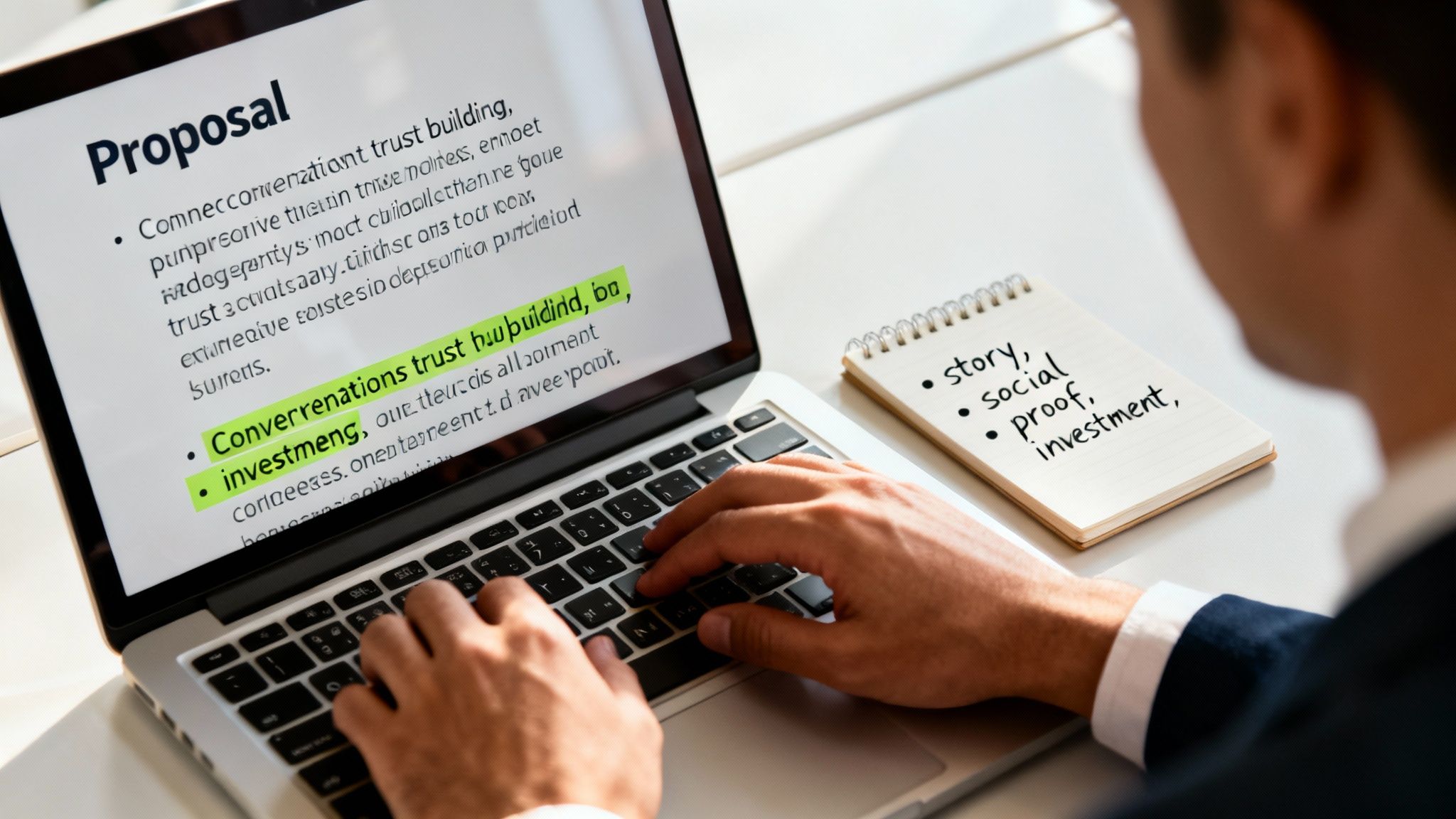
Okay, you've got the structure down. Now for the hard part—filling those pages with words that actually convince someone to say "yes."
If the idea of "persuasive writing" makes you cringe and picture a pushy used-car salesman, relax. This isn't about being slick. It's about being a trusted advisor.
The best proposals don't feel like a stuffy corporate document. They feel like a helpful conversation. They connect with the reader, build real trust, and make your solution seem like the only logical choice, all without a single aggressive phrase.
Sound Like a Person, Not a Robot
The quickest way to make a client's eyes glaze over is to write like you just swallowed a business textbook. Stuffy, overly formal language just creates distance. A conversational tone, on the other hand, builds a connection and makes your proposal feel more like a one-on-one strategy session.
Here are a few simple tricks I’ve learned:
- Use the Active Voice: Instead of "The reports will be delivered by our team," just say, "Our team will deliver the reports." It’s more direct and confident.
- Ask Questions: Pull the reader into the conversation. A simple question like, "So, where do we go from here?" can make them feel like a part of the solution.
- Keep it Punchy: Nobody wants to read long, winding sentences. Break up your ideas into short, easy-to-digest thoughts.
If your writing still feels a little stiff, don't worry about it. Sometimes you're just too close to the project. This is where a little outside help can make a huge difference. You can explore how an can help you find a natural, conversational flow without sacrificing professionalism. It can be a massive time-saver.
For instance, our Zemith Smart Notepad is great for this. It can take a dry, feature-heavy paragraph and instantly rework it into client-focused language that highlights the benefits in a way that feels natural and engaging.
Tell Them a Story
Facts and figures are important, but stories are what stick. Your proposal should tell the story of your client’s journey—from their current frustration to their future success, with you as the guide.
Don't just list what you're going to do. Paint a vivid picture of what their life or business will look like after they've worked with you.
Before (Just a feature):
"We will implement a new CRM system to track customer interactions."
After (Telling a story):
"Imagine your sales team starting their day with a crystal-clear dashboard showing every single hot lead. No more digging through old emails or losing sticky notes. Our CRM system will give them the power to close deals faster, turning chaotic follow-ups into a smooth, predictable pipeline."
See the difference? The second one makes the benefit feel real.
Build Trust with Proof, Not Promises
A good story creates an emotional connection, but you've got to back it up with cold, hard proof. This is where you sprinkle in data and social proof to show you're the real deal. The trick is to do it without sounding like you're bragging.
Weave these elements into your story:
- Case Studies: Ditch the boring "Testimonials" section and tell a mini-story instead. "We worked with a company just like yours that was facing a 20% decline in lead quality. Within three months of our strategy, they saw a 45% jump in qualified leads."
- Specific Numbers: Use actual data. Don't just say you get results; show them with numbers.
- Client Quotes: Find a powerful quote from a happy client and use it as a pull-quote to break up the text.
"Working with them wasn't just about getting a service; it was about gaining a strategic partner. They took the time to understand our vision and delivered beyond our expectations." - A Very Happy Client
Reframe the Conversation About Money
Let's tackle the part everyone dreads: the pricing section. Your goal here isn't to present a bill, but to frame your services as a smart investment. The words you choose are everything.
Try to avoid words like "cost," "price," or "fees." Instead, use terms like "investment," "partnership level," or "project value."
Here’s a simple table format that shifts the focus from cost to value:
This approach encourages the client to think about the outcome and the return they're getting, not just the number on the page. Once you master this non-salesy, persuasive style, you'll find that writing proposals becomes less of a chore and more of an opportunity to build real connections that close deals.
How to Supercharge Your Proposal Process with AI
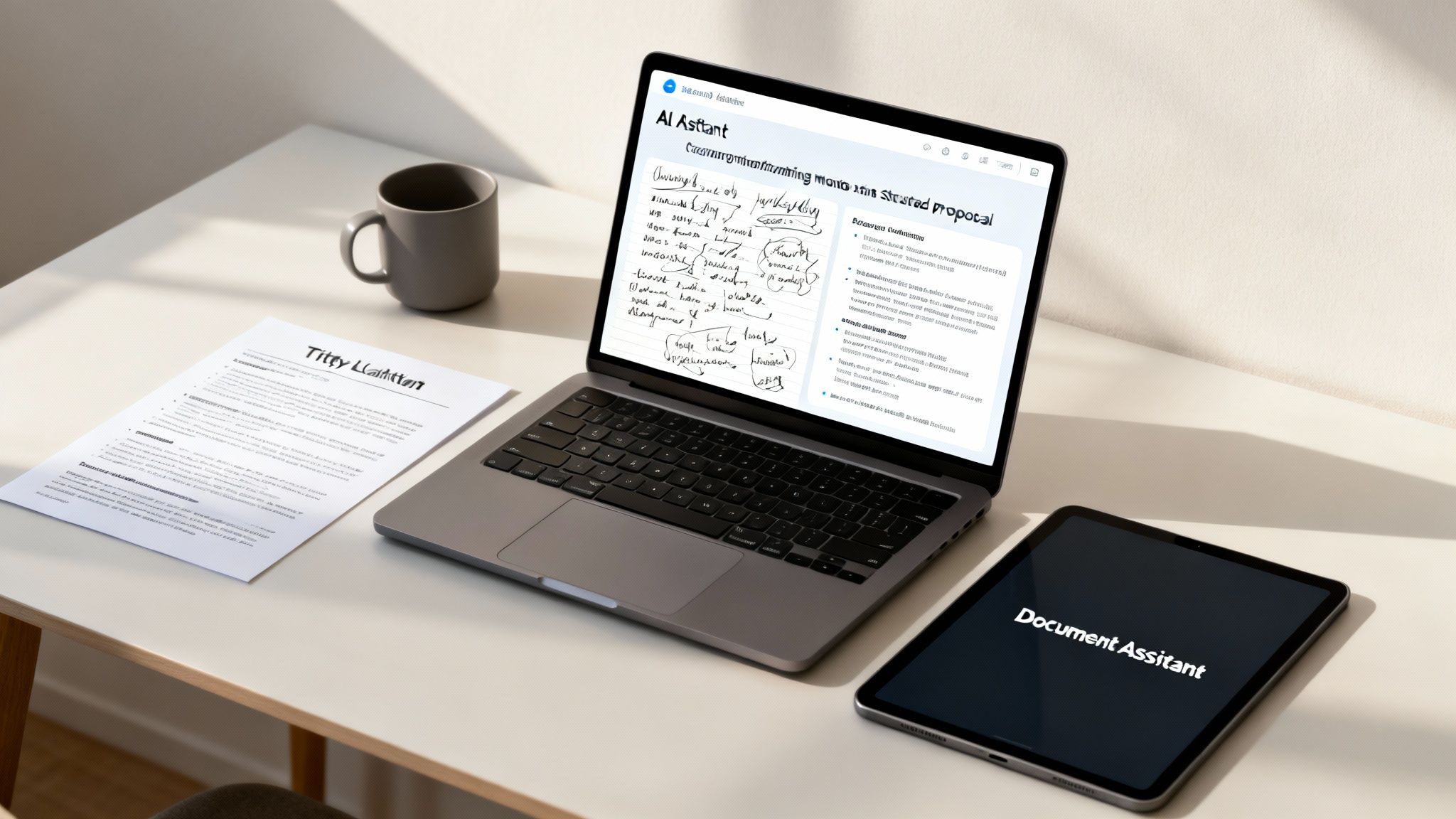
Let’s be honest, staring at a blank page while trying to start a proposal is a special kind of nightmare. That blinking cursor seems to mock you. What if you could banish that feeling forever and get a solid first draft down in just a few minutes?
This is where modern AI tools are completely changing the game. This isn't about letting a robot write a generic, soulless proposal for you. It's about using AI as your brilliant, tireless assistant to handle the grunt work so you can focus on strategy and personalization.
This isn't some fringe idea anymore. A recent study shows that 77% of companies globally are either using or exploring artificial intelligence. Smart businesses are using these tools to create proposals that hit the mark, quickly getting to the heart of client issues with perfect clarity.
From Messy Notes to a Coherent Outline
Picture this: you just wrapped up a fantastic discovery call. Your notebook is a chaotic jumble of client pain points, goals, and random ideas. Instead of spending an hour just trying to make sense of it all, you can dump those notes straight into an AI tool like Zemith's Smart Notepad.
With a simple prompt, the AI can organize your scattered thoughts into a logical proposal structure. It can group related points, identify key themes, and even suggest sections like "Problem Statement" or "Proposed Solution." Suddenly, that intimidating blank page is a well-structured outline, ready for you to add your expertise.
Generating Entire Sections with Simple Prompts
Once you have your outline, the real magic begins. You can use a tool like Zemith’s Document Assistant to generate entire sections of your proposal. This is way beyond just rewriting sentences; it’s about creating thoughtful, well-written content based on your specific inputs.
Here’s how you could put it to work for a few key sections:
- Executive Summary: Feed the AI your key points—the client's problem, your solution, and the expected outcome. Ask it to "Write a compelling executive summary for a business proposal based on these notes."
- Scope of Work: List your deliverables in bullet points and ask the AI to "Expand these bullet points into a detailed Scope of Work section, explaining the value of each deliverable."
- Company Introduction: Give it a few facts about your company's expertise and ask it to "Write a professional 'About Us' section that builds trust and highlights our unique experience in [Client's Industry]."
Using AI to draft sections isn't cheating; it's efficiency. It slashes the time you spend on repetitive writing, freeing up mental energy to focus on the high-value strategic thinking that actually wins the deal.
Polishing Your Draft to Perfection
Even after you've written the bulk of the proposal, AI can step in as your personal editor. It can help you refine your tone, check for clarity, and make sure your message is consistent from start to finish.
The Zemith platform integrates these AI capabilities directly into your document workflow. This means you can go from messy notes to a polished, client-ready proposal without ever leaving the app. It's about making professional document creation faster and way less painful.
The goal is to amplify your expertise, not replace it. You bring the client knowledge and strategic insight; the AI brings speed and structure. It's a partnership that helps you create better, more professional, data-driven proposals in a fraction of the time. For a broader look at how this technology is shaking things up, see how are helping people build more efficient and profitable businesses.
Common Proposal Mistakes That Cost You the Deal
You’ve poured hours into a proposal, triple-checked every number, and hit send, feeling pretty good. Then… crickets. It’s a gut-wrenching feeling that’s way too common. The hard truth is, a lot of fantastic proposals get torpedoed by simple, avoidable mistakes that have nothing to do with how good your ideas are.
Think of this as your pre-flight checklist. Steering clear of these common blunders will seriously boost your odds of getting that signature instead of getting ghosted. Let's break down the silent deal-killers that relegate otherwise great proposals to the trash bin.
The Dreaded “One-Size-Fits-All” Template
We’ve all been tempted to grab a generic template and just plug in the details. It feels efficient, but it's a trap. Clients can smell a cookie-cutter proposal from a mile away, and it screams one thing: "You're not that important to me."
This is how you end up forgetting to swap out the last client’s name (we’ve all had that heart-stopping moment) or proposing solutions that have zero to do with the actual problems you discussed.
The Fix: Use templates for structure, not for substance. A tool like Zemith's Document Assistant is perfect for this—you can build smart, flexible templates and then use specific prompts to personalize entire sections for each new client. It ensures every proposal feels custom-made without forcing you to start from a blank page every single time.
Vague Deliverables and Murky Scope
If the client has to squint to figure out what they’re actually getting for their money, you’ve already lost. Ambiguous phrases like "ongoing social media support" or "website optimization" are massive red flags. They breed uncertainty and practically invite scope creep down the line.
This lack of clarity just looks unprofessional. It suggests you haven't really thought the project through, planting a seed of doubt that’s tough to pull out.
The most persuasive proposals are brutally specific. A client should read your Scope of Work and know, without a single doubt, exactly what will be delivered, what won't be, and when.
Your proposal is a foundational document, so keeping it and all related files in order is critical. To avoid version control madness, check out our guide on .
Forgetting the All-Important Call to Action
You’ve built an amazing case, laid out a brilliant solution, and then… you just stop. Ending a proposal without a clear call to action (CTA) is like telling a great joke and walking away before the punchline.
You’re leaving the client hanging, wondering, "Okay, so what now?" Don't make them do the work of figuring out how to hire you.
The Fix: Be direct. Make it ridiculously easy for them to say yes.
- Weak CTA: "Let me know what you think."
- Strong CTA: "To move forward, just sign the agreement below. I've already blocked out time next Tuesday to kick things off."
A strong CTA removes any friction and gently nudges them toward the next logical step.
Making It All About You
This is the cardinal sin of proposal writing. If your proposal reads like a company brochure—stuffed with "we do this" and "our company has achieved that"—you've completely missed the point. The client doesn't care about your origin story; they care about their problems.
Every single sentence should be angled toward their needs, their goals, and their success. It's a simple but powerful shift from talking about "our features" to explaining "your benefits."
The Fix: Try this before you hit send. Do a search for the words "we," "our," and your company name. Now, do the same for "you," "your," and the client's name. If the first group shows up more often, it’s time to edit. Rework those sentences to put the spotlight back on the client.
By sidestepping these common traps, your proposal will immediately stand head and shoulders above the competition.
Got Questions About Business Proposals? Let's Clear Them Up.
Still have a few things rattling around in your head? Good. That means you're taking this seriously. Writing a winning proposal can feel like walking a tightrope, so let's tackle some of the most common questions I hear all the time.
How Long Should This Thing Actually Be?
Ah, the million-dollar question. The honest-to-goodness answer is: it depends. I’ve seen killer five-page proposals for simple projects and totally justified twenty-pagers for massive, multi-year partnerships.
The real secret is to make it long enough to be convincing but short enough to be read. If a sentence, a paragraph, or a whole page doesn't actively push your client toward saying 'yes,' it needs to go.
Focus on giving them exactly what they need to make a decision—and not a single word more. Frankly, shorter proposals usually win because they show you respect your client's time. For a project under $10,000, I always tell people to aim for under 10 pages. It’s a great benchmark.
What’s the Real Difference Between a Proposal and a Quote?
This one trips up a lot of people. A quote is just about price. It’s a flat, one-dimensional document that essentially says, “Here’s the cost.” Think of it as a transaction.
A proposal, however, is all about value. It tells a compelling story. It says, "I understand your specific problem, here's how we're uniquely equipped to solve it, and here's the smart investment that will get you there." A quote is just a number; a proposal is your entire argument for why you're the only choice. You send a quote when someone has already decided to buy. You send a proposal to help them make that decision in your favor.
How Do I Follow Up Without Seeming Desperate?
We’ve all been there, hovering over the "send" button on a follow-up email. The trick is to stop "checking in" and start adding value. This small shift turns a nagging poke into a welcome conversation.
The best way to do this is to set the expectation right in the proposal. Drop in a simple line like, “I’ll give you a call on Thursday morning to see what questions have popped up.” Then, when you do reach out, come with something useful. Instead of the classic, "Did you get a chance to look at my proposal?" try one of these:
- “I was thinking more about your goal to improve lead quality and had another quick idea I wanted to run by you…”
- “I just came across this article on [relevant industry trend] and thought it might be interesting for your team.”
This approach immediately shows you’re still thinking about their business and positions you as a partner, not just a vendor waiting for a signature.
Is It Okay to Use a Template?
Yes, but with a huge asterisk. A template should be your starting blocks, not the entire racetrack. Clients can sniff out a generic, fill-in-the-blanks proposal from a mile away, and it instantly tells them they’re not that important to you.
Use a template to make sure you've got the right bones—the executive summary, the scope, the timeline, all that good stuff. But every single word needs to be rewritten to reflect the client’s specific challenges, goals, and even the language they use. This is where you really earn your keep.
Instead of fighting with static templates, what if you could create dynamic, intelligent ones? With a tool like Zemith, you can build a library of your best proposal frameworks and then use its AI Document Assistant to instantly personalize them for each new client. You get the speed of a template with the custom touch that closes deals. .
Explore Zemith Features
Every top AI. One subscription.
ChatGPT, Claude, Gemini, DeepSeek, Grok & 25+ more


Always on, real-time AI.
Voice + screen share · instant answers
What's the best way to learn a new language?
Immersion and spaced repetition work best. Try consuming media in your target language daily.
Voice + screen share · AI answers in real time
Image Generation
Flux, Nano Banana, Ideogram, Recraft + more

Write at the speed of thought.
AI autocomplete, rewrite & expand on command
Any document. Any format.
PDF, URL, or YouTube → chat, quiz, podcast & more
Video Creation
Veo, Kling, Grok Imagine and more

Text to Speech
Natural AI voices, 30+ languages
Code Generation
Write, debug & explain code
Chat with Documents
Upload PDFs, analyze content
Your AI, in your pocket.
Full access on iOS & Android · synced everywhere
Your infinite AI canvas.
Chat, image, video & motion tools — side by side

Save hours of work and research
Transparent, High-Value Pricing
Trusted by teams at


Free
No credit card required
- 100 credits daily
- 3 AI models to try
- Basic AI chat
Plus
- 1,000,000 credits/month
- 25+ AI models — GPT, Claude, Gemini, Grok & more
- Agent Mode with web search, computer tools and more
- Creative Studio: image generation and video generation
- Project Library: chat with document, website and youtube, podcast generation, flashcards, reports and more
- Workflow Studio and FocusOS
Professional
- Everything in Plus, and:
- 2,100,000 credits/month
- Pro-exclusive models (Claude Opus, Grok 4, Sonar Pro)
- Motion Tools & Max Mode
- First access to latest features
- Access to additional offers
What Our Users Say
Great Tool after 2 months usage
"I love the way multiple tools they integrated in one platform. Going in the right direction."
— simplyzubair
Best in Kind!
"The quality of data and sheer speed of responses is outstanding. I use this app every day."
— barefootmedicine
Simply awesome
"The credit system is fair, models are perfect, and the discord is very responsive. Quite awesome."
— MarianZ
Great for Document Analysis
"Just works. Simple to use and great for working with documents. Money well spent."
— yerch82
Great AI site with accessible LLMs
"The organization of features is better than all the other sites — even better than ChatGPT."
— sumore
Excellent Tool
"It lives up to the all-in-one claim. All the necessary functions with a well-designed, easy UI."
— AlphaLeaf
Well-rounded platform with solid LLMs
"The team clearly puts their heart and soul into this platform. Really solid extra functionality."
— SlothMachine
Best AI tool I've ever used
"Updates made almost daily, feedback is incredibly fast. Just look at the changelogs — consistency."
— reu0691