


Every top model, with tools built in.
Search the web, run deep research, read files, create images and run code with GPT, Claude, Gemini, Grok and more.
Tired of clunky text? Discover the 12 best free AI rewriter tools to instantly improve your writing. Compare features, limits, and find your perfect match!
Let's be real, we've all written something, read it back, and thought, "Did a sleepy robot write this?" You need to rephrase, refresh, and make your text sound... well, human. But who has the time to manually rewrite everything? That’s where a good free AI rewriter comes in, acting like your personal wordsmith on call, ready to fix clunky sentences and add a bit of sparkle.
The problem? The internet is a jungle of tools that promise Shakespeare but deliver gibberish. Many just swap synonyms and create awkward, nonsensical phrases that are worse than your original draft. Fear not! We've waded through the digital junk drawer to find the 12 best free options that actually deliver results. This isn't just a list; it's a breakdown of what makes each tool tick, their sneaky limitations, and who they're perfect for. To fully grasp the potential and challenges of leveraging AI for writing, consider consulting a comprehensive guide to AI-powered content creation.
Whether you're a student trying to understand how to rephrase an essay without plagiarizing, a marketer recycling old content, or a developer documenting code, we've got you covered. Let's find the right tool to give your words the glow-up they deserve, without costing you a dime.
Zemith.com's Free AI Rewriter earns its top spot by masterfully balancing simplicity, power, and integration. It’s not just another text spinner; it's a precision tool designed for professionals who need quick, high-quality revisions without friction. This makes it an exceptional free AI rewriter for anyone from marketers polishing ad copy to students refining essays.
What truly sets it apart is its "no-login-needed" instant access. Seriously, who wants to create another account just to fix one paragraph? You can land on the page, paste your text, and get a revised version in seconds. There's no paywall or sign-up form stopping you from getting that urgent sentence fixed. Just pure, immediate utility.
Zemith excels by integrating its rewriter directly into a broader, interconnected AI workspace. While other tools operate in a vacuum, Zemith allows a seamless handoff. Once you've perfected a paragraph, you can instantly send it to the Smart Notepad for brainstorming, the Document Assistant for long-form writing, or even sync it to your mobile app.
This unified workflow is the secret sauce. You're not just rewriting text; you're advancing a project within a single, cohesive ecosystem. No more copy-pasting between ten different tabs!
Best For:
Key Features:
Limitations:
The primary constraint is the daily limit of 5 free rewrites. For heavy-duty use or batch processing, upgrading to a paid plan is necessary. Additionally, specialized features like in-depth plagiarism checks are part of other tools within the Zemith suite.
Ready to see how an integrated AI can transform your writing process? Dive deeper into the specifics with this guide on how to use an AI to rewrite text and get started instantly.
Website: https://www.zemith.com/en/app/tools/ai-rewriter
QuillBot is practically the OG of online paraphrasing, and for good reason. It’s a reliable and widely trusted free AI rewriter that has become a staple for students, academics, and writers who need to rephrase text without losing the original meaning. The user interface is clean and straightforward: paste your text on the left, get the rewritten version on the right, and see the changes highlighted. It feels less like a magic black box and more like a helpful writing assistant.
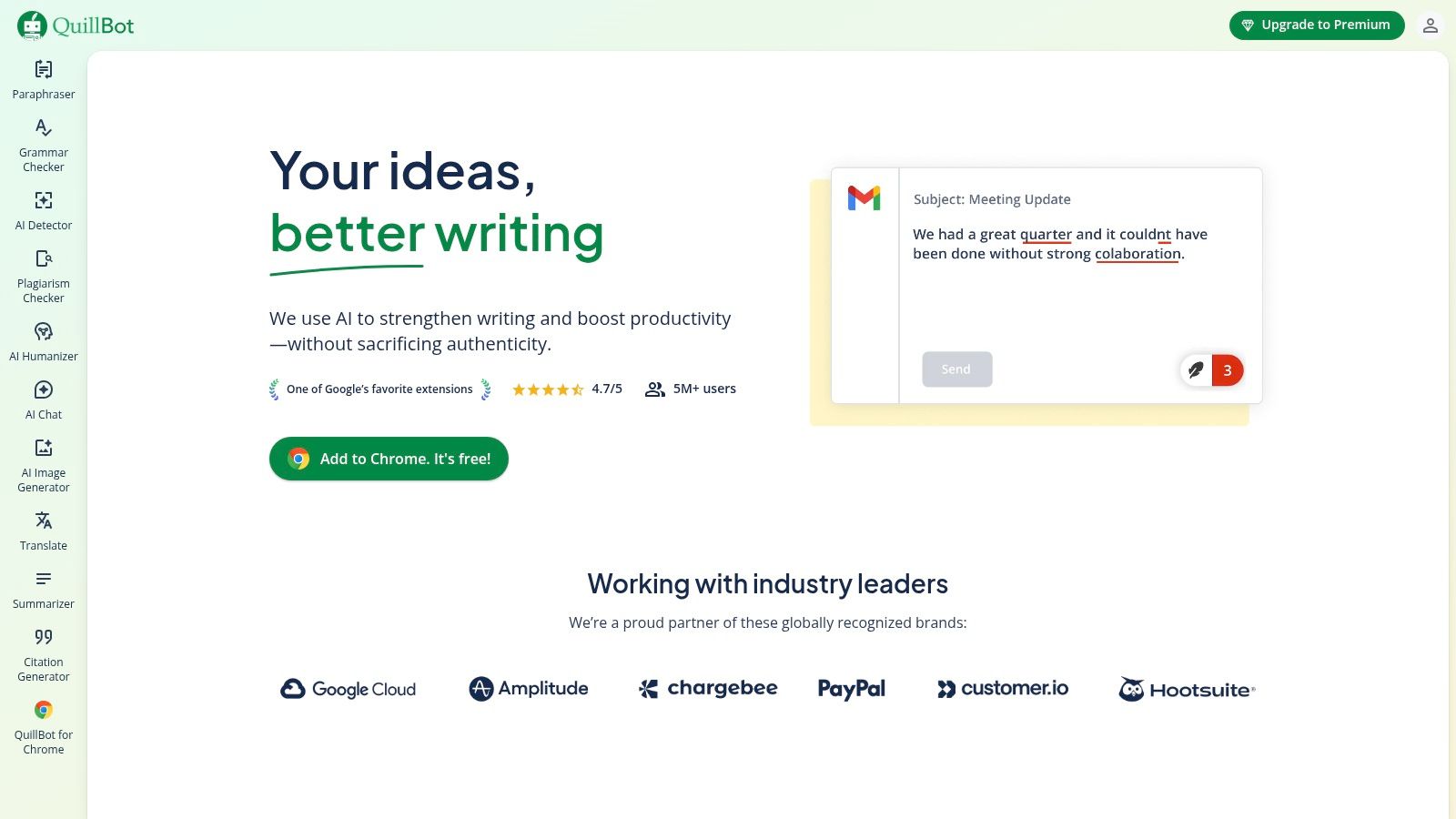
What really sets QuillBot apart is its ecosystem. With popular extensions for Chrome, Google Docs, and Microsoft Word, it integrates directly into your existing workflow, so you don't have to constantly switch tabs. This is a huge time-saver. However, the free tier is quite limited, capping you at 125 words per rewrite and offering only the 'Standard' and 'Fluency' modes. This can be a dealbreaker if you're working on longer documents and need more creative control.
You can try it out here: https://quillbot.com
If you're tired of running into paywalls, sign-up forms, and annoying ads, Scribbr's Paraphrasing Tool is a breath of fresh air. Coming from a brand trusted in the academic world, this free AI rewriter is unapologetically simple and effective. It's designed for students and researchers who need a reliable tool to rephrase sentences and short paragraphs without any strings attached. You just visit the site, paste your text, and get an instant rewrite. No captchas, no logins, no fuss.
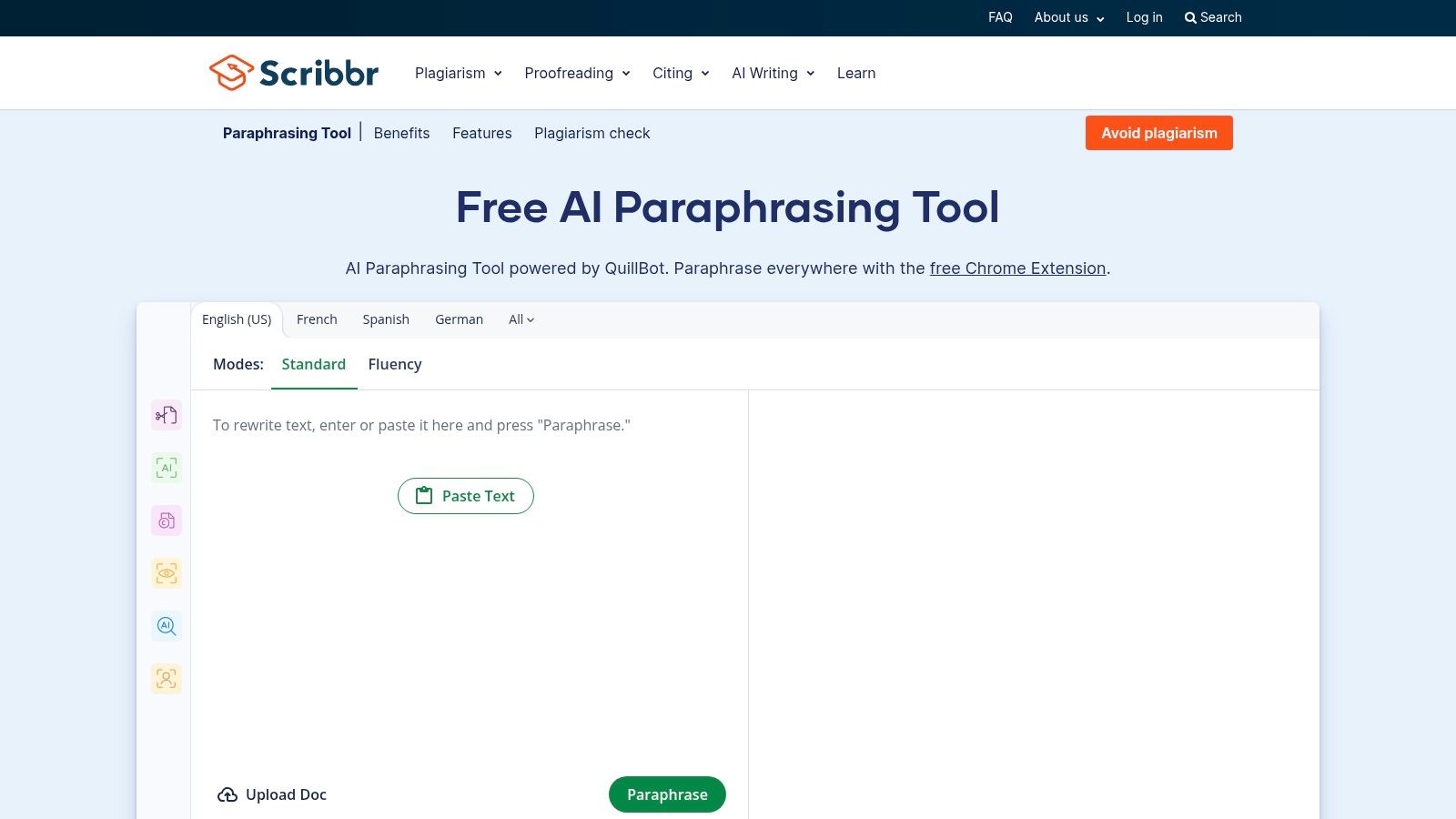
The interface is clean, offering two modes ('Standard' and 'Fluency') and an interactive synonym selector to fine-tune the output. While it lacks the advanced modes of premium tools and is best suited for shorter text chunks, its true value lies in its frictionless user experience. It's the perfect on-the-go tool for when you need a quick, dependable rewrite without committing to a platform. For those looking to move beyond simple rewrites and genuinely improve writing ability, pairing Scribbr with more comprehensive writing aids is a great strategy.
You can try it out here: https://www.scribbr.com/paraphrasing-tool/
Wordtune feels less like a blunt rephrasing tool and more like a sophisticated writing partner. Instead of just spinning your sentences, it offers intelligent, high-quality alternatives that genuinely improve clarity and style. This free AI rewriter excels at the sentence level, providing multiple suggestions to make your writing more compelling, casual, or concise. Its interface is minimal and fast, focusing on giving you better ways to say what you already mean without overwhelming you with options.
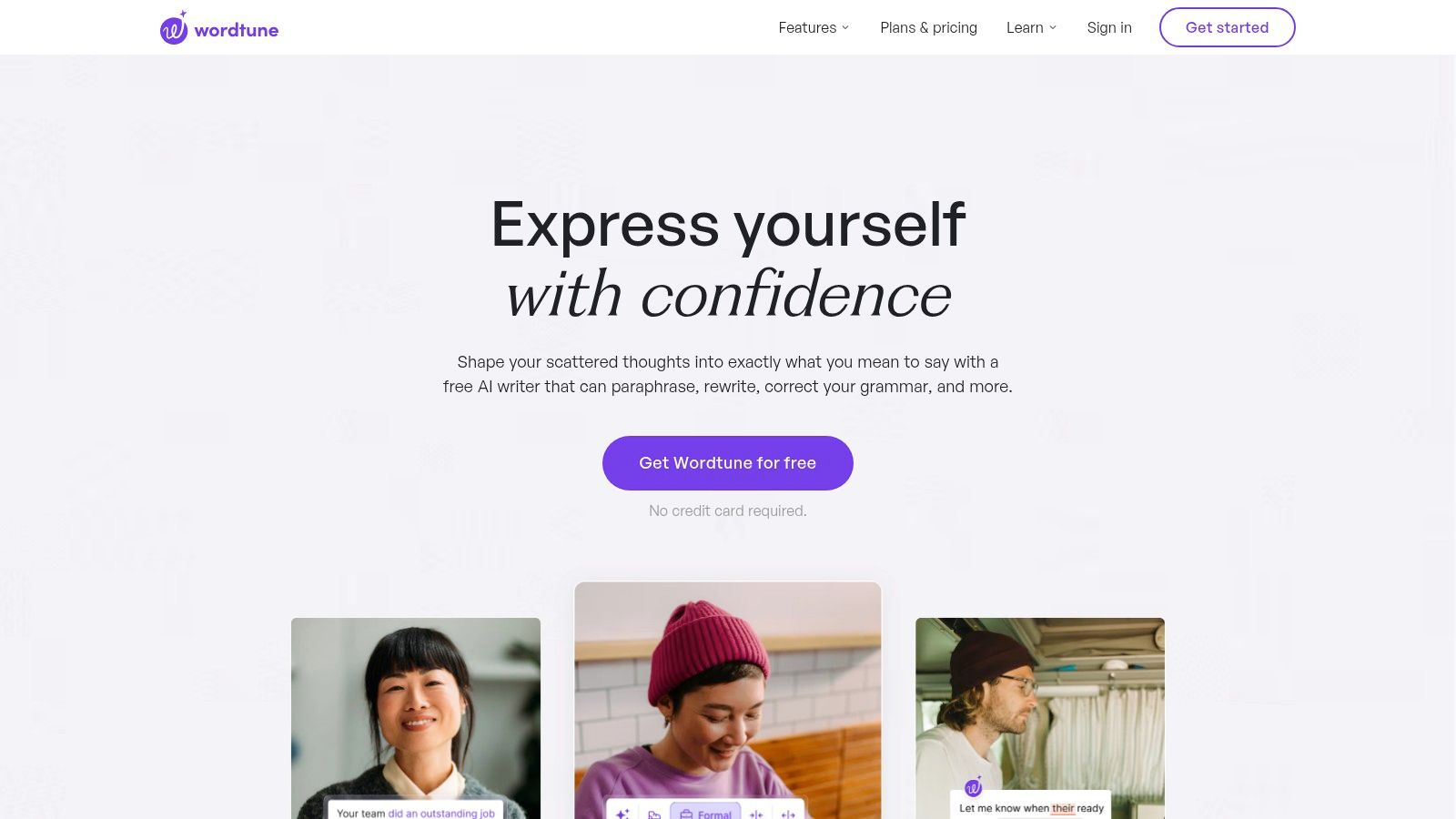
The real magic of Wordtune is its seamless browser extension, which integrates directly into sites like Gmail, Google Docs, and LinkedIn. This allows you to elevate your writing on the fly. However, the free version comes with a daily limit on rewrites, which can be a bit of a buzzkill when you’re in a creative flow. Advanced features like changing tone, shortening or expanding text, and summarizing are locked behind its paid plans, making the free tier best for casual, sentence-by-sentence polishing. For a deeper dive into how it stacks up against other tools, you can explore more about the best AI writing assistants here.
You can try it out here: https://www.wordtune.com
If you're already a fan of Grammarly's powerful grammar checks, you'll be happy to know its rewriting capabilities are integrated into the Superhuman suite. This isn't just a standalone free AI rewriter; it's part of a broader productivity ecosystem. It offers on-the-spot suggestions for clarity and tone, making it ideal for professionals who need to polish their communication across different apps without context switching. It’s like having a grammar guru and a writing coach built into your workflow.
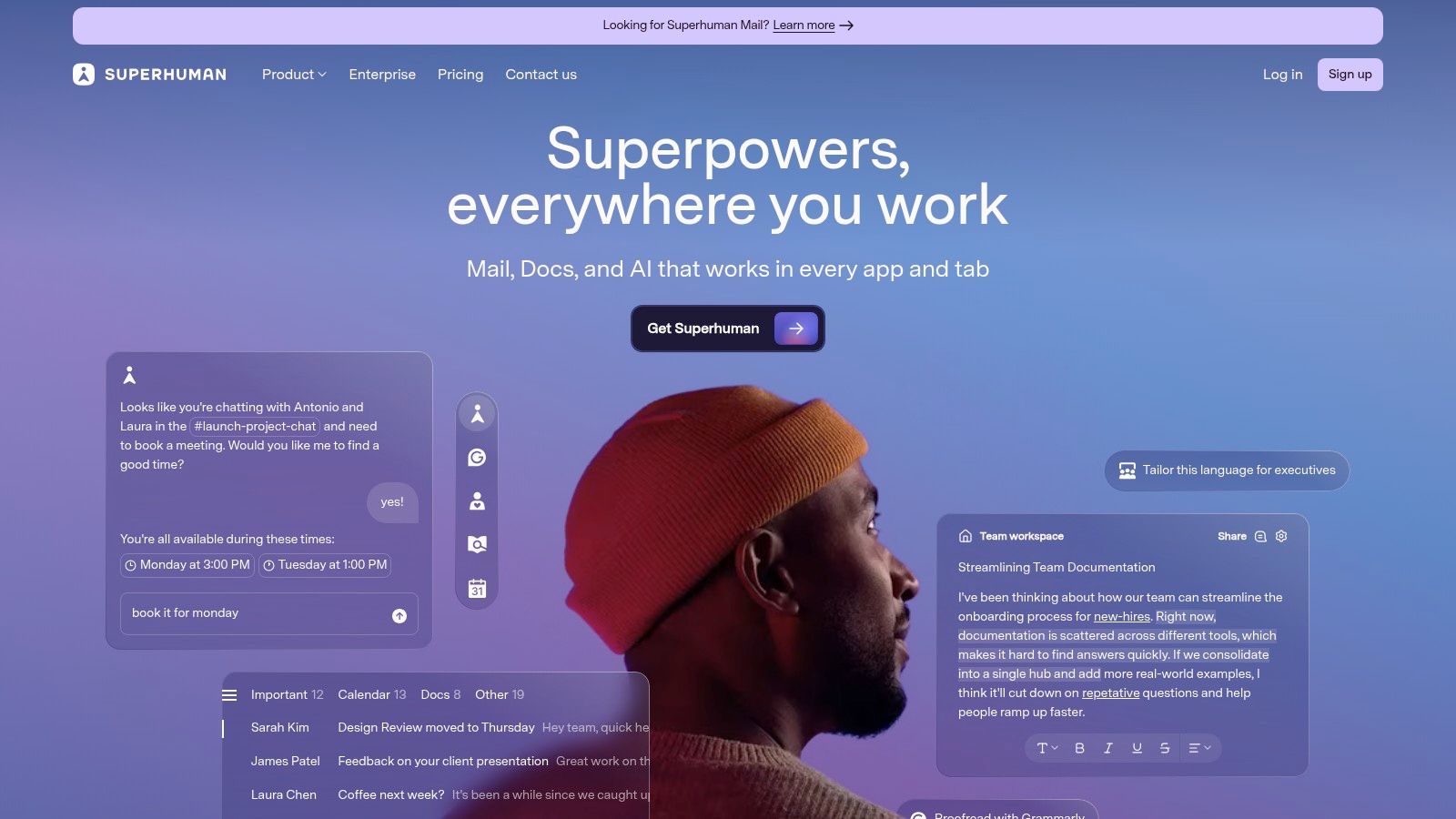
The real advantage here is consolidation. Instead of juggling separate tools for grammar, rewriting, and AI assistance, Superhuman (with Grammarly's engine) aims to be an all-in-one solution. However, the free tier is primarily focused on basic correctness and clarity. More advanced features like plagiarism detection and the most sophisticated rewriting suggestions are locked behind their Pro and Business plans. This makes the free version great for quick edits, but less so for deep content transformation.
You can try it out here: https://superhuman.com
If you're already living in the Microsoft ecosystem, you don't need to look far for a powerful free AI rewriter. Copilot is built directly into the Edge browser and other Microsoft 365 apps, offering convenient rewriting tools without needing a new account or extension. The inline "Rewrite" feature in Edge is particularly handy; just highlight text on any webpage, right-click, and let Copilot suggest new phrasing, adjust the tone, or change the length. It feels less like a separate tool and more like a native browser superpower.
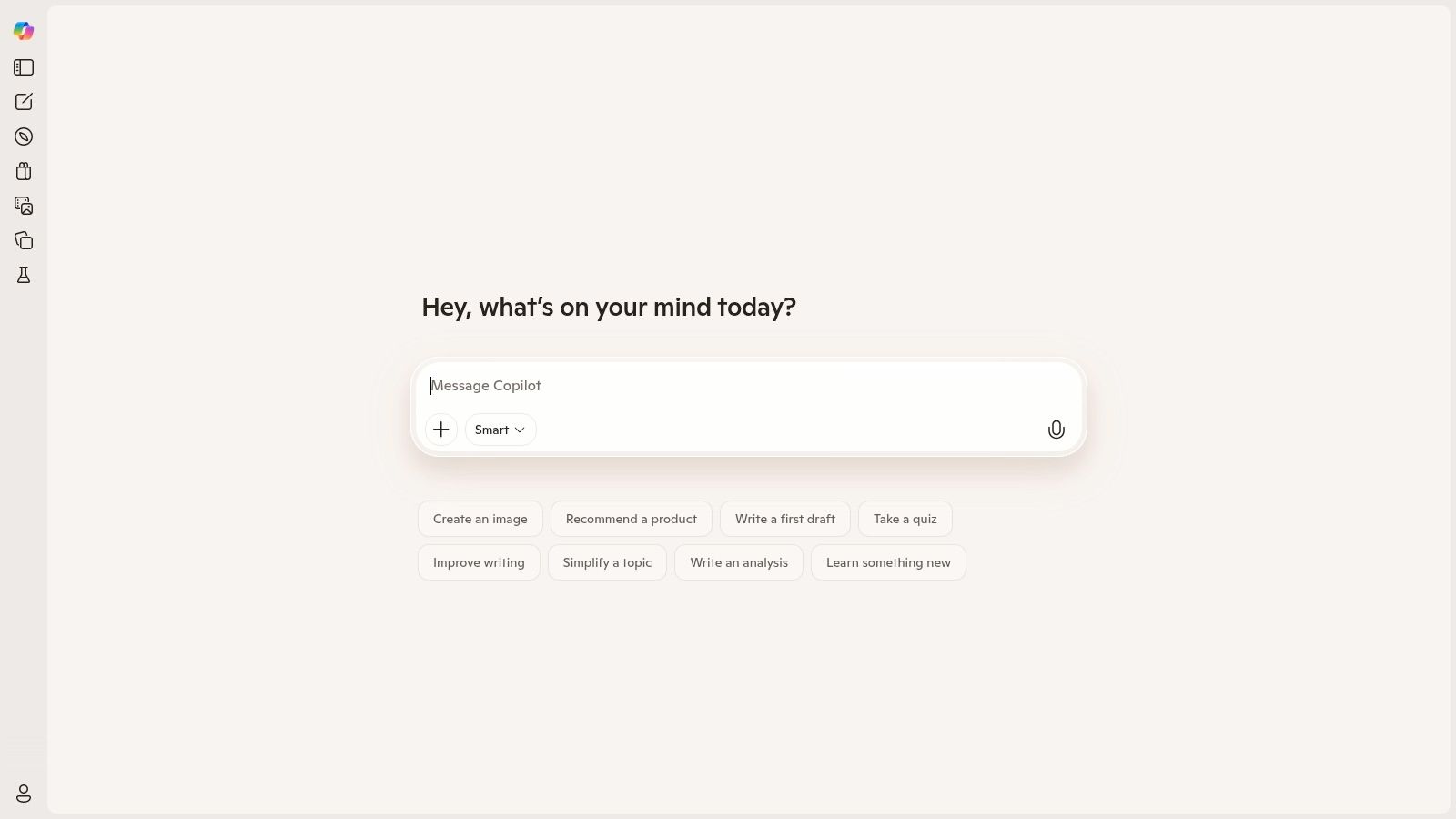
Beyond the quick inline tool, the full Copilot chat sidebar provides a more robust, conversational way to rewrite text, much like its competitors. The biggest win here is the seamless integration. If you spend your day in Edge or Word, it's the path of least resistance for quick edits. However, the quality can sometimes be inconsistent, and the inline feature's availability has been known to fluctuate, especially on work or enterprise accounts, which can be a bit frustrating. For a deeper dive into using these kinds of conversational AIs for rephrasing, you can explore the similarities in our guide on ChatGPT paraphrasing techniques.
You can try it out here: https://copilot.microsoft.com
Writesonic isn't just a rewriter; it's a full-blown AI content suite where paraphrasing is one of many tools in a massive toolbox. This makes it an excellent free AI rewriter for marketing professionals and content teams who need more than just sentence tweaking. Instead of a simple two-panel editor, you'll find a dedicated "Paraphrasing Tool" template among 100+ other options for creating everything from blog posts to social media ads. It feels less like a simple utility and more like a comprehensive content command center.
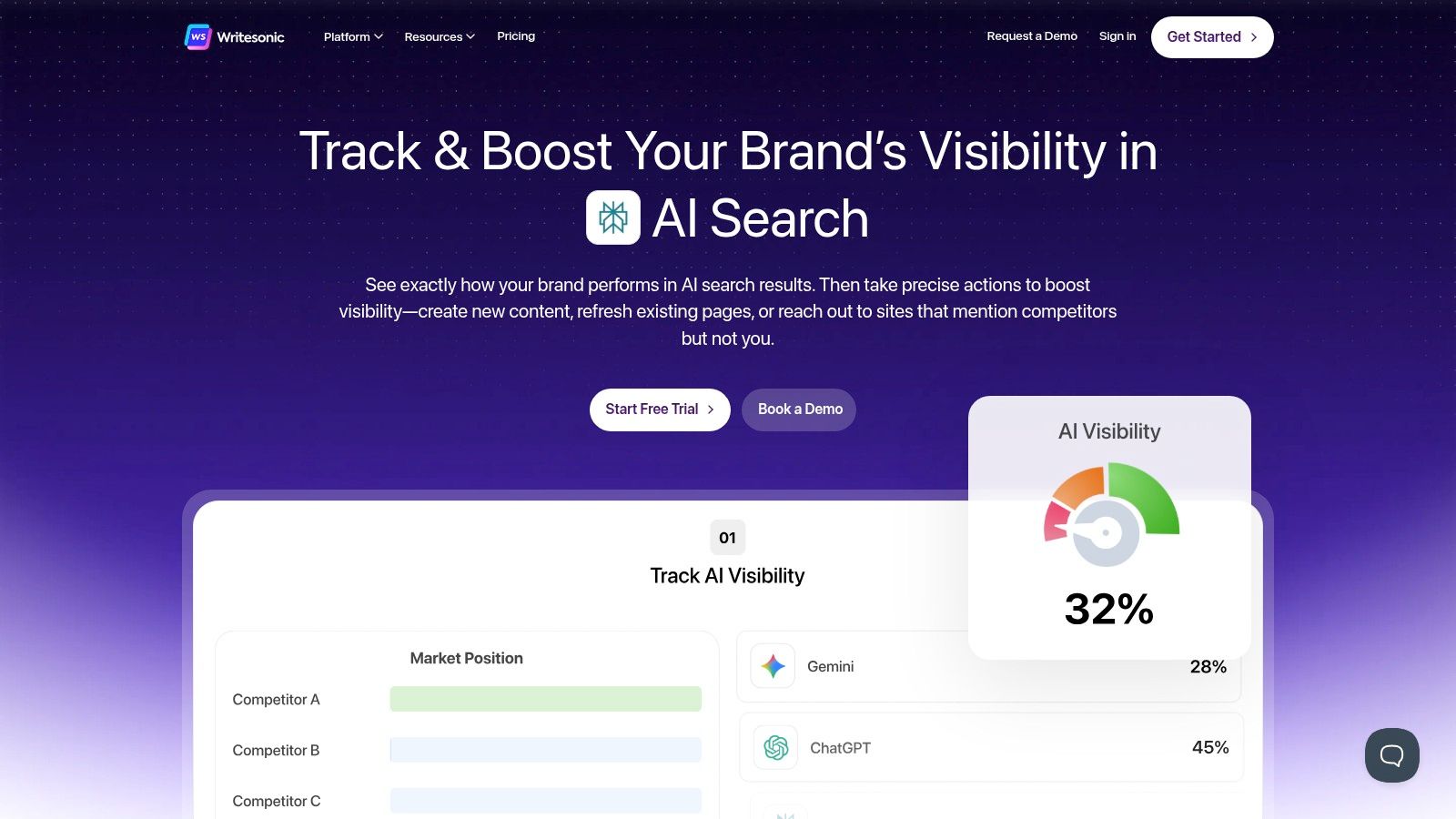
The platform's strength lies in its versatility. You can rewrite an ad copy variation, then immediately switch to generating an entire article outline without leaving the ecosystem. The free tier is quite generous with its word allowance, giving you plenty of room to test out different features. However, with so many options, finding the right template and workflow can have a slight learning curve. It’s a powerful choice if you're exploring the broader world of AI tools for writers and want a platform that can grow with your content needs.
You can try it out here: https://writesonic.com
Smodin is less of a single tool and more of a complete writing toolkit, offering a powerful free AI rewriter alongside a suite of related features like a plagiarism checker and AI detection remover. Its main rewriter is straightforward, but the deeper "Recreate" function offers a more thorough transformation of your original text. The platform feels geared toward users who need more than just simple paraphrasing and are juggling tasks like ensuring originality and avoiding AI flags.
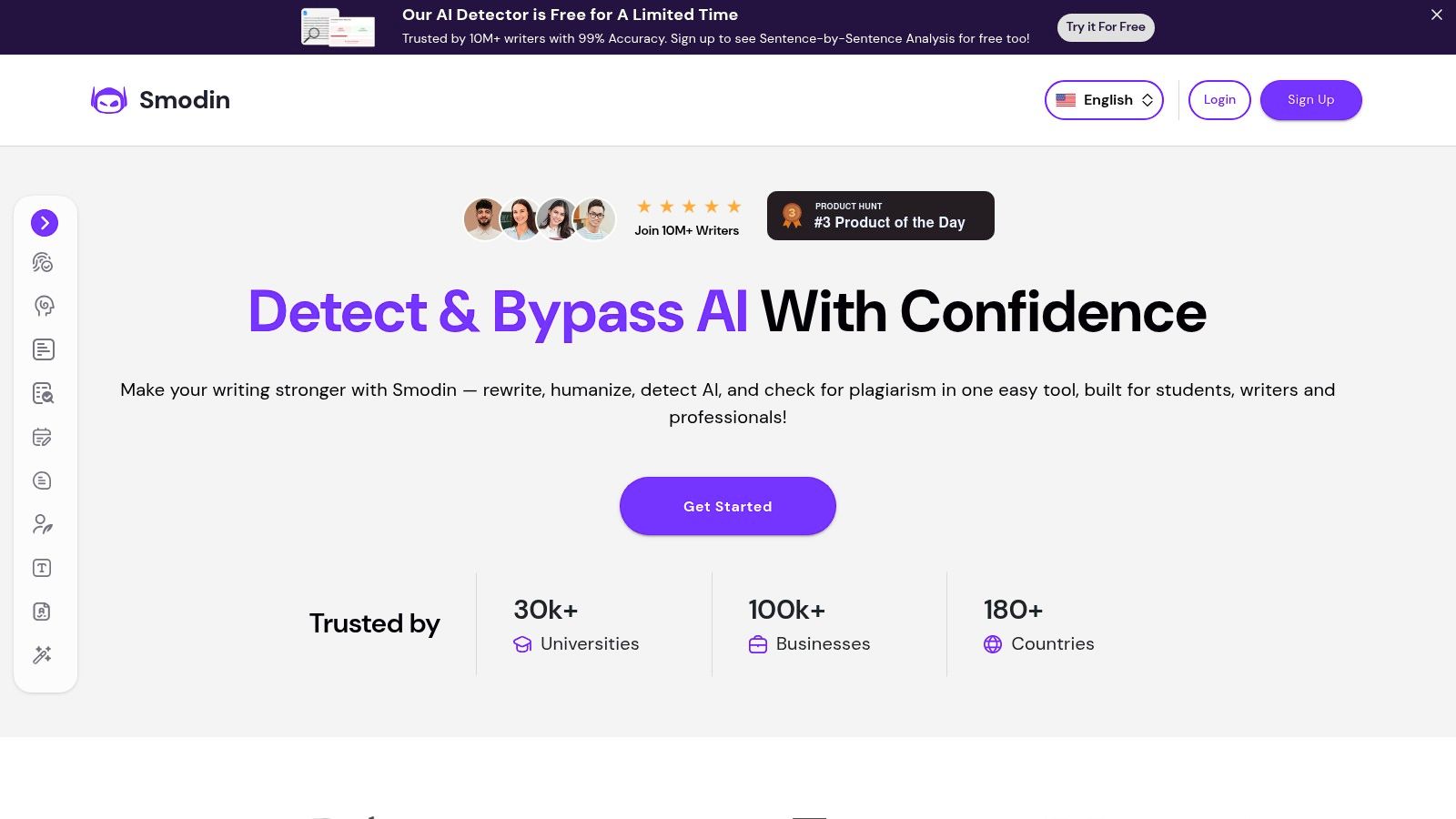
What makes Smodin stand out is its comprehensive approach and massive language support, which covers over 100 languages. While the interface can feel a bit cluttered with all the different tools on display, it's a huge plus for anyone working with multilingual content. The free version has character limits and restricts some of the more advanced rewrite methods, so it's best for shorter tasks unless you upgrade. Think of it as the Swiss Army knife of AI rewriters- it does a lot, but you have to find the right tool first.
You can try it out here: https://smodin.io
SmallSEOTools has been a familiar name in the SEO world for ages, offering a massive suite of free utilities. Their paraphrasing tool is a no-frills, get-it-done option perfect for quick tasks. As a free AI rewriter, it's incredibly accessible: just land on the page, paste your text, and hit the button. There’s no signup required, making it a go-to for one-off rewrites when you're in a hurry. It’s part of a much larger ecosystem, so you can easily jump to a plagiarism or grammar checker right after.
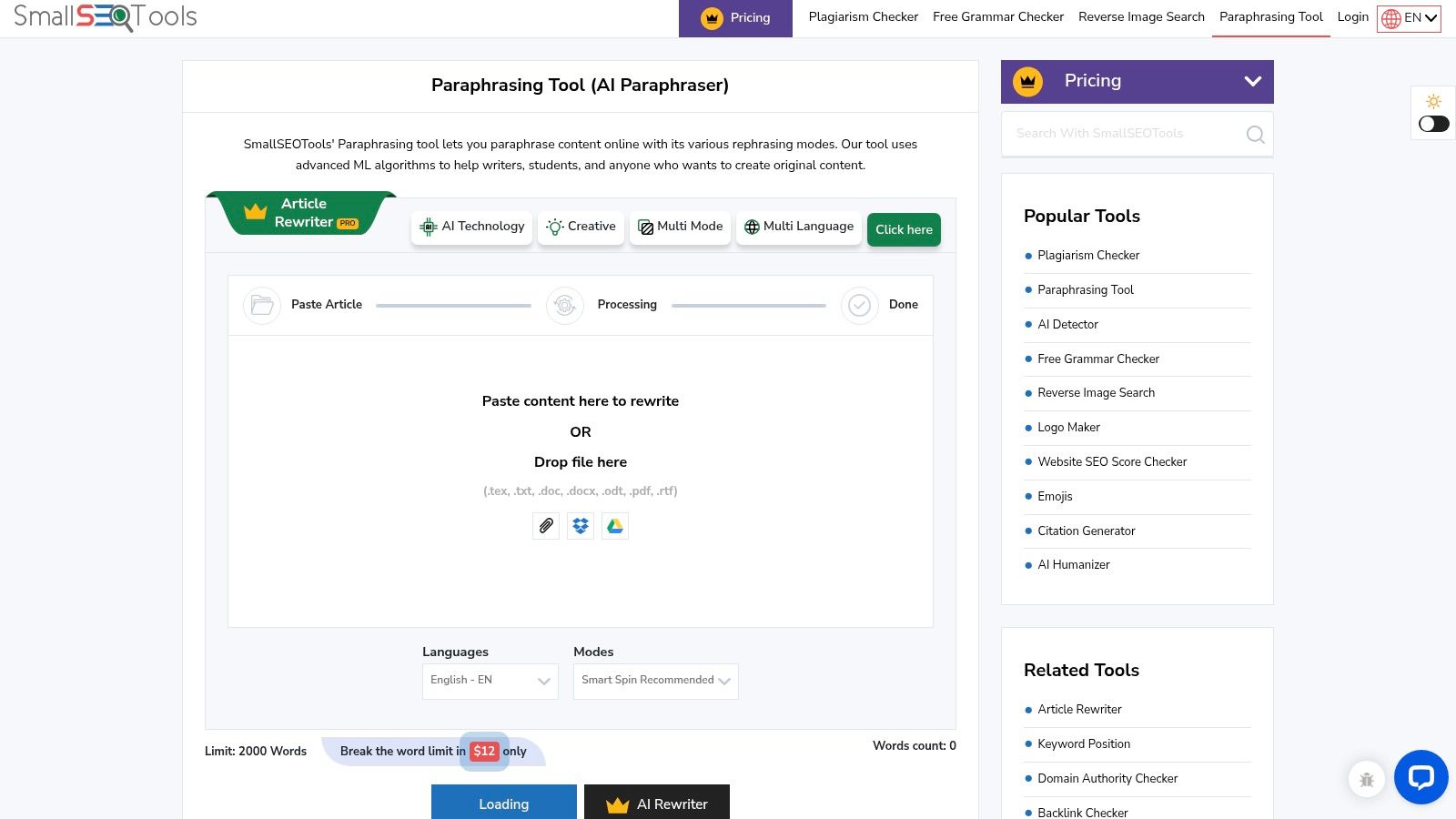
The main appeal is its simplicity and integration with other SEO functions. However, the user experience on the free tier can feel a bit cluttered with ads and captchas, which is the trade-off for its no-cost, no-signup access. The rewrite quality can also be a mixed bag depending on the complexity of your source text. It handles simple sentences well, but for nuanced or technical content, you might find yourself doing a fair bit of manual editing to get the output just right.
You can try it out here: https://smallseotools.com/paraphrasing-tool/
PrePostSEO is less of a single tool and more of a Swiss Army knife for SEO and content tasks. Its free AI rewriter is one of many utilities on the site, making it a handy one-stop-shop if you also need to check for plagiarism or analyze content. The interface gets the job done, but be prepared for a more ad-heavy experience on the free version compared to some dedicated platforms. It’s a trade-off for getting access to a suite of tools without paying a dime.
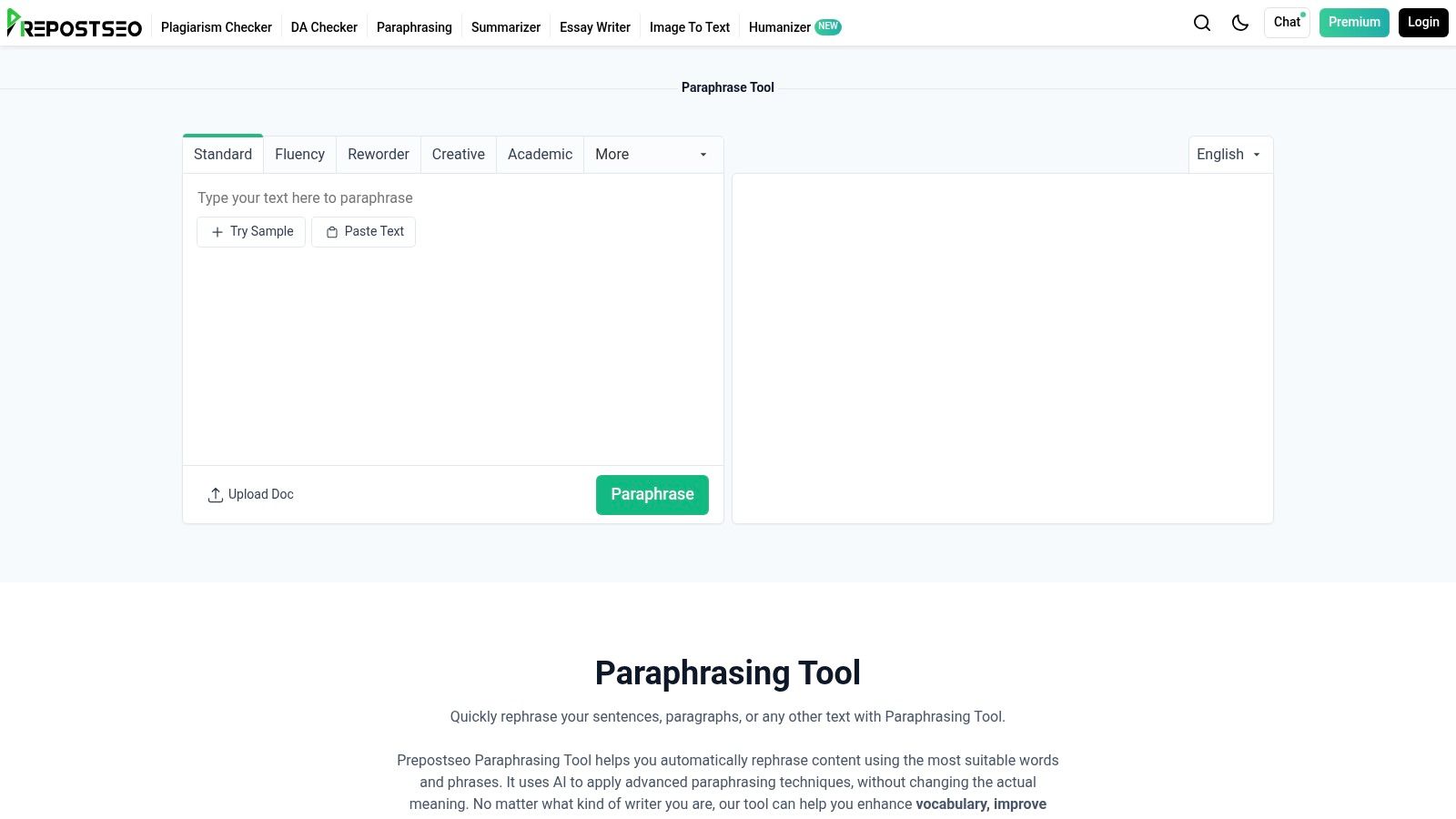
What makes PrePostSEO a solid contender is its very low cost of entry for paid plans, which remove the ads and captchas while significantly increasing word limits. The free version offers several rewriting modes, including 'Simple,' 'Advanced,' and 'Fluency,' giving you a decent amount of control. While it might not have the sleekest design, its power lies in bundling multiple useful services together, saving you the hassle of jumping between different websites for rewriting, grammar checking, and plagiarism detection.
You can try it out here: https://www.prepostseo.com/paraphrasing-tool
Paraphrasingtool.ai is a versatile and surprisingly feature-rich free AI rewriter that feels like a Swiss Army knife for content manipulation. It goes beyond simple sentence swapping by offering distinct rewriting modes like 'SEO', 'Academic', and 'Formal', allowing you to tailor the output to a specific purpose. This is great for when you need to switch gears from writing a blog post to an academic paper without changing tools. The interface is direct and ad-supported on the free tier, but it gets the job done efficiently.
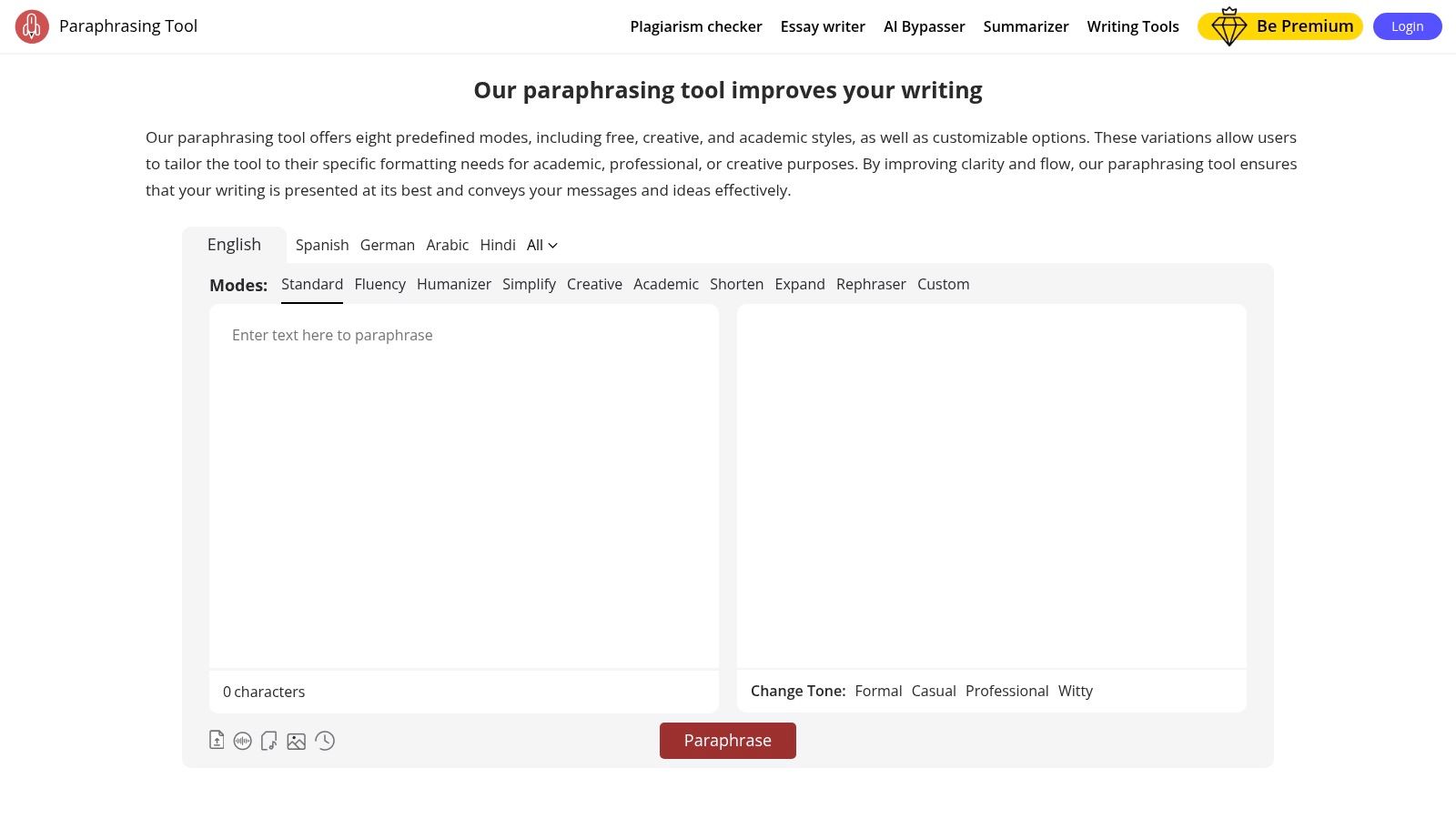
What makes this platform stand out is its additional suite of tools, including an "AI content bypasser" and various content generators. While the marketing language around bypassing detectors should be approached with caution and used responsibly, the tool's flexibility is its core strength. The free tier is generous enough for quick tasks, but upgrading removes ads and significantly increases character limits, making it a viable option for heavier users who need a dedicated paraphrasing assistant without the fluff.
You can try it out here: https://paraphrasingtool.ai
SpinBot has been around for ages, offering a straightforward, no-frills approach to text rewriting. It's the digital equivalent of a reliable old tool in your garage; it does one job, and it does it quickly. This free AI rewriter is all about speed and accessibility. You just land on the page, paste your text, and spin. There's no sign-up, no credit card, no funny business, just immediate results for when you need a quick alternative phrasing without jumping through hoops.
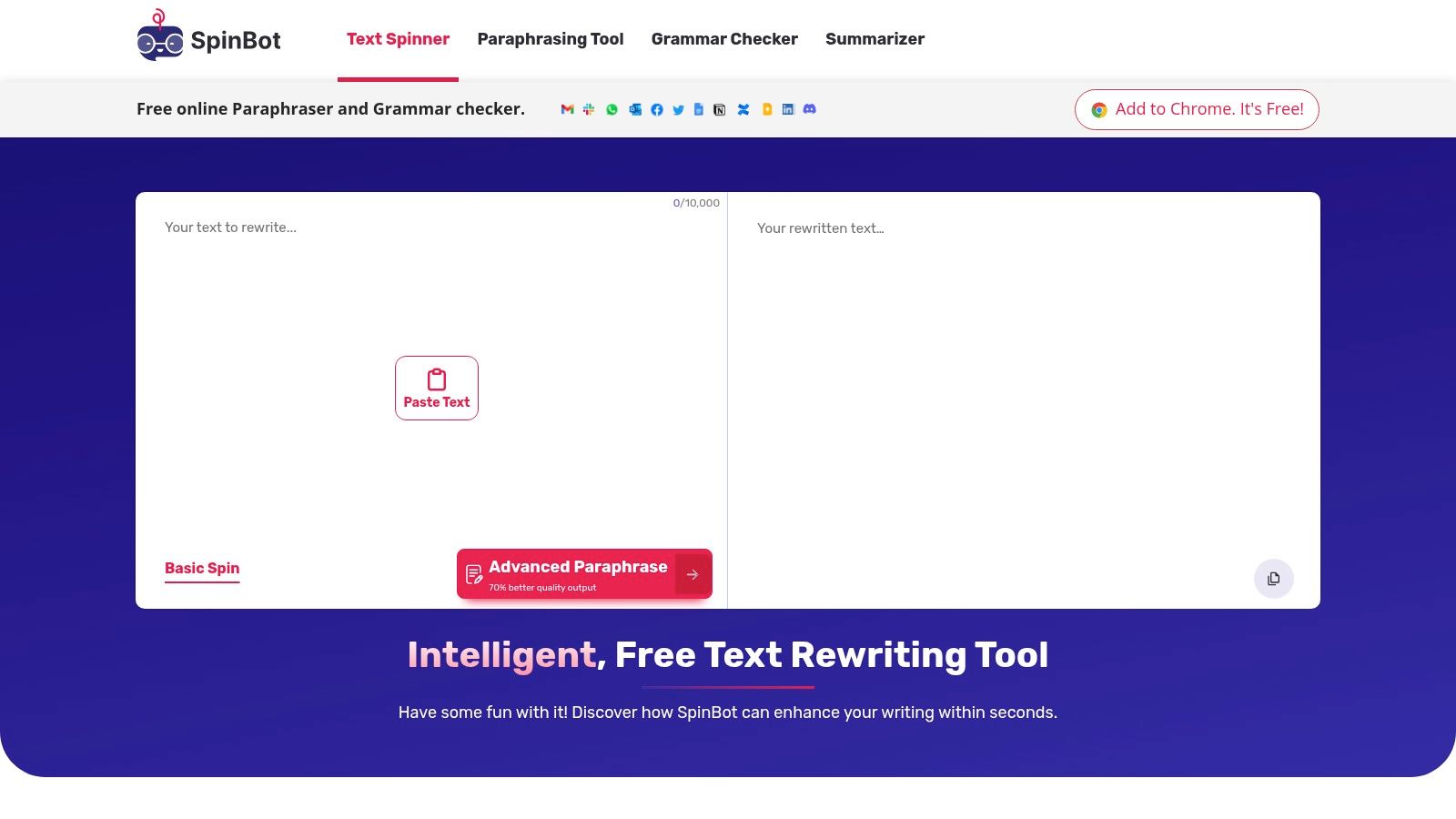
The standout feature is its simplicity and generous character limit for a free tool, handling up to 10,000 characters (around 1,000 words). This makes it great for rewriting longer articles or essays in one go. However, this simplicity comes at a cost. The rewritten output can sometimes feel a bit clunky or lose the nuanced meaning of complex sentences, requiring manual clean-up. It's a trade-off: you get instant, free paraphrasing, but you lose the advanced controls and refined quality of more modern platforms.
You can try it out here: https://spinbot.com
Well, that's a wrap on our deep dive into the world of the free AI rewriter. We've navigated the landscape from the academic precision of QuillBot and Scribbr to the lightning-fast simplicity of tools like SpinBot. It's clear there's a fantastic free tool out there for nearly every quick-fix scenario you can imagine.
Got a clunky sentence that just won't cooperate? Need to rephrase a paragraph to avoid sounding like a broken record? These tools are your digital first-aid kit. They're perfect for those moments when you need a quick, no-strings-attached solution to a specific writing problem.
But let's call a spade a spade. "Free" often comes with a few hidden costs, not in money, but in time and efficiency. Juggling multiple browser tabs, hitting frustrating word count limits just when you're getting into a flow, and piecing together your work from different outputs can feel like a clunky, disjointed process. It's like trying to build a LEGO masterpiece with a random assortment of bricks from ten different sets. You might get there, but it’s not going to be a smooth ride.
This is where you have to ask yourself: what’s your goal?
The real leap in productivity doesn't come from just changing words; it comes from integrating that rewriting power into a seamless creative workflow. Think about the entire lifecycle of your content. For authors, after perfecting your manuscript's prose, the next step is packaging it for success. Exploring tools for AI book cover design can be a game-changer, ensuring your cover is as compelling as your content. It’s all part of the same creative ecosystem.
This is precisely the gap Zemith was designed to bridge. Our free AI rewriter is an excellent entry point, but its true power is unlocked when it’s connected to a suite of other intelligent tools. Imagine rewriting a key insight and, with a single click, sending it to the Smart Notepad to be expanded into a full article outline. Or taking a rewritten summary and having the Document Assistant transform it into a presentation or a series of flashcards for studying. It’s about creating a centralized hub where your ideas can evolve without friction.
So, while the free tools we've covered are fantastic for a quick spin, they're just one piece of the puzzle. When you're ready to stop juggling and start building a more intelligent, connected writing process, a consolidated platform is your next logical step.
Ready to upgrade from a simple rewriter to a complete AI-powered workspace? Stop switching tabs and start creating seamlessly with Zemith. Try our suite of connected tools and experience how a truly integrated workflow can transform your productivity.


Trusted by teams at


The top models, plus image, video and voice tools, in one plan.
Without Zemith
ChatGPT PlusUS$20.00Claude ProUS$20.00Google AI ProUS$19.99SuperGrokUS$30.00Perplexity ProUS$20.00 MidjourneyUS$10.00
 ElevenLabsUS$6.00Le Chat ProUS$14.99
 RunwayUS$15.00Kling StandardUS$8.80
 Gamma PlusUS$12.00
 Otter ProUS$16.99
 QuillBot PremiumUS$19.95
 Photoroom ProUS$12.99
 Quizlet PlusUS$7.99
Total if paying separatelyUS$234.70/mo
"I love the way multiple tools they integrated in one platform. Going in the right direction."
— simplyzubair
"The quality of data and sheer speed of responses is outstanding. I use this app every day."
— barefootmedicine
"The credit system is fair, models are perfect, and the discord is very responsive. Quite awesome."
— MarianZ
"Just works. Simple to use and great for working with documents. Money well spent."
— yerch82
"The organization of features is better than all the other sites — even better than ChatGPT."
— sumore
"It lives up to the all-in-one claim. All the necessary functions with a well-designed, easy UI."
— AlphaLeaf
"The team clearly puts their heart and soul into this platform. Really solid extra functionality."
— SlothMachine
"Updates made almost daily, feedback is incredibly fast. Just look at the changelogs — consistency."
— reu0691
Hand off the research, writing, design and follow-ups. Zemith picks the tools it needs and brings back finished work.
Search the web, run deep research, read files, create images and run code with GPT, Claude, Gemini, Grok and more.
Zemith keeps working in the cloud and pings you when it's done.
Notion, Linear, Canva, Airtable and more. It asks before it creates or changes anything.
Docs, slides, sheets and PDFs, ready to send.
Chain models and tools on a visual canvas, from one prompt to a finished promo video.
Briefings, reports and reminders run on a schedule and are ready when you need them.
Real-time voice that can see your camera or screen.
The best image and video models, in one studio.
Turn PDFs, links and YouTube videos into podcasts, quizzes, flashcards and mind maps.


 Podcast
 Quiz
Quiz Flashcards
 Mind map
 Infographic