


Every top model, with tools built in.
Search the web, run deep research, read files, create images and run code with GPT, Claude, Gemini, Grok and more.
Discover the best tools for digital marketers that streamline workflows, boost ROI, and save you time. See top picks for 2026.
Picture this: it's Monday morning. You have 17 tabs open. One for SEO, one for social scheduling, three for content ideas, another for analytics, and… wait, what was that other one for? Oh right, the AI writer that costs more than your daily avocado toast budget. If your digital marketing toolkit feels more like a chaotic garage sale than a well-oiled machine, you're in the right place. That subscription-heavy, multi-tab nightmare is what we call "stack bloat," and it’s a silent killer of productivity and budgets.
This isn't just another boring listicle. We’re about to cut through the noise and give you a brutally honest look at the best tools for digital marketers—the ones that genuinely save you time, money, and your precious sanity. We’re talking about the titans of SEO, content creation, social media management, analytics, and more. For each tool, we’ll provide a no-fluff breakdown, complete with screenshots and direct links, so you can see exactly what you’re getting into. We'll dive into what they do well, where they fall short, and who they’re actually for.
Our goal is to help you build a smarter, leaner, and more effective marketing stack. We'll explore heavyweights like Semrush, HubSpot, and Canva, giving you the practical insights needed to decide if they fit your workflow. More importantly, we'll reveal the one big secret to consolidating that mess for good, showing you how a platform like Zemith can replace half those tabs and subscriptions. Ready to reclaim your browser (and your budget)? Let's dive in.
In the crowded landscape of digital marketing tools, Zemith stands out not just as another AI helper, but as a comprehensive AI workstation. It's like the Swiss Army knife you actually want to use. It consolidates the world’s leading large language and image models (like GPT-4, Claude 3, and Google’s Gemini) into a single, unified interface. This eliminates the need for a dozen different subscriptions and the constant, soul-crushing tab-switching that comes with them. For marketers, this means one platform to handle everything from initial market research and content strategy to final creative asset generation and campaign analysis.
Zemith is a powerhouse among the best tools for digital marketers because it directly addresses the fragmented nature of the modern marketing stack. Instead of piecing together disparate apps, you get a cohesive environment designed for productivity. Seriously, think of the money you'll save on all those other subscriptions.
Zemith’s strength lies in its ability to seamlessly integrate different AI functionalities. Imagine uploading a competitor's 100-page market research PDF, having Zemith summarize the key threats in seconds, and then using that summary to brainstorm a new ad campaign slogan with Claude 3 Sonnet. Next, you can generate accompanying visuals with Stability Diffusion 3.5 and remove unwanted background elements from product photos, all without leaving the platform. This workflow efficiency is a game-changer.
Key features that make it indispensable for marketing teams include:
Zemith offers a "Get started for free" plan, allowing you to explore its core functionalities. For more advanced features and access to premium models, it operates on a credit-based system. This model provides flexibility, ensuring you only pay for the high-powered resources you actually use.
If you’ve ever asked, "How in the world are my competitors outranking me?" then Semrush is the marketing bloodhound you need to unleash. It's a powerhouse platform that digs deep into the nitty-gritty of SEO, PPC, and content marketing, making it one of the absolute best tools for digital marketers who need a comprehensive view of the competitive landscape.
Semrush shines with its robust competitive intelligence features. You can plug in any competitor's domain and get a full report on their top organic keywords, backlink profile, and even their paid ad strategies. It’s like having a spy on the inside, but, you know, totally legal. This data is invaluable for reverse-engineering successful strategies and finding gaps in the market. A smart move? Use Zemith to analyze the raw data dump from Semrush to quickly find actionable insights.
Semrush is an all-in-one suite that can replace several other specialized tools. Its interface can feel a bit like drinking from a firehose at first, but it’s a goldmine once you get the hang of it.
Pros:
Cons:
Pricing: Starts at $129.95/month for the Pro plan.
Website: https://www.semrush.com
When it comes to backlinks, not all data is created equal. Ahrefs has built its reputation on having one of the most comprehensive and up-to-date backlink indexes on the planet, making it an indispensable resource for any serious SEO professional. If you need to understand exactly who is linking to your competitors and why, Ahrefs provides the clearest picture available, solidifying its spot among the best tools for digital marketers.
Ahrefs truly excels at deep-dive competitive analysis. Its Site Explorer tool is legendary for uncovering a competitor's link-building strategy, top-performing pages, and paid search history with incredible speed and accuracy. The user interface is clean, intuitive, and presents massive amounts of data in a way that’s easy to digest, which is a huge plus when you're trying to make sense of complex SEO landscapes. Ever wondered "what are the most effective link-building tactics for e-commerce sites"? Ahrefs can help you figure that out.
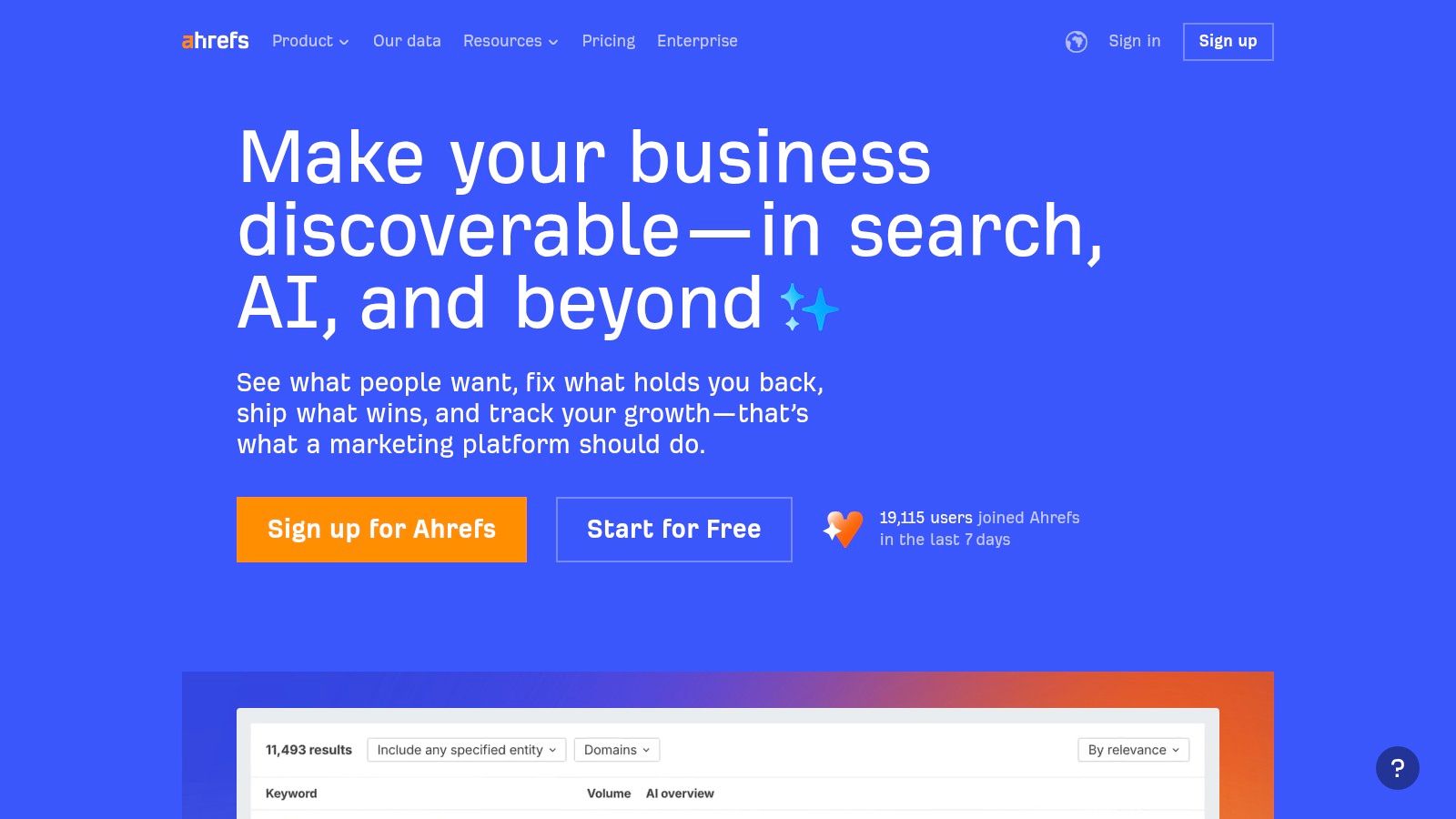
Ahrefs is the specialist's choice for backlink analysis and competitive research. While it has expanded into a more all-in-one suite, its core strength remains its powerful and intuitive link data. It’s an essential tool for anyone focused on building domain authority through off-page SEO.
Pros:
Cons:
Pricing: Starts at $99/month for the Lite plan.
Website: https://ahrefs.com
If you're tired of duct-taping your marketing tools together and dream of having everything in one place, HubSpot Marketing Hub is your all-in-one command center. It combines powerful marketing automation with a user-friendly CRM, making it one of the best tools for digital marketers who want to manage the entire customer journey, from first click to final sale.
HubSpot’s main strength lies in its seamless integration. It connects your email marketing, landing pages, social media, and ad campaigns directly to a contact’s record in the CRM. This means no more Franken-stack of software that refuses to talk to each other. You get a clean, unified view of every interaction, which is pure gold for personalizing campaigns and proving marketing ROI. Imagine seeing every touchpoint a customer had before they bought—it’s like having marketing superpowers.
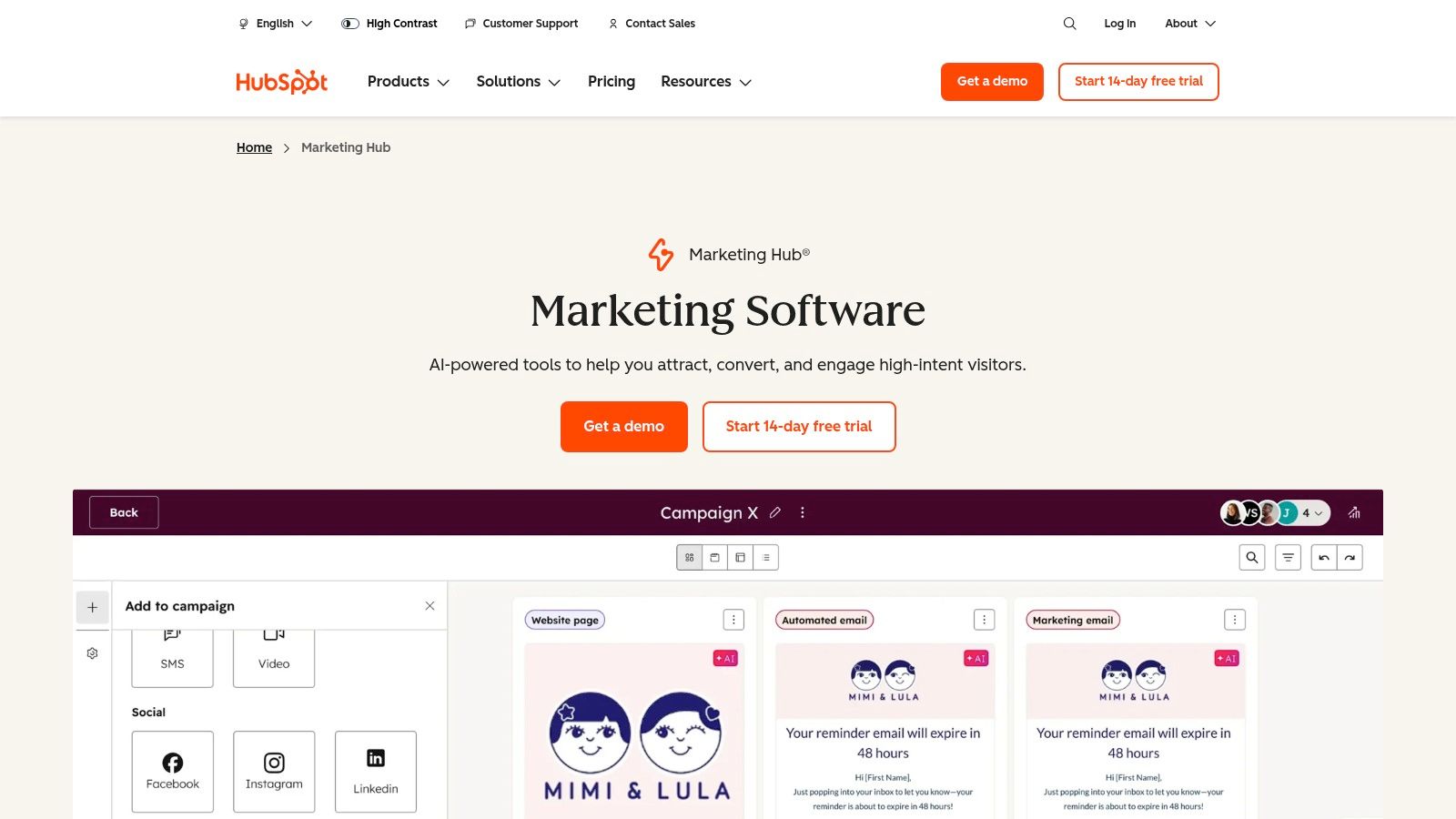
HubSpot is perfect for teams that are scaling and need a system that grows with them. Its ecosystem is massive, and the onboarding support is top-notch, though it can get expensive quickly.
Pros:
Cons:
Pricing: Free tools available; paid plans start at $18/month (billed annually).
Website: https://www.hubspot.com/products/marketing
When you need to get your business in front of customers at the exact moment they’re searching for what you offer, there's no substitute for Google Ads. It’s the undisputed king of paid search and the quintessential platform for advertisers who want to capture high-intent traffic. This makes it one of the best tools for digital marketers looking to drive immediate, measurable results.
Google Ads puts you directly into the world's largest marketplace of user intent. It allows you to bid for placement on search engine results pages, YouTube, and millions of other websites in its display network. It’s like setting up a digital storefront on the busiest street corner on the internet, open 24/7 to customers who are actively looking to buy. The only catch? So is everyone else, so your ad copy better be good!
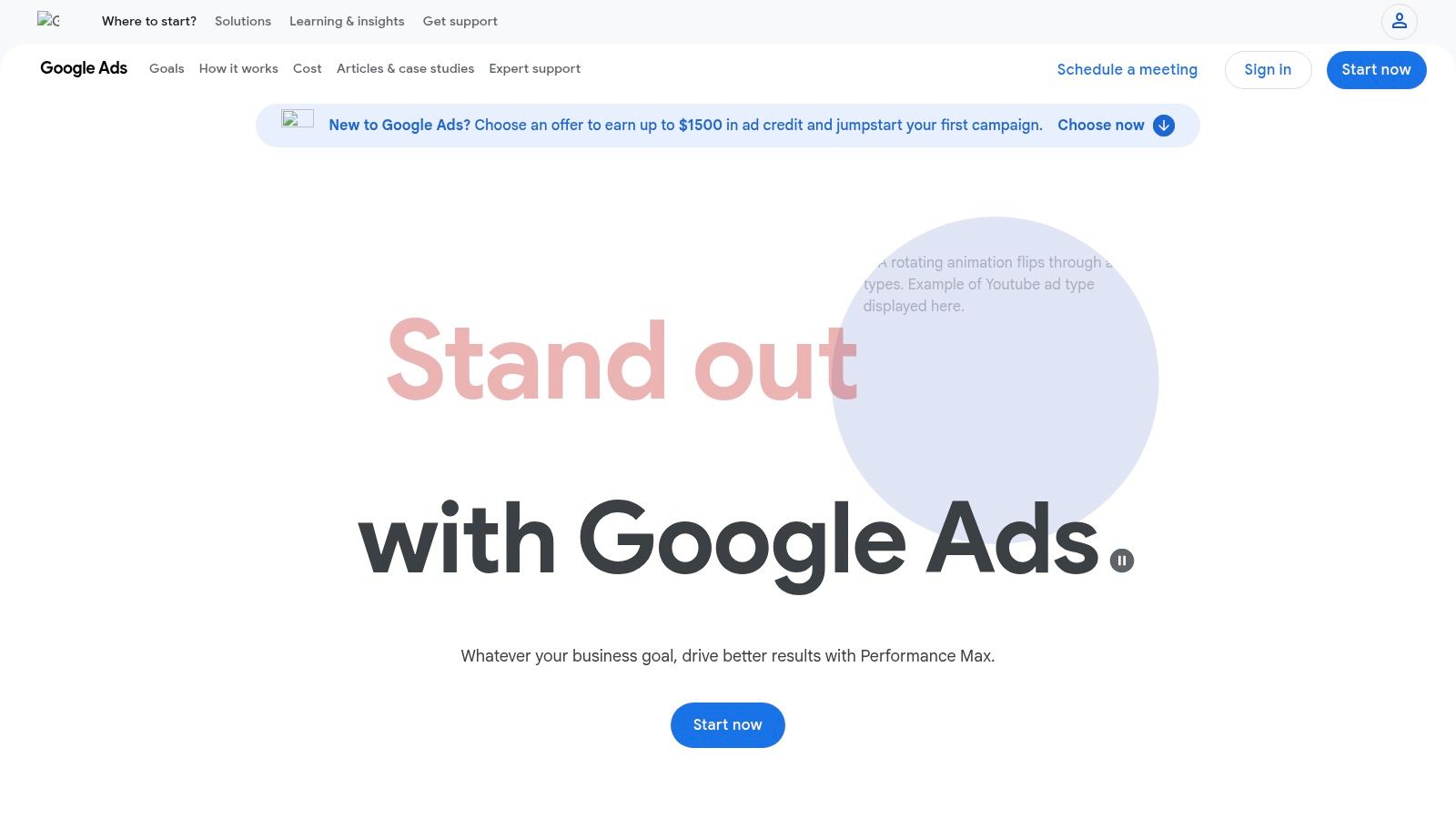
Google Ads is a foundational tool for nearly any digital marketing strategy. While its interface has become more user-friendly over the years, the complexity of the auction system means there's a steep learning curve to achieving true mastery and profitability.
Pros:
Cons:
Pricing: Pay-per-click model; no subscription fee. You set your own budget.
Website: https://ads.google.com
If your audience is, well, human, chances are they're scrolling through Facebook or Instagram right now. Meta Ads Manager is the control center for reaching them, allowing you to run highly targeted ad campaigns across the world's largest social networks. It’s an essential part of the toolkit for any brand focused on B2C marketing, making it one of the best tools for digital marketers aiming for massive reach and direct-response results.
What sets Meta apart is its ridiculously granular audience targeting. You can build audiences based on demographics, interests, and online behaviors, or create lookalike audiences from your best customers. This allows you to move beyond hoping people find you and start putting your message directly in front of those most likely to convert. It's the digital equivalent of setting up a pop-up shop in your ideal customer's living room. Just try not to be creepy about it.
Meta Ads Manager is a must-use for its sheer audience size and powerful targeting. However, its effectiveness is increasingly tied to the quality of your data signals, and the dreaded "learning phase" can eat up your budget if you aren't patient.
Pros:
Cons:
Pricing: You set your own budget (daily or lifetime).
Website: https://www.facebook.com/business/ads
If you've ever found yourself shouting, "Where did my website visitors actually come from, and what did they do?!" then Google Analytics 4 is the free, all-seeing eye you need. GA4 is the new standard for web analytics, moving beyond old-school page views to an event-based model that tracks user interactions. It's one of the best tools for digital marketers because it provides the foundational data needed to understand user behavior across websites and apps.
GA4’s strength lies in its cross-device, user-centric approach. Instead of just counting sessions, it focuses on the entire user journey, offering a more holistic view of how people engage with your brand. With powerful integrations into the Google ecosystem, it connects the dots between your marketing efforts and on-site conversions, helping you understand what’s truly driving results and what’s just making noise. It’s the dashboard that tells the story of your audience.
GA4 is non-negotiable for anyone serious about digital marketing. While the shift from Universal Analytics can feel like learning a new language, mastering it provides unparalleled insight into your audience and marketing ROI.
Pros:
Cons:
Pricing: Free. Enterprise-level GA4 360 has custom pricing.
Website: https://marketingplatform.google.com/analytics
When you think "email marketing," Mailchimp is probably the first name that pops into your head, and for good reason. It’s the friendly, approachable platform that democratized email for small businesses. Mailchimp makes it dead simple to design beautiful emails and automate basic campaigns, solidifying its spot as one of the best tools for digital marketers just getting started or needing a reliable, no-fuss solution.
It excels at getting users up and running fast. Its drag-and-drop editor and vast template library mean you can go from zero to a professional-looking campaign in under an hour. It’s perfect for the "I need to send this newsletter yesterday" moments we all have.
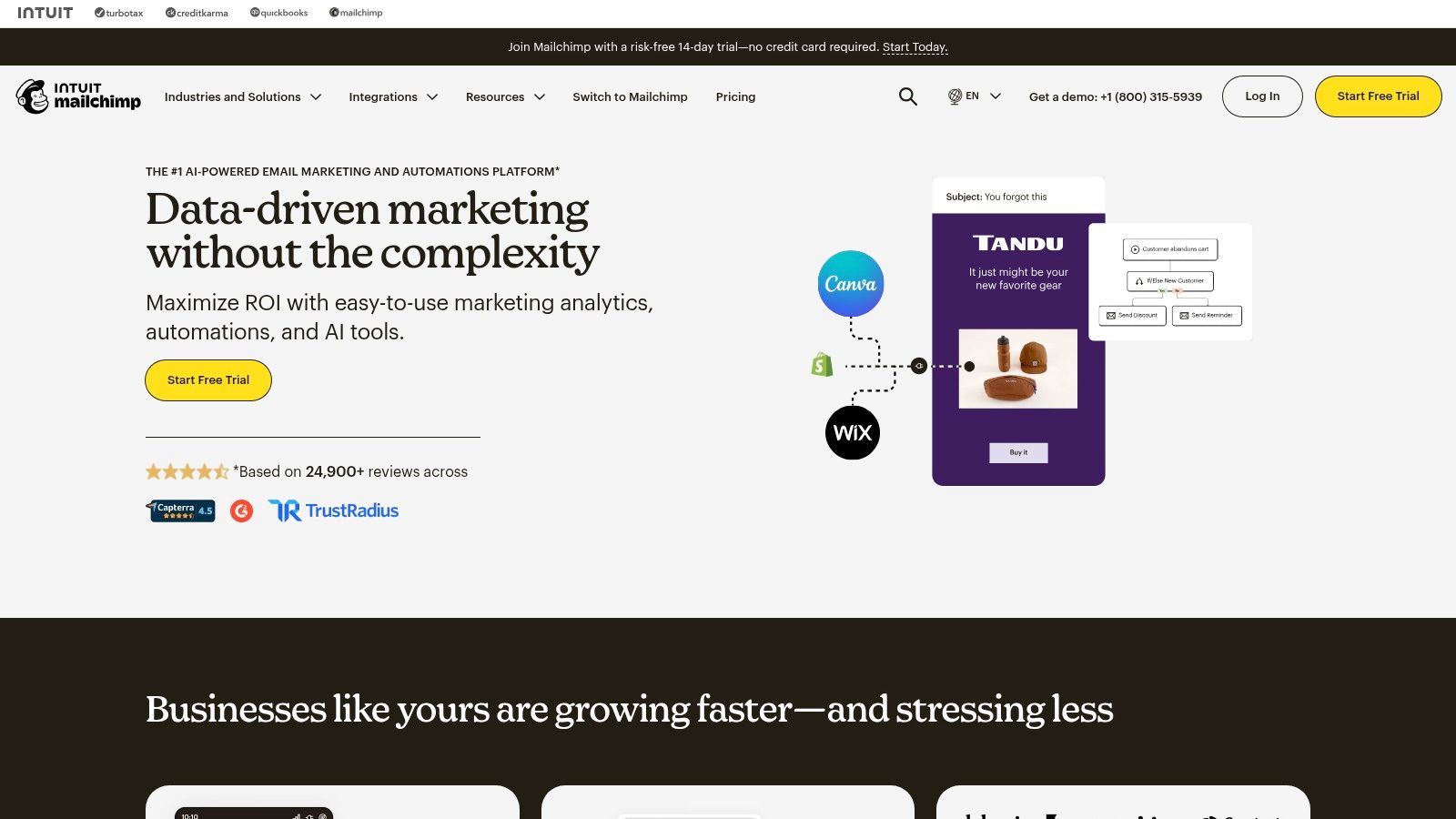
Mailchimp is an excellent starting point for email marketing with an incredibly user-friendly interface. It's fantastic for straightforward campaigns, but as your needs grow, you might find the costs add up quickly and the advanced features are locked behind pricier tiers.
Pros:
Cons:
Pricing: Offers a limited free plan; paid plans start at $13/month.
Website: https://mailchimp.com
If you're tired of complex social media dashboards that look like an airplane cockpit, Buffer is the breath of fresh air you need. It’s a clean, intuitive, and streamlined platform designed to get your social media posts scheduled and out the door without any fuss. For solo marketers or small teams, it's one of the best tools for digital marketers who value simplicity and efficiency over a mountain of features.
Buffer’s core strength is its elegant, queue-based scheduling system. You simply add content to your queue, set a publishing schedule for each social profile, and Buffer handles the rest. This "set it and forget it" approach is perfect for maintaining a consistent social media presence without having to live on the platforms 24/7. It takes the guesswork out of timing and lets you focus purely on creating great content.
Buffer is the go-to choice for straightforward, reliable social media scheduling. It does one thing, and it does it exceptionally well. While it lacks the deep analytics and listening features of larger platforms, its user-friendly interface makes it incredibly easy to adopt. While Buffer is a popular choice for managing your social media calendar, exploring other options can help refine your strategy. You might want to consider the best social media scheduling tools available to find the perfect fit for your microblogging needs.
Pros:
Cons:
Pricing: Free plan available. Paid plans start at $6/month per channel.
Website: https://buffer.com
If you’ve ever stared at a blank screen thinking, "I need a professional-looking graphic, like, yesterday," then Canva is the creative magic wand you've been searching for. It’s an incredibly accessible, browser-based design platform that empowers marketers to create stunning visuals without needing a graphic design degree. From social media posts to presentations, Canva makes design fast, easy, and on-brand, solidifying its spot as one of the best tools for digital marketers who need to produce high-quality creative at scale.
Canva's strength lies in its simplicity and vast library of resources. You’re not starting from scratch; you’re starting with thousands of templates you can quickly customize. Its drag-and-drop interface means you can whip up an Instagram story, a YouTube thumbnail, or a full-blown marketing brochure in minutes. The platform has democratized design, making it possible for anyone to create visuals that look polished and professional.
Canva is the go-to tool for marketers who need to move fast and wear multiple hats. It removes the design bottleneck and allows for rapid creation and collaboration, even for non-designers.
Pros:
Cons:
Pricing: Offers a robust free plan. Paid plans start at $14.99/month for one person.
Website: https://www.canva.com
Ever feel like your software budget is being eaten alive by monthly subscriptions? AppSumo is the digital marketer's treasure chest, a marketplace filled with lifetime deals (LTDs) on up-and-coming software. It's less of a single tool and more of a strategic way to build your marketing stack without breaking the bank, making it a unique entry on any list of the best tools for digital marketers.
AppSumo’s real magic lies in the opportunity it presents. You can discover and lock in promising tools for a one-time fee, from AI writers to social media schedulers. It’s a fantastic way for freelancers and SMBs to access powerful software that would otherwise be out of reach. Plus, the active community reviews and Q&As on each deal page give you real user feedback before you buy.
AppSumo is an opportunistic marketplace that rewards marketers who are quick to act. The deals are fleeting, but the savings can be massive. Just be sure to vet each tool, as some are from early-stage startups and might have a few quirks.
Pros:
Cons:
Pricing: Varies per deal, with most LTDs ranging from $39 to $99.
Website: https://appsumo.com
When you’re stuck choosing between two seemingly identical tools, G2 is the digital marketing equivalent of phoning a friend—or a few thousand of them. It's a massive software marketplace and peer-review platform that lets you see what actual users think before you pull out the company credit card. For marketers drowning in options, it’s one of the best tools for digital marketers to validate purchasing decisions.
G2’s strength lies in its user-generated reviews and comparison grids. Instead of relying solely on a vendor’s marketing copy, you get unfiltered pros and cons from people who use the software daily. The platform’s signature "Grid" reports plot tools based on user satisfaction and market presence, giving you a quick visual of who the leaders, contenders, and niche players are in any given category.
G2 is an indispensable research stop for any significant software purchase. It cuts through the marketing fluff and provides community-vetted insights to help you make smarter, more confident decisions. Just be sure to filter reviews to see the most recent ones for an accurate picture.
Pros:
Cons:
Pricing: Free to browse and read reviews.
Website: https://www.g2.com
Whew, that was a lot. We’ve just journeyed through a digital marketer’s dream garage, from the SEO powerhouses like Semrush and Ahrefs to the design wizardry of Canva and the analytical might of GA4. We looked at platforms that build empires, like HubSpot, and tools that manage your day-to-day, like Buffer. It’s an impressive lineup, and frankly, a little overwhelming. If you’re currently staring at a dozen browser tabs, wondering how you’ll ever afford, learn, and manage all of them, take a deep breath. That's not the goal here.
The real takeaway isn't to build a Franken-stack of disparate, expensive subscriptions. The true challenge, and the biggest opportunity for growth, lies in integration. Every time you have to export a CSV from one tool, clean it up, and then import it into another, you lose time, focus, and valuable context. This "tool-hopping" is a silent killer of productivity. It’s the digital equivalent of running back and forth between the kitchen and the garage for every single ingredient while trying to cook a five-course meal. It's exhausting, and something always gets burned.
Before you pull out your credit card, your next step is to perform a simple but powerful "tool audit." Don't just look at what you have, look at what you do. Map out your core marketing workflows:
Once you visualize these flows, the friction points become glaringly obvious. You’ll start to see where the data silos are and where the manual copy-pasting is slowing you down. This is where you can make the smartest decisions about finding the best tools for digital marketers for your specific needs.
Your audit will likely lead you to one of two conclusions. You might discover you need a best-in-class specialist tool to solve a very specific, high-value problem. For instance, if you're an enterprise running complex, multi-million dollar ad campaigns, a dedicated platform like Google Ads is non-negotiable.
However, for most marketers, creators, and entrepreneurs, the audit reveals a different truth: the biggest bottleneck isn't the lack of a specific feature, but the lack of a unified workspace. This is the fundamental problem platforms like Zemith are built to solve. The goal isn't just to replace one tool; it's to replace the gaps between the tools.
Instead of doing keyword research in one app, writing your draft in another, and using a third to generate an image, an integrated AI workspace lets you do it all in a single, fluid motion. You’re not just consolidating subscriptions; you’re consolidating your thought process. This is how you reclaim your creative energy and focus on strategy instead of getting bogged down in digital logistics. So, as you move forward, ask yourself this one crucial question for every tool you consider: "Does this simplify my workflow, or just add another tab to my browser?" The right answer will point you toward a more productive, streamlined, and frankly, more enjoyable way to work.
Ready to stop juggling and start creating? Instead of patching together a dozen different apps, see what a truly unified AI workspace can do for your marketing flow. Discover how Zemith consolidates research, writing, and ideation into one seamless platform, giving you back the time you used to spend switching tabs. Give Zemith a try for free and simplify your marketing stack today!


Trusted by teams at


The top models, plus image, video and voice tools, in one plan.
Without Zemith
ChatGPT PlusUS$20.00Claude ProUS$20.00Google AI ProUS$19.99SuperGrokUS$30.00Perplexity ProUS$20.00 MidjourneyUS$10.00
 ElevenLabsUS$6.00Le Chat ProUS$14.99
 RunwayUS$15.00Kling StandardUS$8.80
 Gamma PlusUS$12.00
 Otter ProUS$16.99
 QuillBot PremiumUS$19.95
 Photoroom ProUS$12.99
 Quizlet PlusUS$7.99
Total if paying separatelyUS$234.70/mo
"I love the way multiple tools they integrated in one platform. Going in the right direction."
— simplyzubair
"The quality of data and sheer speed of responses is outstanding. I use this app every day."
— barefootmedicine
"The credit system is fair, models are perfect, and the discord is very responsive. Quite awesome."
— MarianZ
"Just works. Simple to use and great for working with documents. Money well spent."
— yerch82
"The organization of features is better than all the other sites — even better than ChatGPT."
— sumore
"It lives up to the all-in-one claim. All the necessary functions with a well-designed, easy UI."
— AlphaLeaf
"The team clearly puts their heart and soul into this platform. Really solid extra functionality."
— SlothMachine
"Updates made almost daily, feedback is incredibly fast. Just look at the changelogs — consistency."
— reu0691
Hand off the research, writing, design and follow-ups. Zemith picks the tools it needs and brings back finished work.
Search the web, run deep research, read files, create images and run code with GPT, Claude, Gemini, Grok and more.
Zemith keeps working in the cloud and pings you when it's done.
Notion, Linear, Canva, Airtable and more. It asks before it creates or changes anything.
Docs, slides, sheets and PDFs, ready to send.
Chain models and tools on a visual canvas, from one prompt to a finished promo video.
Briefings, reports and reminders run on a schedule and are ready when you need them.
Real-time voice that can see your camera or screen.
The best image and video models, in one studio.
Turn PDFs, links and YouTube videos into podcasts, quizzes, flashcards and mind maps.


 Podcast
 Quiz
Quiz Flashcards
 Mind map
 Infographic