


Every top model, with tools built in.
Search the web, run deep research, read files, create images and run code with GPT, Claude, Gemini, Grok and more.
Discover the best ai writing assistant and compare top tools to boost productivity and writing quality in 2025.
Let's be honest, your browser is a chaotic graveyard of open tabs. You've got one for drafting content, another for frantic grammar checks, a third for research, and probably a fourth for generating a witty social media caption because your brain has officially clocked out. This constant app-hopping isn't just a minor annoyance; it's a genuine productivity killer. The promise of AI was to simplify our work, not to multiply our monthly subscriptions and complicate our workflows. So much for living in the future, right?
What if you could consolidate all that scattered power into a single, streamlined workspace? This guide is your official intervention. We're cutting through the marketing noise to help you find the absolute best AI writing assistant for your specific needs, whether you're a developer, a content creator, or a busy professional. We'll dive deep into the top contenders, analyzing their unique strengths, ideal user profiles, and how they can save you tangible time and money.
Each review includes detailed analysis, practical use cases, screenshots, and direct links to get you started immediately. We'll explore everything from industry giants like ChatGPT and Gemini to specialized platforms like Zemith.com, which aims to replace all the others. Let’s find the perfect co-pilot to upgrade your writing process and reclaim your focus.
Zemith stands out as a powerful, all-in-one AI workspace, earning its top spot by consolidating a suite of best-in-class AI models and productivity tools into a single, cohesive platform. Think of it as the ultimate command center for your brain. It's designed not just as a writing assistant but as a comprehensive work hub that replaces multiple subscriptions, making it an exceptional choice for writers, marketers, developers, and researchers who need more than just text generation. If you're looking for the best AI writing assistant that also handles research, coding, and image creation, Zemith is a formidable contender.
Its core strength lies in its multi-model access. Instead of being locked into a single ecosystem, users can seamlessly switch between top-tier models like Gemini-2.5 Pro, Claude 4 Sonnet, and various GPT versions, ensuring you always have the best tool for the specific task at hand. This flexibility is a game-changer, allowing you to compare outputs or leverage a model’s unique strengths for different writing projects.
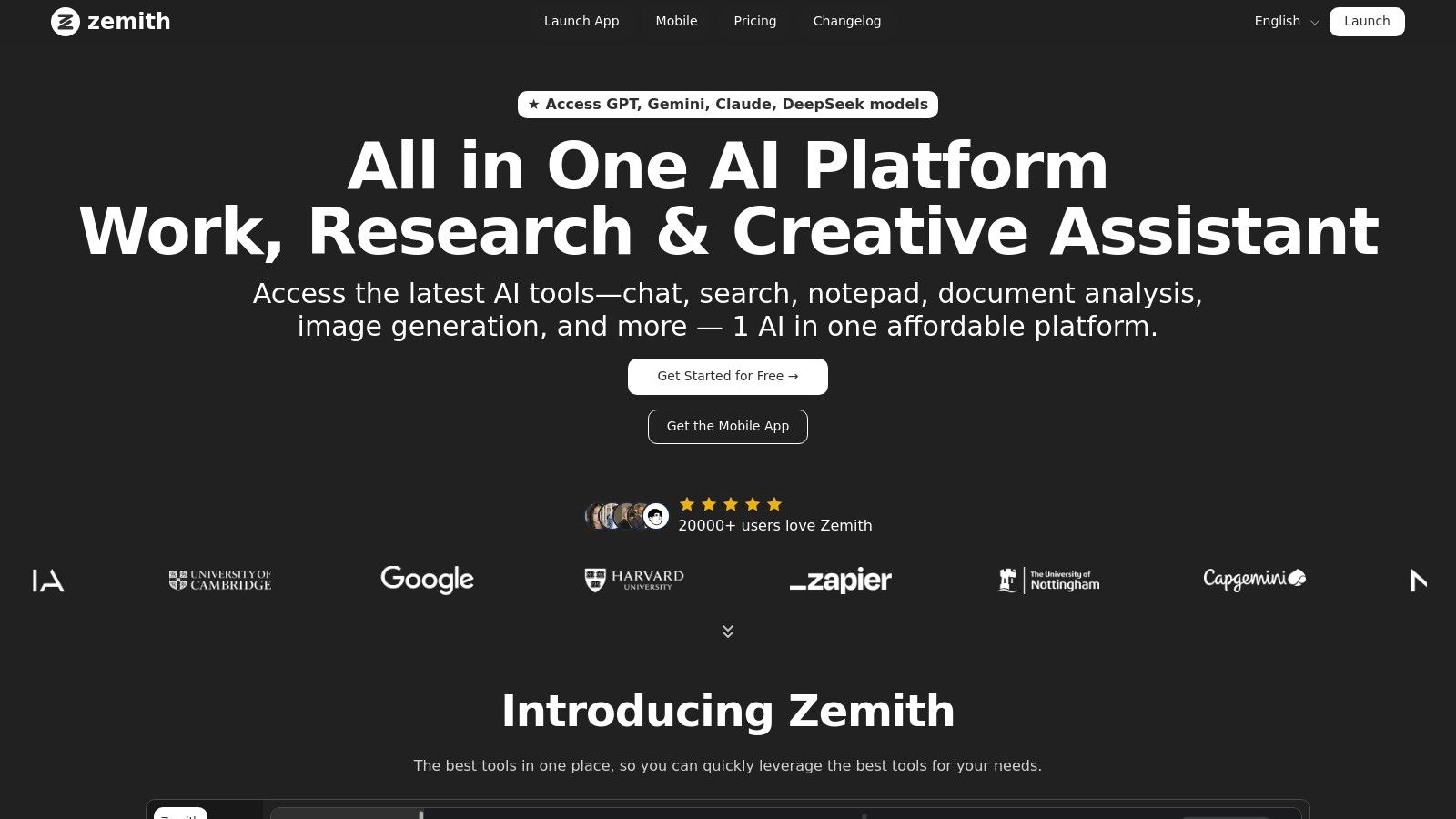
Zemith’s feature set is where it truly distinguishes itself, moving beyond standard text generation to offer a holistic workflow solution.
Zemith offers a free tier to get started, allowing you to explore its core functionalities. For access to the most advanced models and higher usage limits, it operates on a credits-based system, which provides flexibility. You can find detailed information on their official pricing page. The platform’s constant evolution, guided by community feedback, makes it a dynamic and reliable choice for professionals looking to streamline their entire creative and analytical process. For writers looking to expand their toolkit, Zemith offers a variety of specialized tools; check out some of the top AI tools for writers on Zemith.com to see how it can enhance your workflow.
Website: https://www.zemith.com
OpenAI’s ChatGPT is less a specialized tool and more a general-purpose AI brain, making it a powerful contender for the title of best AI writing assistant. Its strength lies in its versatility. You can use it for everything from drafting a diplomatic email to your boss to outlining a complex technical report, making it an indispensable partner for professionals across various fields. It's the Swiss Army knife you didn't know you needed.
ChatGPT excels at understanding context and nuance. Give it a rough idea, and it can flesh out a full draft. Provide a dense document, and it can deliver a concise summary. This adaptability, combined with a clean and intuitive user interface, makes it accessible to both new users and seasoned AI veterans.
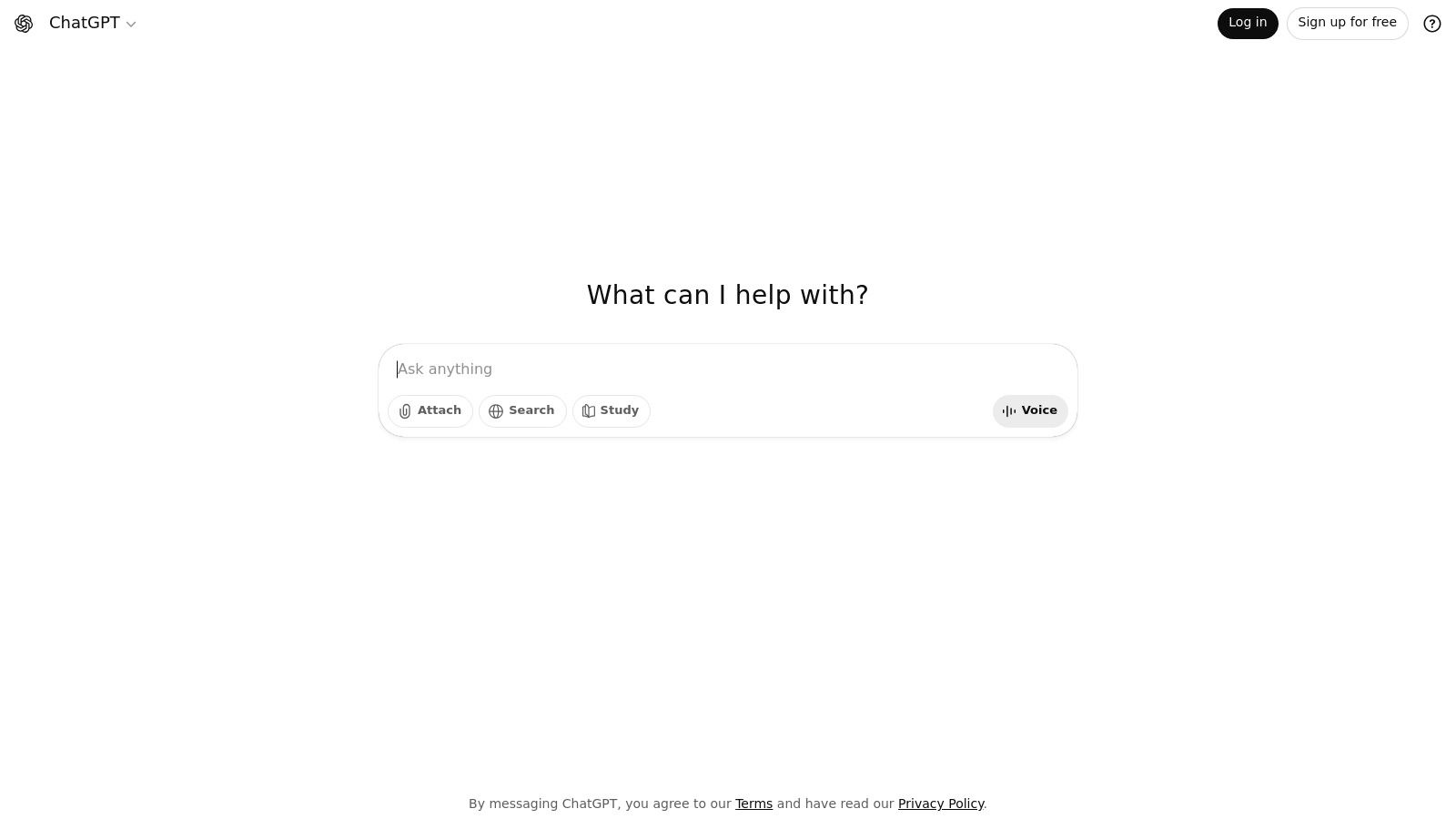
ChatGPT's feature set extends far beyond simple text generation. Its capabilities are designed to integrate into complex workflows, making it a true assistant.
OpenAI offers a tiered structure that accommodates a wide range of users. A robust free tier is available for general use. For more advanced features like GPT-4 access, file uploads, and data analysis, the ChatGPT Plus plan is a paid monthly subscription. For organizations, Team and Enterprise plans provide enhanced security, administrative controls, and higher usage limits, ensuring that business data remains private and is not used for training models.
Website: https://openai.com/chatgpt
Grammarly has evolved far beyond its roots as a premier grammar checker into a comprehensive AI writing assistant. It excels at refining and polishing existing text, but its true power now lies in its seamless integration of generative AI within the platforms where work actually happens. This makes it an indispensable tool for professionals who need to ensure every piece of communication, from a quick email to a formal report, is clear, correct, and on-brand.
Its strength is its omnipresence. Grammarly works quietly in the background across your browser, email client, and document editors, providing real-time suggestions for grammar, spelling, tone, and clarity. It doesn't just correct mistakes; it teaches you how to be a better writer by explaining the reasoning behind its recommendations. It's like having a friendly English teacher looking over your shoulder, but without the red pen anxiety.
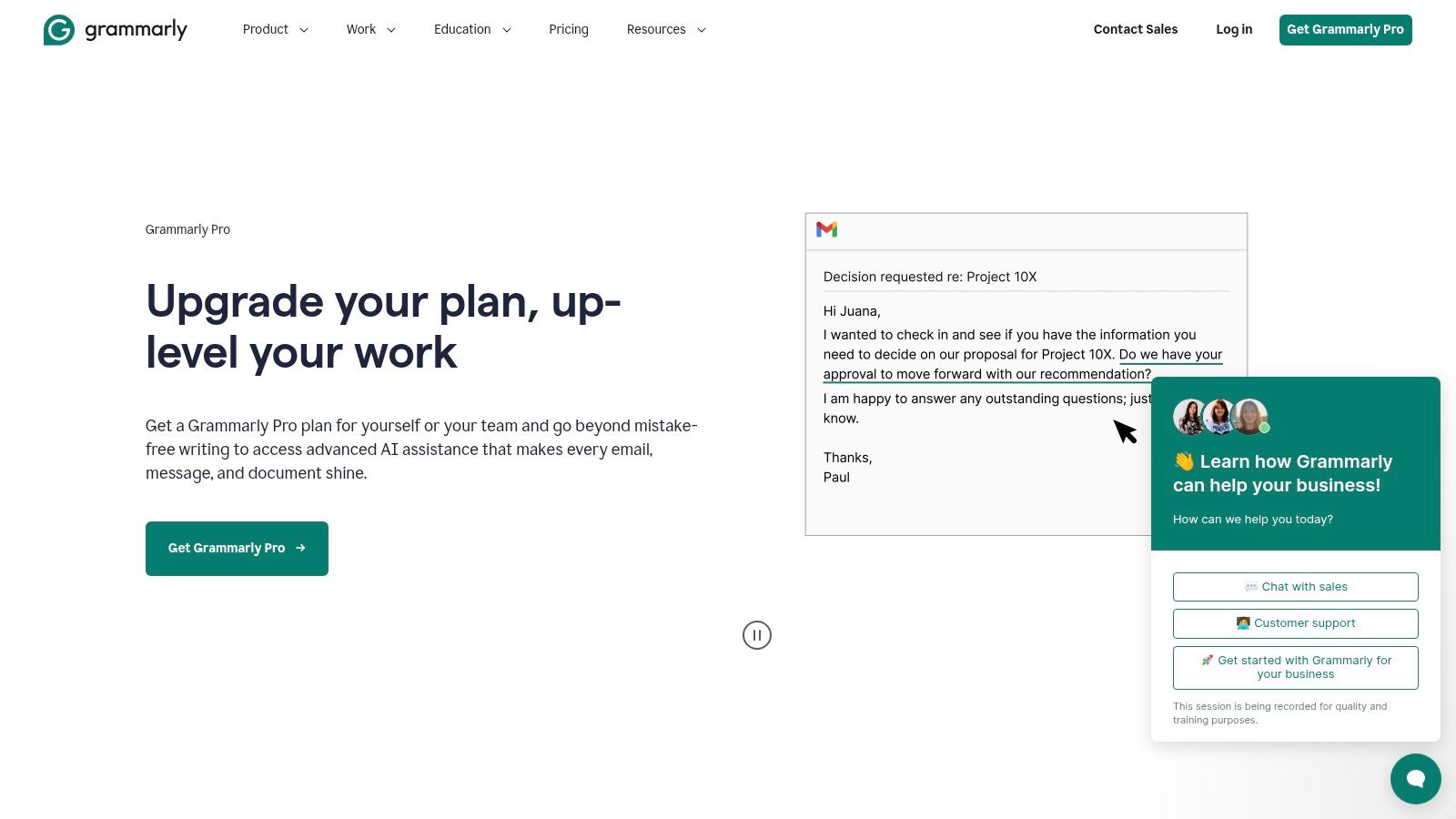
Grammarly’s features are designed for practical, everyday application, moving beyond simple proofreading to offer a full suite of AI-powered writing support.
Grammarly offers a scalable pricing model suitable for individuals and entire organizations. A powerful free version provides essential grammar, spelling, and punctuation checks. For advanced features, the Premium plan unlocks suggestions for tone, clarity, and word choice, plus a generous number of generative AI prompts. The Business plan builds on this with team-focused features like style guides, brand tones, and centralized billing. For larger organizations requiring enhanced security and compliance, the Enterprise plan offers SSO and advanced administrative controls.
Website: https://www.grammarly.com/premium
For those deeply embedded in the Google ecosystem, Gemini represents a seamless and powerful integration of AI into daily workflows. Instead of being a standalone application, Gemini is woven directly into the tools many professionals use constantly, like Gmail and Google Docs. This makes it a top-tier AI writing assistant for users who value convenience and native functionality, eliminating the need to switch between different apps to draft, refine, or summarize content.
The true advantage of Gemini lies in its ability to leverage the context of your existing work within Google Workspace. It can help you draft a professional email response in Gmail based on a previous thread or generate a complete project outline in Google Docs from a few simple prompts. This deep integration streamlines the writing process, turning familiar applications into smarter, more efficient creative environments. It's so integrated, you might forget it's there... until it saves you an hour of work.
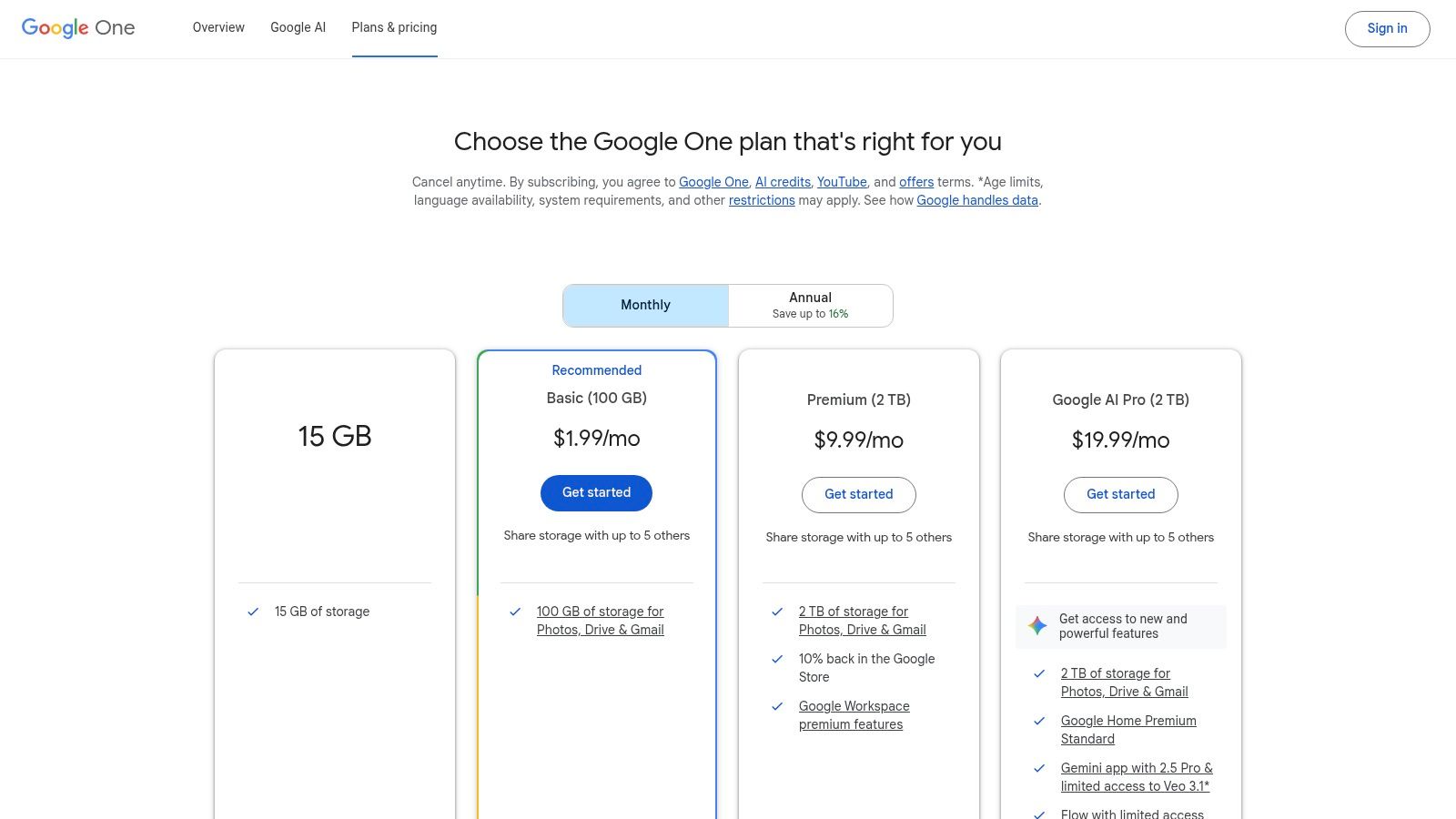
Gemini's capabilities are designed to enhance productivity directly within the Google suite, making it an indispensable tool for a wide range of tasks.
Google bundles its AI features through Google One AI Premium plans, which provide access to Gemini Advanced and its integrations across the Google ecosystem. These plans are structured as monthly subscriptions and often include other Google One benefits like expanded cloud storage. For users needing even more power, higher-tier options like the AI Ultra model provide larger usage limits and early access to new capabilities, catering to heavy-duty professional workloads. While some features may have regional limitations, the plans are easily managed from a standard Google account.
Website: https://one.google.com/plans
For professionals deeply embedded in the Microsoft ecosystem, Copilot with Microsoft 365 is not just another tool; it’s an integrated powerhouse. This platform stands out by bringing a powerful AI writing assistant directly into the applications millions use daily, like Word, Outlook, and PowerPoint. Its primary strength is its seamless integration, allowing you to draft, summarize, and rewrite content without ever leaving your document or email client.
Copilot acts as a true collaborator within your existing workflow. You can ask it to draft a proposal in Word based on a few bullet points, generate a summary of a lengthy email thread in Outlook, or even create a presentation from a document. This native functionality eliminates the friction of switching between apps, saving significant time and boosting productivity for busy professionals. It's like having the world's most helpful paperclip, but one that actually works.
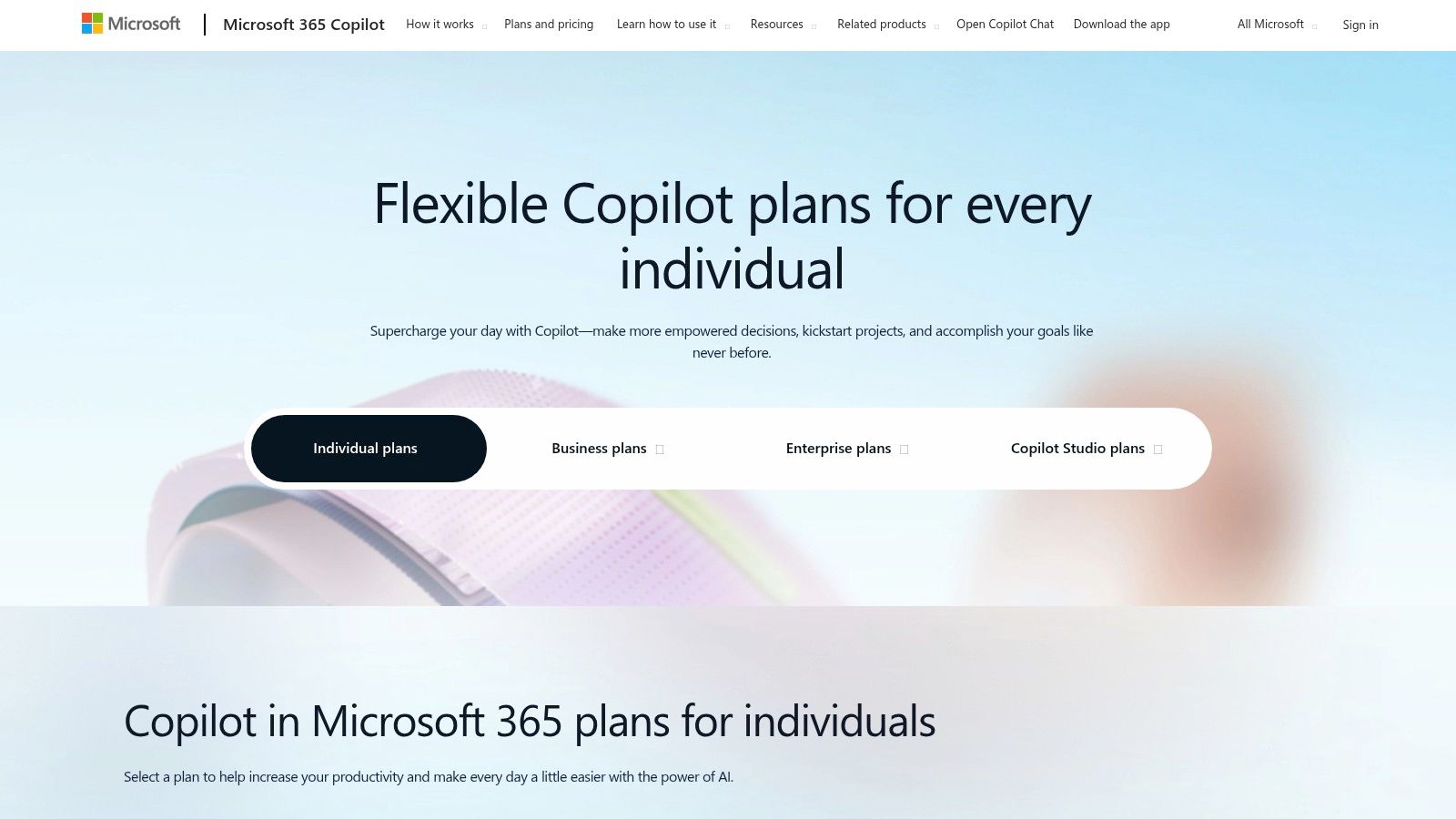
Microsoft has designed Copilot to be an indispensable part of the modern workplace, with features that go beyond simple text generation and focus on practical, workflow-enhancing tasks.
Copilot is available as an add-on or is bundled with specific Microsoft 365 subscriptions. The Copilot Pro plan for individuals enhances the free experience with priority access, faster performance, and integration into Office apps. For businesses, Copilot for Microsoft 365 is a per-user monthly add-on to eligible Microsoft 365 Business and Enterprise plans, providing the full suite of integrated features along with enterprise security and management controls.
Website: https://www.microsoft.com/en-us/microsoft-365/copilot-for-microsoft-365
Anthropic’s Claude has rapidly established itself as a top-tier AI writing assistant, particularly for tasks demanding deep contextual understanding and sophisticated reasoning. Its key differentiator is its massive context window, allowing it to process and analyze extensive documents like research papers, legal contracts, or entire codebases in a single prompt. This makes it an invaluable tool for professionals who need to synthesize information from large volumes of text.
Claude is celebrated for its ability to produce high-quality, coherent, and nuanced writing. It excels at adopting specific tones and styles, making it ideal for drafting structured reports, crafting thoughtful email responses, or even generating creative content. The platform's clean interface and focus on conversational interaction make complex tasks feel intuitive, bridging the gap between powerful technology and practical usability for knowledge workers.
Claude’s feature set is designed for professionals and teams handling complex, information-heavy workflows, positioning it as a uniquely powerful AI writing assistant.
Anthropic offers a clear, tiered pricing model for different levels of usage. A capable free tier provides a great introduction to the platform. For professionals needing more power, the Pro plan unlocks higher usage limits and priority access. The Claude Max tier offers the highest usage rates for the most demanding tasks.
For business use, the Team plan provides collaborative features and administrative controls, though it requires a minimum of five seats. This structure allows users to scale their access from individual experimentation to full team deployment, ensuring the tool grows with their needs.
Website: https://claude.ai
Jasper is a highly focused platform purpose-built for marketing and business content creation, distinguishing itself as a specialized tool rather than a generalist. It’s engineered from the ground up to help teams produce on-brand content at scale, from high-converting ad copy and blog posts to detailed product descriptions and social media campaigns. This focus makes it a go-to for marketers and agencies who need repeatable, consistent results that align perfectly with their brand identity.
Where general AI assistants require significant prompt engineering to nail a specific tone, Jasper streamlines the process with its Brand Voice feature. By uploading style guides, product catalogs, or even just your website URL, you can train Jasper to understand and replicate your unique voice, messaging, and tone. This makes it an incredibly efficient and powerful AI writing assistant for any team prioritizing brand consistency across all marketing channels.
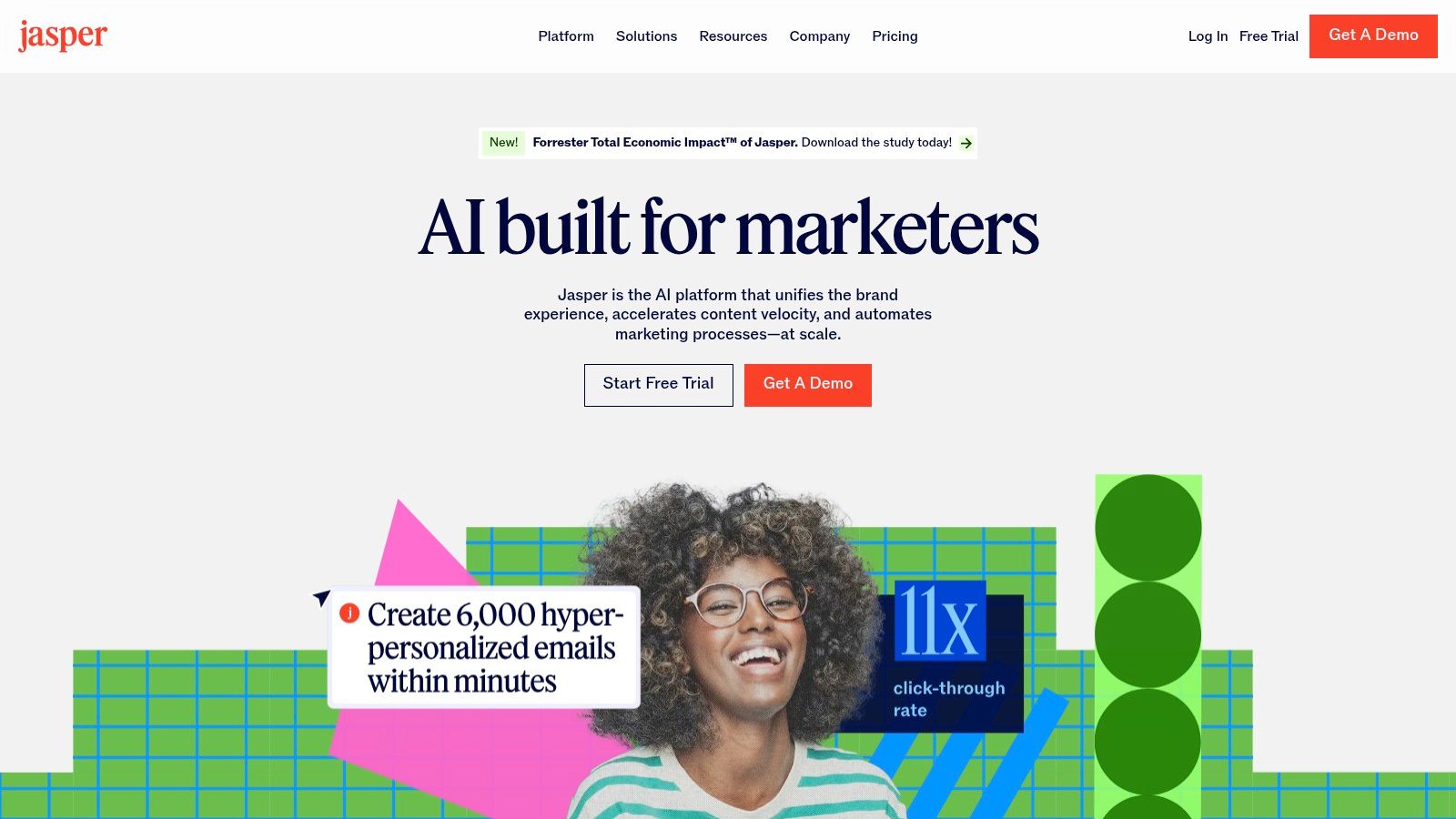
Jasper’s toolkit is designed for marketing workflows, providing features that automate and enhance content creation from start to finish. It’s a complete system for campaign execution.
Jasper’s pricing is structured to serve everyone from individual creators to large enterprises, with a free trial available to test its capabilities. The Creator plan is ideal for freelancers and small businesses. The Pro plan unlocks the Brand Voice feature and collaboration tools for growing teams. For larger organizations needing advanced security, unlimited brand voices, and API access, the Business plan offers custom-tailored solutions and dedicated support. While its price point is higher than many general-purpose tools, the investment is justified by its specialized marketing features that drive tangible business results.
Website: https://www.jasper.ai
Navigating the crowded landscape of AI writing assistants can feel like trying to order coffee in a new city with a hundred different cafes, each with its own special blend. We've explored a range of powerful contenders, from the ecosystem giants like Microsoft Copilot and Google Gemini to specialized experts like Jasper and Grammarly. The key takeaway is simple yet crucial: there is no single, universally acclaimed best AI writing assistant. The 'best' is entirely subjective and depends on your unique workflow, goals, and existing tool stack.
The true challenge isn't finding a good tool; it's finding the right one for your specific job. A software engineer's needs are vastly different from a content marketer's, just as a student's requirements diverge from a corporate researcher's. Your decision should be a strategic one, not just a jump onto the latest bandwagon.
To make a clear-headed choice, move beyond the feature lists and ask yourself some pointed questions about your daily grind. What are the most repetitive, time-consuming tasks you face? Where do your creative or analytical bottlenecks appear most often?
Consider these key decision points:
Your journey to finding the best AI writing assistant starts now. Don't get stuck in analysis paralysis. Identify your biggest pain point—the one task that makes you want to flip your desk—and start there. Most of these platforms offer free trials or freemium versions. Take advantage of them. Test two or three top contenders head-to-head on a real-world project.
This isn't just about writing faster; it's about thinking better. The right AI co-pilot won't just generate text; it will augment your skills, challenge your ideas, and unlock a new level of productivity. Choose wisely, and you'll find more than a tool—you'll find a transformative partner for your work.
Ready to stop switching between five different AI tools and consolidate your workflow? Zemith provides access to top-tier models like GPT-4o, Claude 3, and more, alongside a suite of powerful productivity features, all in one intuitive platform. Sign up for Zemith for free and discover how a unified AI workspace can supercharge your creativity and efficiency.


Trusted by teams at


The top models, plus image, video and voice tools, in one plan.
Without Zemith
ChatGPT PlusUS$20.00Claude ProUS$20.00Google AI ProUS$19.99SuperGrokUS$30.00Perplexity ProUS$20.00 MidjourneyUS$10.00
 ElevenLabsUS$6.00Le Chat ProUS$14.99
 RunwayUS$15.00Kling StandardUS$8.80
 Gamma PlusUS$12.00
 Otter ProUS$16.99
 QuillBot PremiumUS$19.95
 Photoroom ProUS$12.99
 Quizlet PlusUS$7.99
Total if paying separatelyUS$234.70/mo
"I love the way multiple tools they integrated in one platform. Going in the right direction."
— simplyzubair
"The quality of data and sheer speed of responses is outstanding. I use this app every day."
— barefootmedicine
"The credit system is fair, models are perfect, and the discord is very responsive. Quite awesome."
— MarianZ
"Just works. Simple to use and great for working with documents. Money well spent."
— yerch82
"The organization of features is better than all the other sites — even better than ChatGPT."
— sumore
"It lives up to the all-in-one claim. All the necessary functions with a well-designed, easy UI."
— AlphaLeaf
"The team clearly puts their heart and soul into this platform. Really solid extra functionality."
— SlothMachine
"Updates made almost daily, feedback is incredibly fast. Just look at the changelogs — consistency."
— reu0691
Hand off the research, writing, design and follow-ups. Zemith picks the tools it needs and brings back finished work.
Search the web, run deep research, read files, create images and run code with GPT, Claude, Gemini, Grok and more.
Zemith keeps working in the cloud and pings you when it's done.
Notion, Linear, Canva, Airtable and more. It asks before it creates or changes anything.
Docs, slides, sheets and PDFs, ready to send.
Chain models and tools on a visual canvas, from one prompt to a finished promo video.
Briefings, reports and reminders run on a schedule and are ready when you need them.
Real-time voice that can see your camera or screen.
The best image and video models, in one studio.
Turn PDFs, links and YouTube videos into podcasts, quizzes, flashcards and mind maps.


 Podcast
 Quiz
Quiz Flashcards
 Mind map
 Infographic