


Every top model, with tools built in.
Search the web, run deep research, read files, create images and run code with GPT, Claude, Gemini, Grok and more.
Discover the 12 best AI productivity tools to streamline your workflow. Explore top solutions to automate tasks, enhance creativity, and get more done.
The modern professional’s workday is fragmented. Juggling disparate tasks, from managing complex projects and drafting documents to transcribing meetings and scheduling your calendar, often leads to context switching that drains energy and kills focus. The core problem is a lack of integration; essential workflows are siloed across too many applications, forcing you to manually connect the dots. This is where the best AI productivity tools come in, designed to automate tedious work, streamline communication, and consolidate your digital workspace.
This guide provides a comprehensive breakdown of the leading platforms that can genuinely enhance your output. We move beyond marketing hype to offer a practical analysis of each tool, including detailed feature lists, specific pricing tiers, and honest pros and cons based on real-world use cases. To understand the broader context of AI in boosting output, consider a deeper dive into the evolving relationship between humans and AI in the workplace.
Whether you are a developer, content creator, or project manager, our goal is to help you find the right solution for your specific needs. Each review includes screenshots and direct links, enabling you to compare options like the unified workspace of Zemith against specialized tools like Otter.ai or Grammarly. Let’s find the platform that will help you reclaim your time and achieve peak productivity.
Zemith stands out as our featured choice because it isn't just a single tool; it's a comprehensive, unified workspace that consolidates the power of multiple leading AI models into one streamlined interface. This platform directly addresses the core productivity challenge of managing numerous subscriptions and switching between different apps. By integrating top-tier models like Google’s Gemini, Anthropic’s Claude, and OpenAI’s GPT series, Zemith provides a versatile and powerful toolkit, making it one of the best AI productivity tools available for professionals who need to get things done faster and smarter.
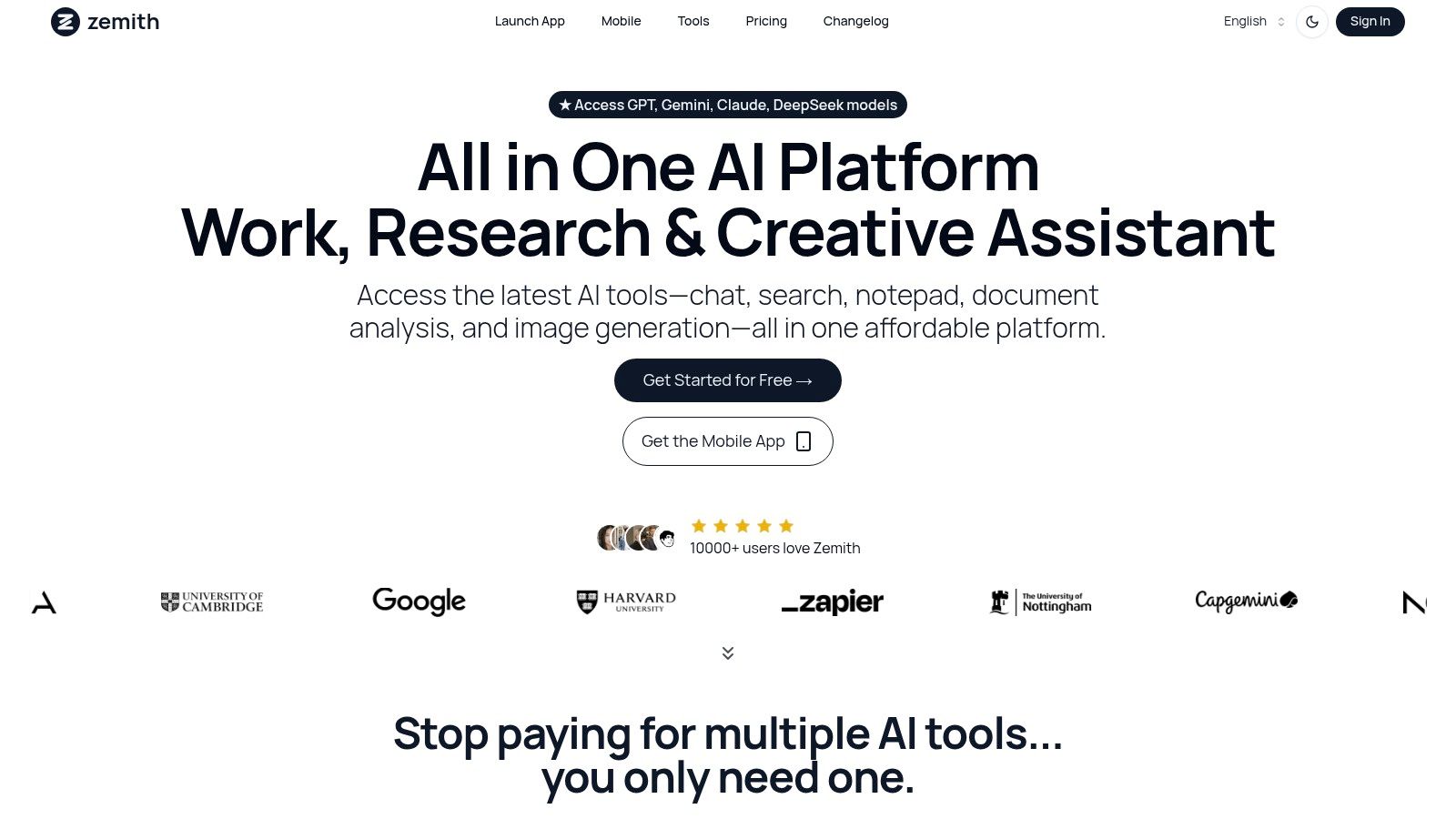
What truly sets Zemith apart is its focus on creating a cohesive productivity ecosystem. It goes beyond simple text generation by offering specialized features that deliver tangible results across various workflows.
Zemith's core advantage is its seamless integration of diverse AI capabilities. Instead of just offering access to models, it builds practical, workflow-centric tools on top of them, creating a true "SuperAI App" that significantly reduces complexity and cost.
Zemith offers a flexible pricing model designed to accommodate different user needs:
Pros:
Cons:
Website: https://www.zemith.com
Notion has evolved from a powerful all-in-one workspace into an indispensable AI-driven productivity hub. It masterfully combines note-taking, project management, and knowledge bases into a single, cohesive environment. Where Notion truly shines among the best AI productivity tools is its seamless integration of AI directly within your existing workflows. You can be drafting project plans or taking meeting notes and, with a simple command, ask the Notion AI to summarize key points, generate action items, or even draft an entire email based on your notes.
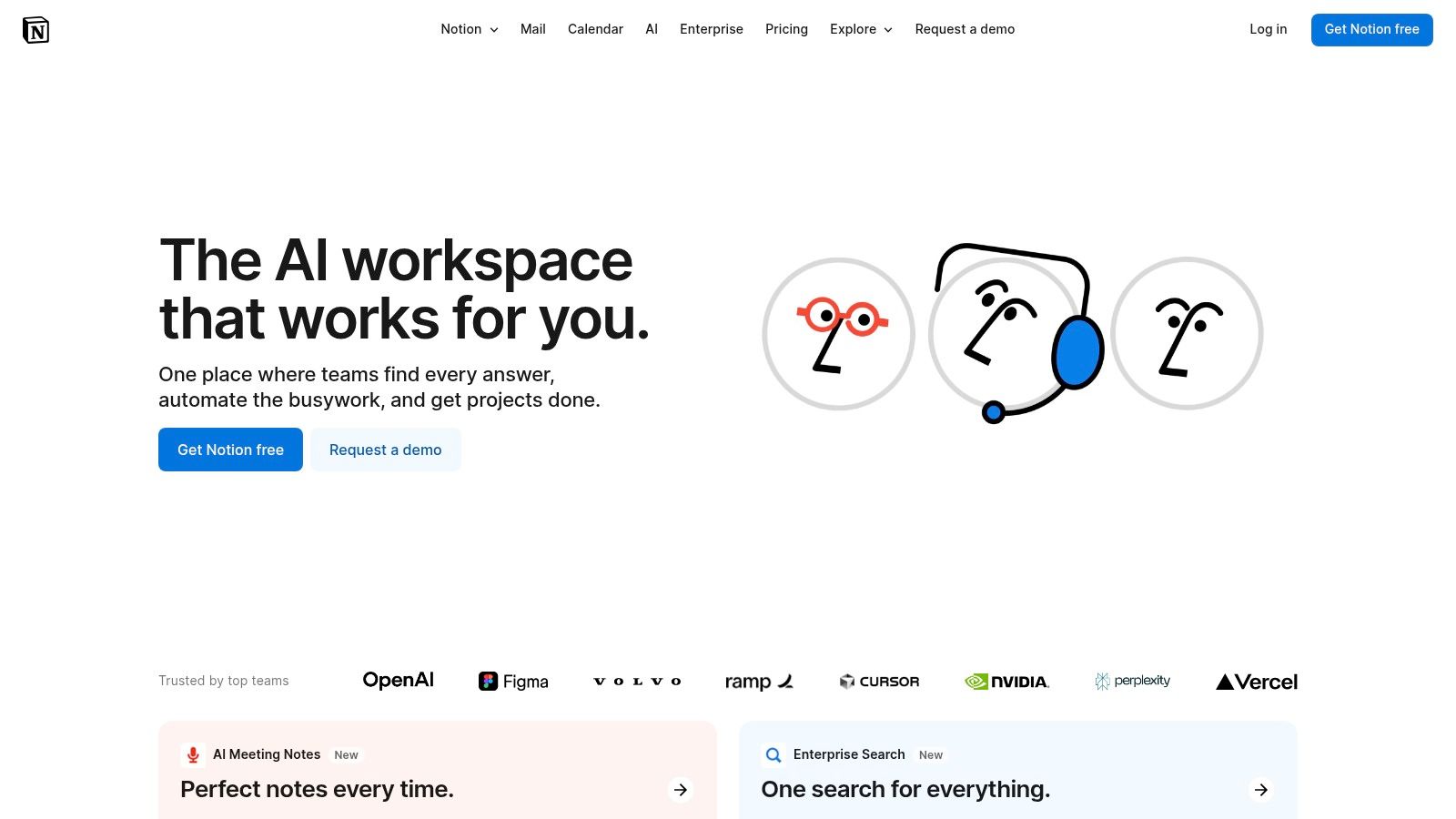
This contextual assistance removes the friction of switching between apps, keeping you in a state of flow. For instance, a marketing team can use it to brainstorm campaign ideas, and then ask the AI to expand those ideas into full content briefs, all on the same page. This ability to enhance existing documents and databases with intelligent automation is what sets it apart.
Notion’s user interface is clean and minimalist, but its true power lies in its limitless customizability. This can be a double-edged sword; while it allows for tailored systems, new users might face a steep learning curve. The Notion AI add-on costs $8 per member per month (billed annually) when added to any paid plan, with a free version offering limited AI use.
To maximize its potential, start with one of Notion’s pre-built templates and gradually customize it. For an even more powerful content workflow, an actionable insight is to use a specialized tool like Zemith to generate in-depth content and then use Notion to organize and manage the publishing schedule. This creates a seamless pipeline from content generation to project management.
Website: https://www.notion.so/
Otter.ai transforms spoken conversations into smart, actionable notes, cementing its place among the best AI productivity tools for anyone who frequently attends meetings. It offers real-time transcription that not only captures every word but also identifies different speakers, creating a searchable and organized record. The standout feature is its ability to automatically generate a summary, highlight keywords, and list action items, effectively eliminating the need for manual note-taking and allowing full focus on the discussion.
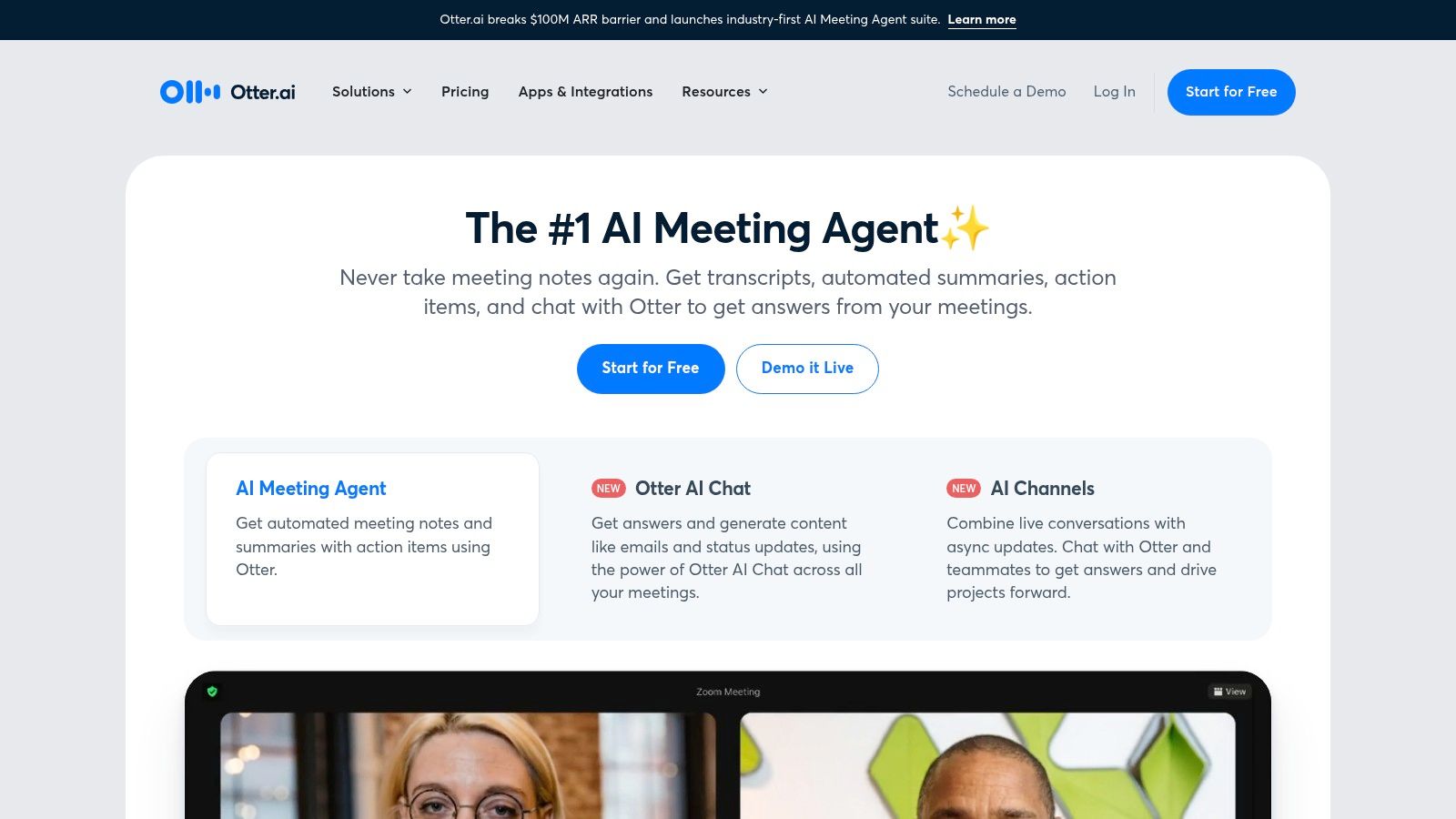
This automated meeting assistant integrates directly with platforms like Zoom, Google Meet, and Microsoft Teams, joining your calls to transcribe them live. For teams, this means a consistent and reliable knowledge base of all verbal communication, from client calls to internal brainstorms. Imagine finishing a product development meeting and immediately having a shareable transcript with key decisions and assigned tasks ready to go.
Otter.ai's interface is straightforward and centered around its core function: transcription. Users can easily access, search, and share their conversation notes. While the transcription is highly accurate in clear audio environments, its effectiveness can decrease with heavy accents or background noise. A free plan is available, but paid plans, starting at $10 per user per month (billed annually), are necessary for more extensive use.
For a powerful, actionable workflow, use Otter.ai to capture raw ideas from team meetings. Then, upload the transcript directly into Zemith's Document Assistant. This allows you to "chat" with your meeting notes, ask follow-up questions, and generate polished marketing materials or detailed project outlines, turning spoken concepts into structured, actionable content seamlessly.
Website: https://otter.ai/
Microsoft Copilot transforms the ubiquitous Microsoft 365 suite into a powerful, AI-driven productivity engine. Its core strength lies in its deep integration within the applications millions already use daily, such as Word, Excel, PowerPoint, and Teams. As one of the best AI productivity tools, Copilot excels by bringing intelligent assistance directly into your workflow. You can draft a report in Word, ask Copilot to analyze sales data in Excel to find trends, and then have it generate a compelling PowerPoint presentation from that data, all without ever leaving the Microsoft ecosystem.
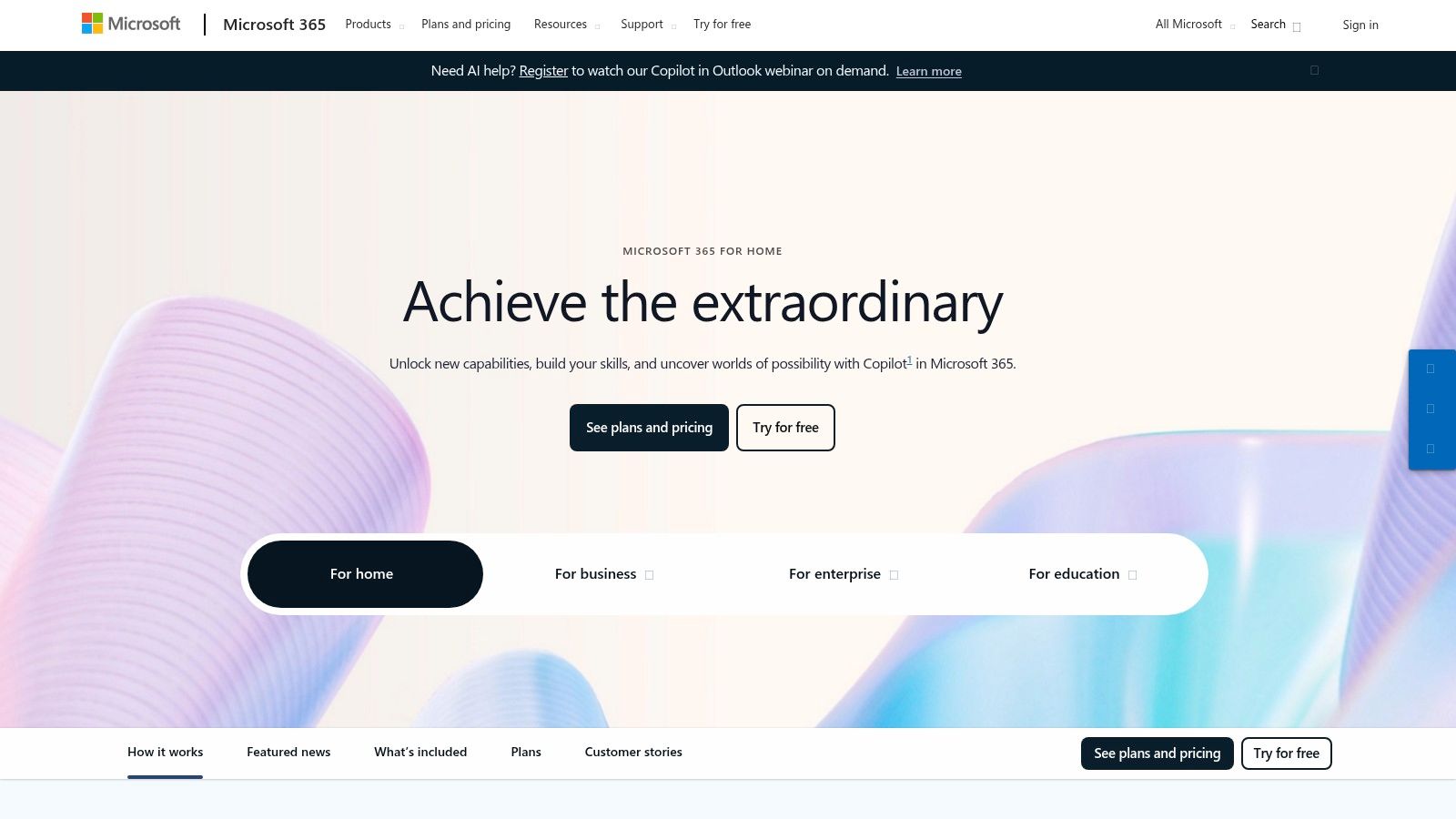
This native integration removes the friction of task-switching and context loss, enabling a more fluid and efficient work process. For example, after a meeting in Teams, Copilot can automatically summarize discussion points and generate action items. This ability to automate routine tasks and provide data-driven insights within familiar environments is what makes it a formidable tool for enhancing workplace efficiency.
Copilot’s interface is seamlessly embedded within the Microsoft 365 apps, appearing as a helpful sidebar or contextual prompt. Access requires a Microsoft 365 subscription, with Copilot Pro available for individuals at $20/month and Copilot for Microsoft 365 for businesses at $30 per user/month. While powerful, users new to AI may need time to learn how to craft effective prompts to get the best results.
For an actionable boost, combine Copilot’s document creation power with specialized tools. For instance, use a multi-model platform like Zemith to generate highly optimized, long-form SEO articles using models like Claude or Gemini. Then, use Copilot in Word to quickly repurpose that content into internal summaries or presentation outlines, leveraging the strengths of both platforms for a comprehensive content lifecycle.
Website: https://www.microsoft.com/microsoft-365
Grammarly has established itself as an essential AI-powered writing assistant, moving far beyond simple spell-checking to become a comprehensive communication tool. It enhances clarity, style, and tone across emails, documents, and messages. What makes Grammarly one of the best AI productivity tools is its ubiquity; it integrates directly into the platforms you already use, like your browser, email client, and word processor, providing real-time feedback that prevents errors before they happen and refines your message for maximum impact.
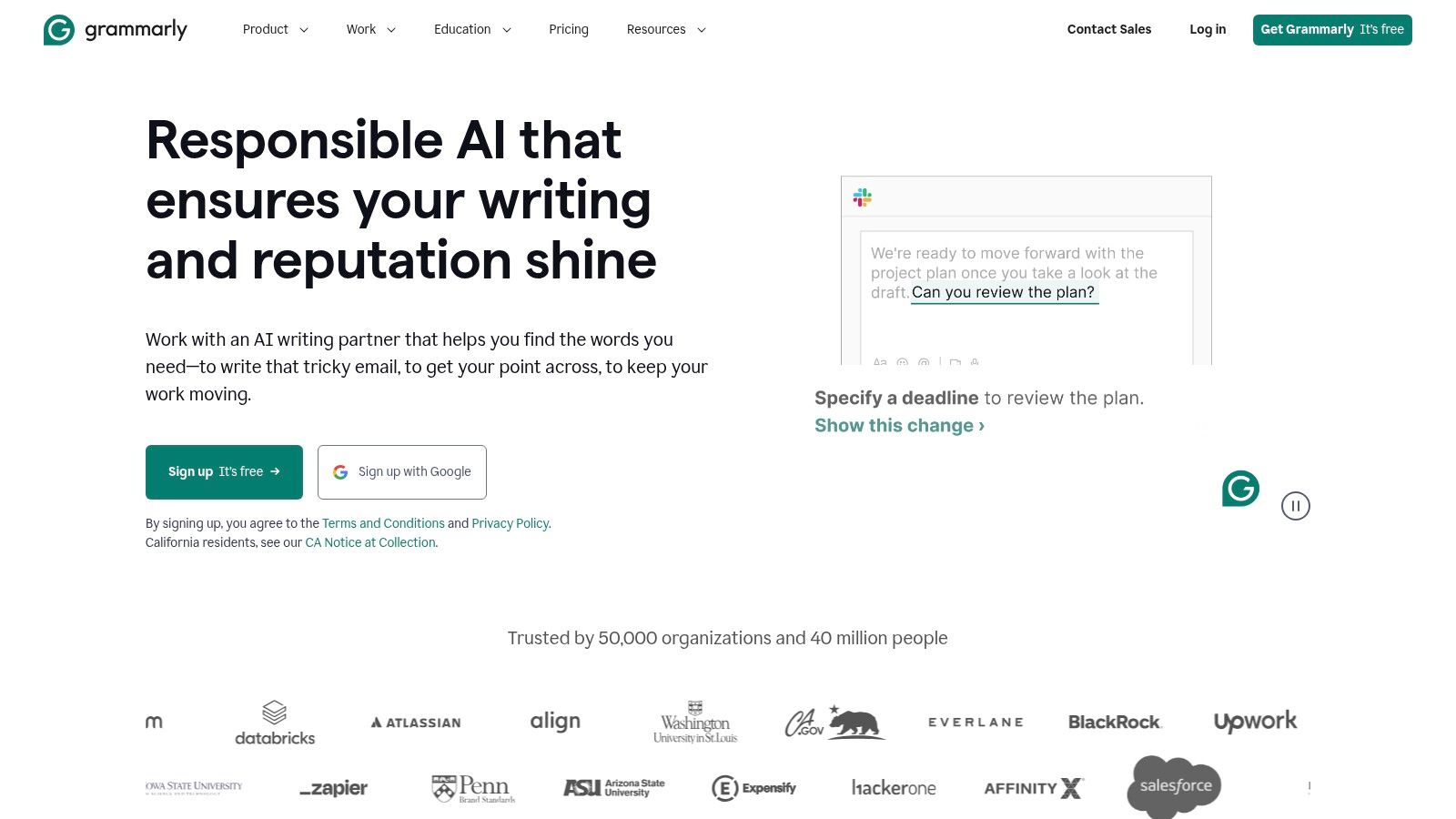
This seamless, background operation saves significant time on proofreading and editing. For instance, a sales professional can instantly adjust the tone of an outreach email to be more confident or friendly, ensuring the right impression. The AI not only corrects mistakes but also explains the reasoning, helping users improve their writing skills over time. This focus on improving the quality and effectiveness of all written communication is its key differentiator.
Grammarly’s interface is famously user-friendly, with suggestions appearing as simple underlines that are easy to accept or dismiss. Its browser extensions and desktop apps are lightweight and intuitive. While the free version covers critical grammar and spelling, the Premium plan (starting at $12/month) unlocks advanced features like plagiarism detection, tone adjustments, and fluency suggestions.
An actionable insight is to combine Grammarly’s corrective power with a generative AI tool. For example, use a platform like Zemith, which provides access to multiple advanced AI models, to generate the initial draft of your marketing content. Then, use Grammarly to polish the final output, ensuring it is both creative and grammatically flawless. This two-step process creates a powerful workflow from ideation to publication.
Website: https://www.grammarly.com/
Asana stands as a powerhouse in project management, and its recent integration of AI elevates it into a top-tier productivity tool. It helps teams orchestrate their work, from daily tasks to strategic initiatives. What makes Asana one of the best AI productivity tools is its focus on intelligent automation and smart suggestions that streamline project workflows. For example, its AI can automatically generate subtasks, suggest relevant collaborators for a project, or create status updates based on recent activity, reducing manual administrative work.
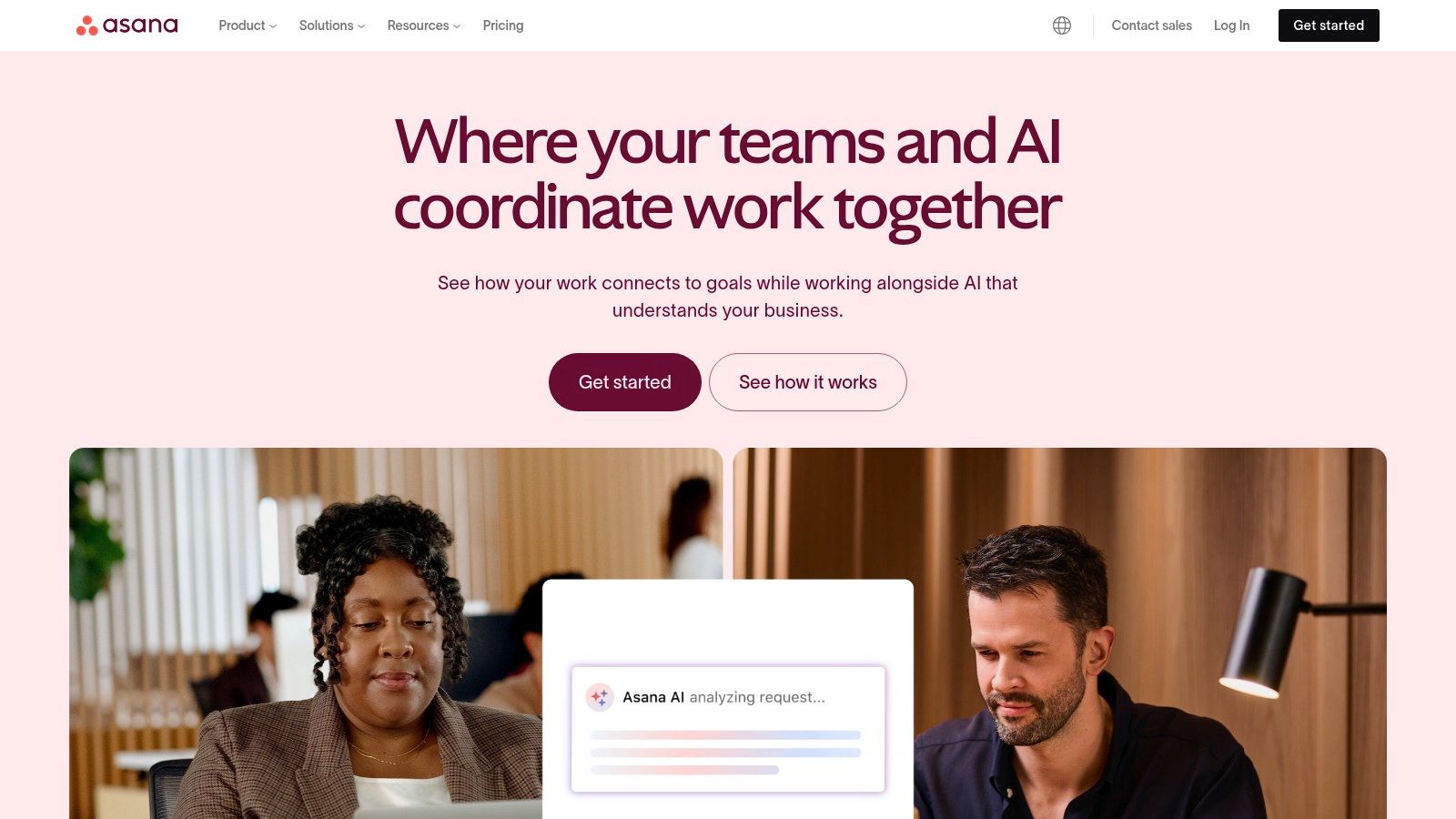
This proactive assistance helps teams maintain momentum and clarity. A product development team, for instance, can use Asana's AI to identify potential bottlenecks in their sprint planning or to summarize progress for stakeholders without manually compiling reports. This ability to provide actionable insights directly within the project management environment is its key advantage.
Asana’s interface is vibrant and user-friendly, offering multiple project views like lists, boards, timelines, and calendars. AI features are part of Asana Intelligence, available across its paid plans starting from the Premium tier at $10.99 per user per month (billed annually). A free plan exists but lacks the advanced AI capabilities.
To get the most out of Asana, start by mapping out a single project workflow using its templates. A powerful, actionable integration is to use Zemith to generate detailed project briefs, marketing materials, or technical specs. Then, use Asana’s robust framework to manage the entire project lifecycle, ensuring a smooth transition from AI-powered content creation to organized project execution.
Website: https://asana.com/
Fireflies.ai transforms your meetings from passive listening sessions into actionable, searchable assets. This AI meeting assistant automatically joins your calls on platforms like Zoom or Google Meet to record, transcribe, and analyze the entire conversation. Where it truly establishes itself among the best AI productivity tools is in its ability to distill hours of discussion into concise, AI-generated summaries, highlight key decisions, and automatically create a list of action items. This frees up your team from the burden of manual note-taking, ensuring everyone can stay fully engaged in the conversation.
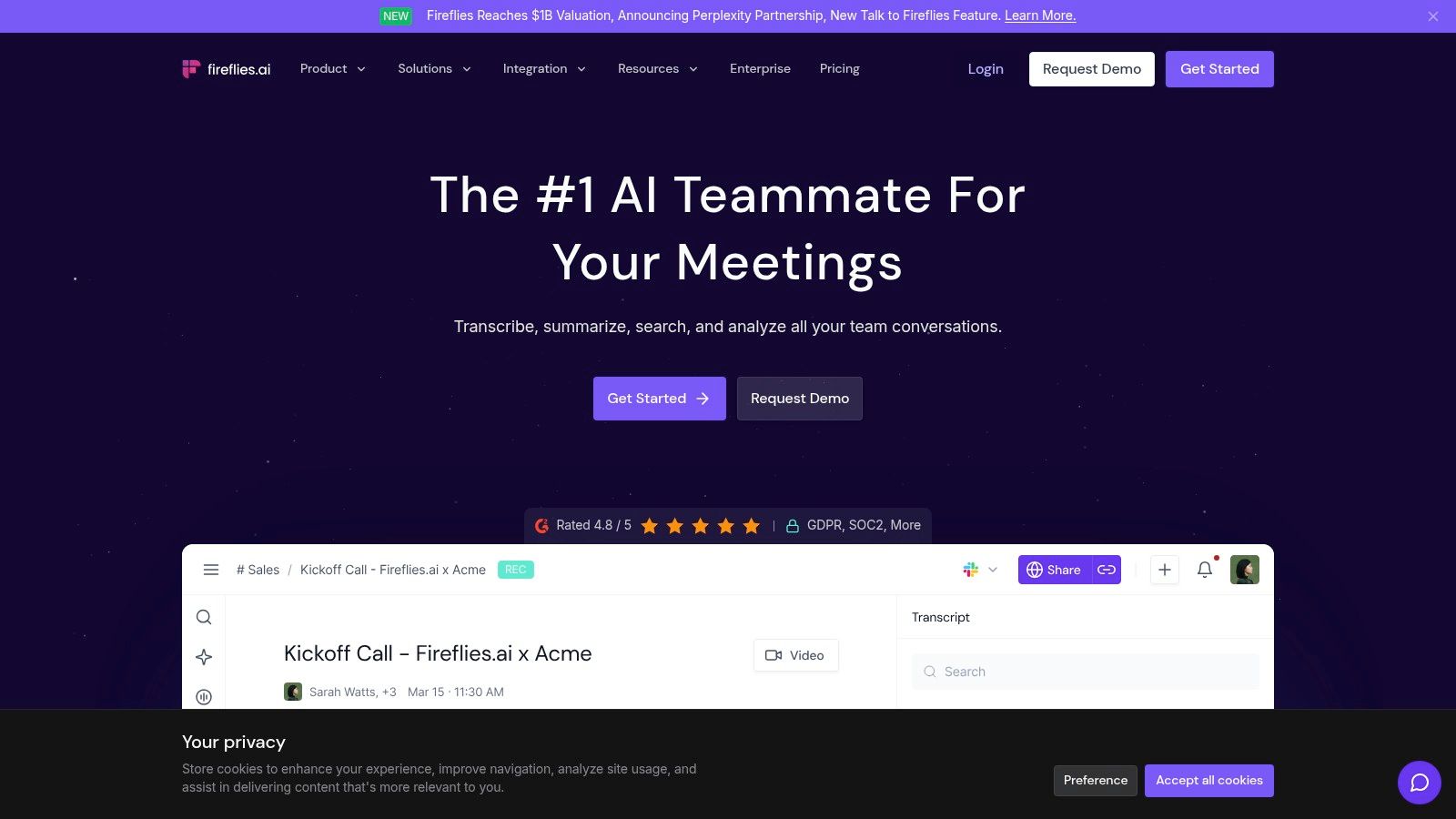
Imagine finishing a client discovery call and instantly receiving a searchable transcript and a summary of the client’s main pain points. You can then search across all past meetings for specific keywords or topics, creating a powerful knowledge base from your voice conversations. This capability makes it invaluable for sales teams reviewing client calls or project managers tracking commitments without having to re-listen to entire recordings.
The Fireflies.ai interface is straightforward, focusing on making transcripts and summaries easily accessible. Setting it up is as simple as connecting your calendar. While there's a free-forever plan with limited transcription credits, paid plans like Pro ($10/user/month billed annually) unlock unlimited transcription and AI summaries.
For an actionable strategy, use Fireflies.ai to capture raw insights from brainstorming sessions. Then, import the transcript into a unified workspace like Zemith. Its Document Assistant can analyze the text to generate polished drafts for blog posts, social media updates, or even code snippets, creating a streamlined workflow from conversation to high-value content.
Website: https://fireflies.ai/
Perplexity AI reimagines the search engine as a conversational answer engine, positioning itself as a powerful research assistant among the best AI productivity tools. Instead of just providing a list of links, it synthesizes information from multiple sources to deliver a direct, accurate, and concise answer to your query. What makes it stand out is its commitment to transparency; every answer is accompanied by inline citations, allowing you to instantly verify the source of the information.
This focus on cited, factual answers makes it invaluable for researchers, writers, and students who need reliable information quickly without sifting through pages of search results. For a content creator, this means drastically reducing research time for an article or script. You can ask a complex question about market trends and receive a summarized report with direct links to the original studies, all in seconds.
Perplexity AI offers a clean, ad-free, and intuitive interface that prioritizes getting you answers fast. The free version is highly capable for general queries, while the Pro plan ($20/month) unlocks access to more advanced models like GPT-4 and Claude 3, along with unlimited file uploads and more frequent "Pro Search" queries.
Here’s an actionable insight: use Perplexity AI for your initial research phase to gather key facts and data points. Then, feed that curated information into a comprehensive AI workspace like Zemith. This allows you to leverage its multi-model capabilities to generate highly accurate, data-driven content, effectively bridging the gap between raw research and polished, publishable material.
Website: https://www.perplexity.ai/
ClickUp positions itself as the "one app to replace them all," and its integration of AI moves it closer to that goal. This comprehensive project management platform uses AI to streamline workflows by automating task generation, summarizing long comment threads, and even assisting in writing and editing documents directly within a task. What makes ClickUp one of the best AI productivity tools is its ability to centralize an entire project's lifecycle, from initial brainstorming to final reporting, and inject AI assistance at every step. This prevents the constant app-switching that fragments focus and slows down progress.
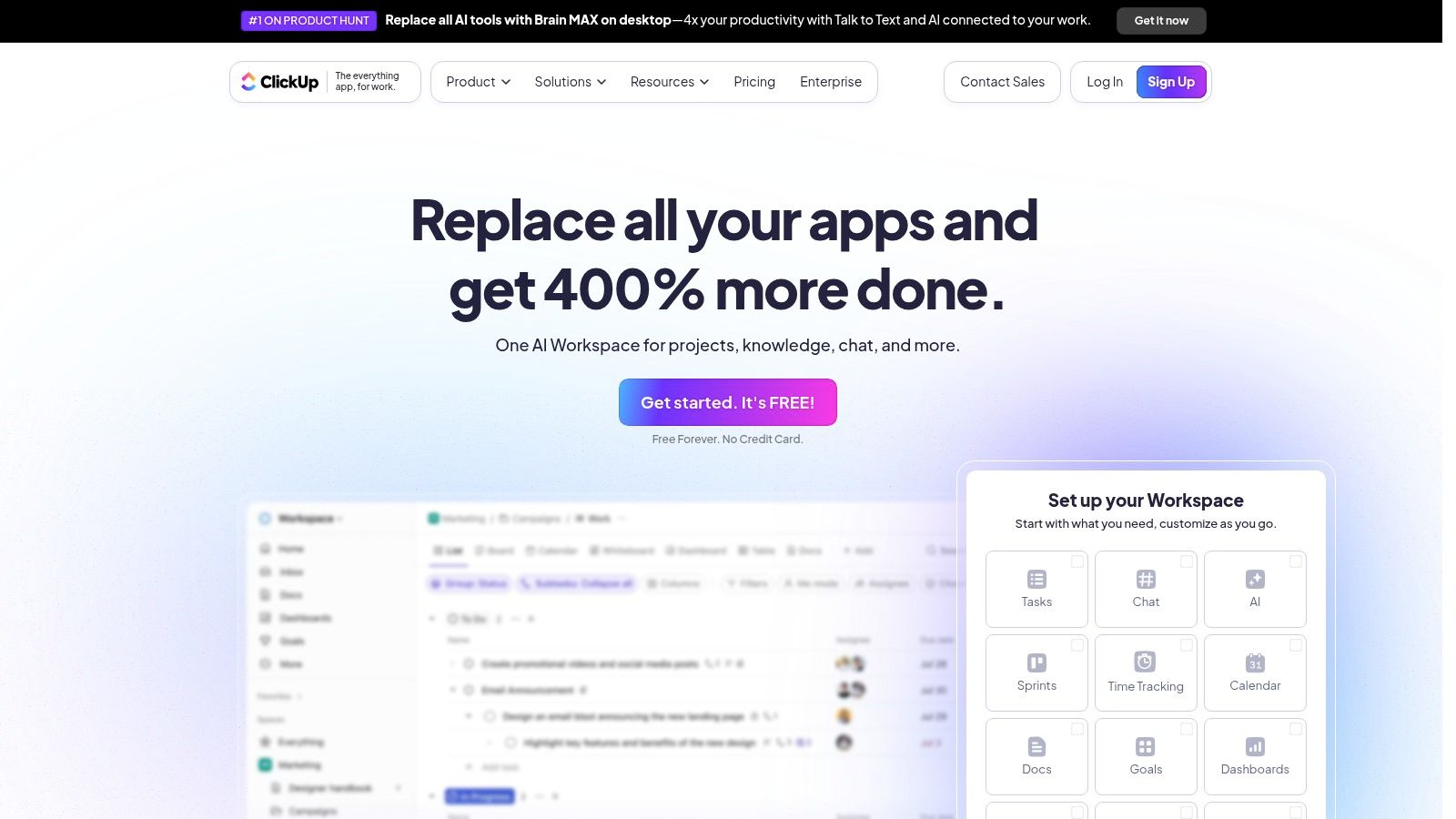
For example, a project manager can use ClickUp AI to instantly create subtasks from a high-level objective or generate a project progress summary for stakeholders without manually compiling updates. This built-in intelligence, applied across its vast feature set, helps teams manage complexity and accelerate their output, making it a powerful contender in the productivity space.
ClickUp’s interface is feature-rich and highly customizable, which allows teams to build a system perfectly tailored to their needs. However, this same depth can present a significant learning curve for new users. ClickUp AI is available on all paid plans (starting at $7 per member/month) for an additional $5 per member per month.
For an actionable workflow, use Zemith to generate comprehensive marketing and sales copy, then seamlessly import it into ClickUp Docs to track its progress within your campaign management dashboard. This creates a powerful connection between AI content generation and structured project management, optimizing your entire process from start to finish.
Website: https://clickup.com/
Reclaim.ai takes a unique approach to productivity by tackling one of the most common challenges: calendar management. It acts as an intelligent scheduling assistant that automatically finds the best time for your tasks, habits, and meetings. What makes Reclaim.ai one of the best AI productivity tools is its ability to create a flexible, adaptive schedule that protects your time for deep work while ensuring you meet your commitments, effectively creating a balanced work-life calendar without constant manual adjustments.
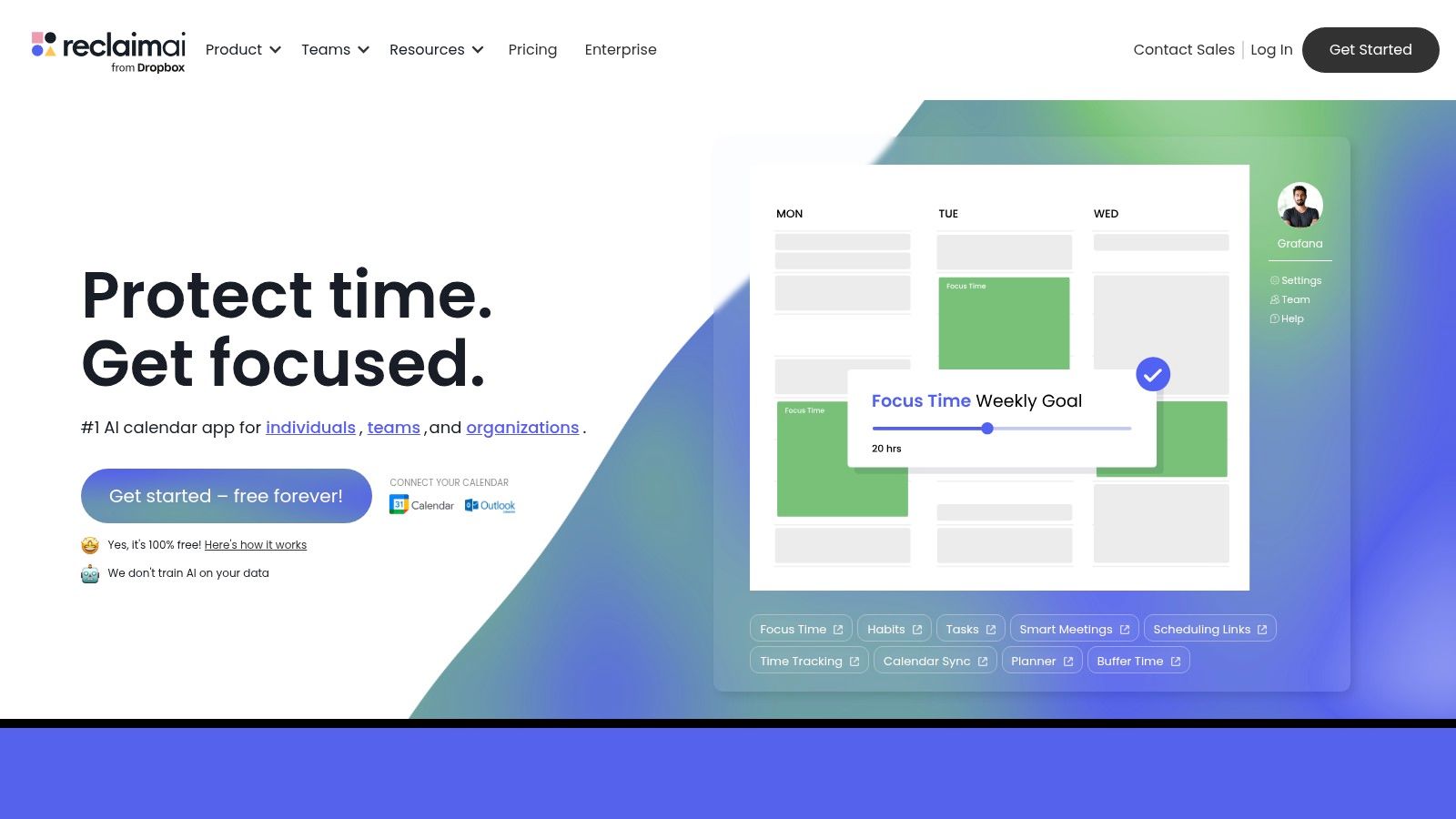
This AI-driven time blocking is dynamic. If an urgent meeting pops up, Reclaim.ai will automatically reschedule your lower-priority tasks to another open slot. This smart reprioritization ensures that your calendar reflects reality, not just a static plan. For those looking to master calendar efficiency, exploring additional automated meeting scheduling tips can provide comprehensive strategies to build upon what Reclaim offers.
Reclaim.ai’s power comes from its seamless integration with Google Calendar, operating quietly in the background. The setup is straightforward, and once configured, it requires minimal interaction. The free plan is quite capable for individuals, while paid plans (starting from $8 per user/month) unlock more advanced features like unlimited habits and task syncing.
For a truly actionable productivity system, combine Reclaim.ai with a tool like Zemith. Generate your content creation tasks within Zemith, then let Reclaim.ai automatically block out the necessary focus time in your calendar. This synergy ensures your creative work gets the dedicated time it deserves. Learn more about automating repetitive tasks to see how these tools can work together to build a fully optimized system.
Website: https://reclaim.ai/
Buffer streamlines social media management by integrating AI to automate and optimize the entire content lifecycle. It stands out among the best AI productivity tools by moving beyond simple scheduling to actively assist in content creation. With its AI Assistant, users can brainstorm ideas, generate multiple post variations for different platforms, and repurpose existing content with a few clicks. This transforms the tedious task of populating a content calendar into a quick, creative process.
The platform’s strength lies in its ability to tailor content specifically for each social network’s audience and algorithm. For example, a marketing manager can create a long-form update for LinkedIn and then instruct the AI to instantly create a concise, punchy version for Twitter and a visually-focused caption for Instagram, all from the same core idea. This contextual generation ensures that every post feels native to its platform, saving significant time.
Buffer’s interface is famously clean and user-friendly, making it accessible for solo creators and small teams. The AI Assistant is integrated directly into the post composer, ensuring a smooth workflow. Buffer offers a free plan with limited AI use, while paid plans start at $6 per channel per month, offering more extensive AI capabilities and analytics.
An actionable tip to enhance this process is to use a more powerful AI content suite like Zemith to generate the initial high-quality, long-form content. Then, use Buffer’s AI to efficiently adapt and schedule that polished content across all your social channels. This creates a potent workflow from in-depth content creation to widespread distribution.
Website: https://buffer.com/
Jasper has established itself as a go-to platform for content creators and marketing teams, positioning it firmly among the best AI productivity tools for generating high-quality copy at scale. It excels at transforming simple prompts into polished blog posts, ad copy, social media updates, and more. What makes Jasper particularly effective is its focus on brand consistency; you can teach the AI your specific tone of voice, style guides, and product information to ensure all generated content aligns perfectly with your brand identity.
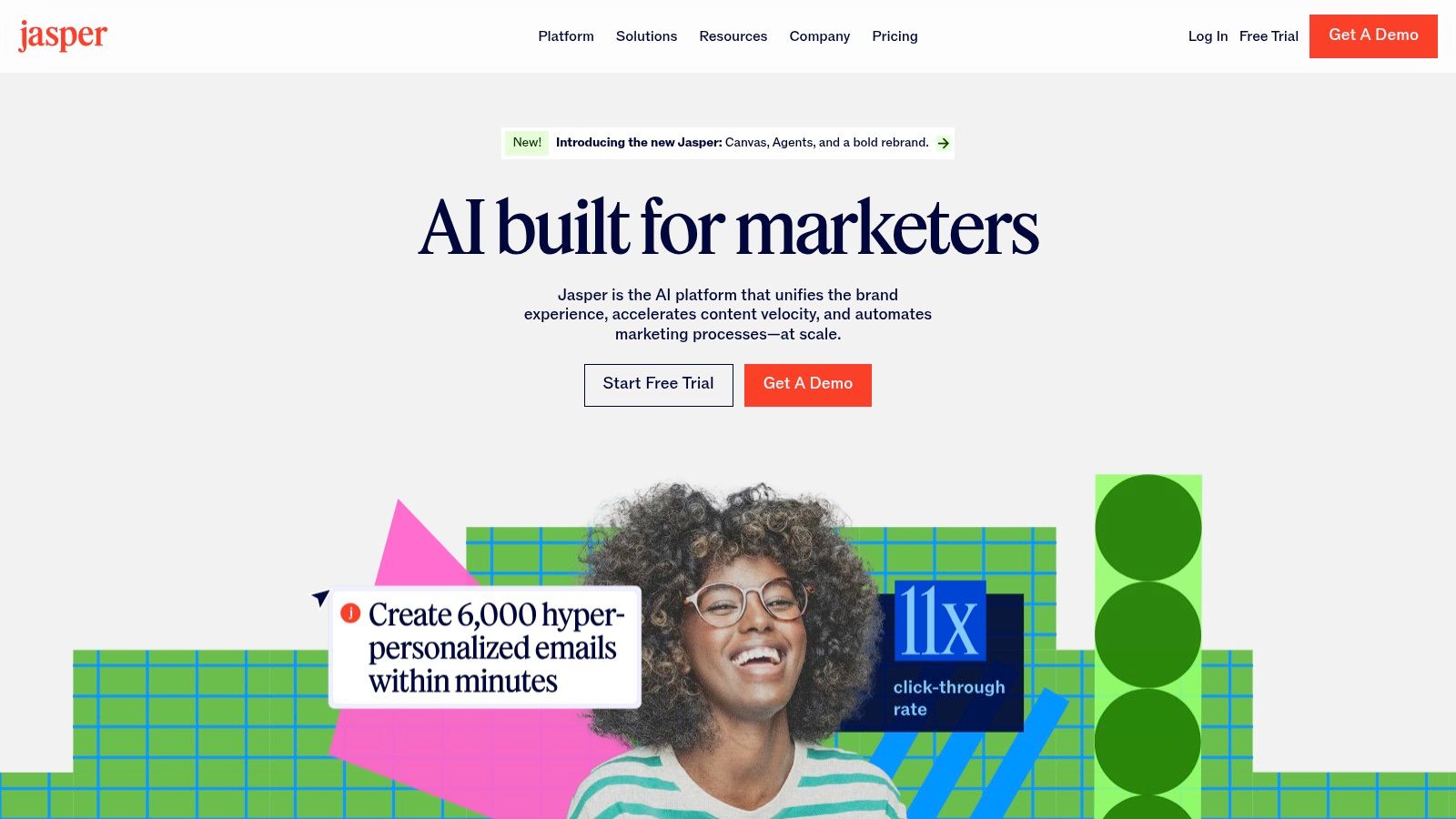
This ability to maintain a consistent voice across various channels is a significant time-saver for marketing professionals. Instead of manually editing generic AI output, teams can produce on-brand drafts almost instantly. For example, a content team can use Jasper to quickly create ten different ad variations for a campaign, all while adhering to the company's unique voice, freeing up more time for strategy and analysis.
Jasper’s interface is clean and template-driven, making it accessible even for those new to AI content generation. The "Brand Voice" feature is a standout, and its built-in recipes and workflows guide users through creating complex content pieces step-by-step. Pricing starts with plans for individuals and teams, which can be a considerable investment for freelancers or small businesses.
For a more actionable and cost-effective strategy, consider an all-in-one platform like Zemith. It provides access to multiple leading AI models (like GPT-4 and Claude 3) under a single subscription, offering greater flexibility than a single-provider tool. You can explore more options by reading our guide on other AI tools for content creation.
Website: https://www.jasper.ai/
We've explored a powerful roster of the best AI productivity tools, each designed to streamline workflows, automate tedious tasks, and unlock new levels of efficiency. From the comprehensive project management of Asana and ClickUp to the intelligent content creation assistance of Jasper and Grammarly, the landscape of AI-powered support is vast and rapidly evolving. We've seen how tools like Otter.ai and Fireflies.ai can transform meetings into actionable insights, while platforms like Perplexity AI are redefining how we access and synthesize information.
The central theme emerging from this deep dive is not about finding a single, magical tool that does everything. Instead, the key to a truly productive workflow lies in creating a personalized "stack" of solutions. A content creator might pair Jasper for drafting, Grammarly for polishing, and Buffer for distribution, while a project manager might integrate Microsoft Copilot into their daily communications and rely on Asana for task oversight. The real power is in the synergy between these specialized applications.
Selecting the right combination from our list of best AI productivity tools can feel daunting. To simplify your decision-making process, focus on a few core principles.
Ultimately, the goal of adopting these AI productivity tools is not to replace human ingenuity but to augment it. These platforms are best viewed as intelligent partners. They handle the repetitive, data-heavy, and time-consuming work, freeing up your cognitive resources for what truly matters: strategic thinking, creative problem-solving, and meaningful collaboration. By thoughtfully integrating the right AI, you are not just optimizing tasks; you are fundamentally redesigning how you work, creating more space for innovation and focus.
Ready to unify your knowledge and supercharge your productivity? Many of the best AI productivity tools focus on specific tasks, but Zemith acts as your central intelligence hub, connecting the dots between your documents, meetings, and communications. Stop wasting time searching and start getting instant, AI-powered answers from all your information by exploring Zemith today.


Trusted by teams at


The top models, plus image, video and voice tools, in one plan.
Without Zemith
ChatGPT PlusUS$20.00Claude ProUS$20.00Google AI ProUS$19.99SuperGrokUS$30.00Perplexity ProUS$20.00 MidjourneyUS$10.00
 ElevenLabsUS$6.00Le Chat ProUS$14.99
 RunwayUS$15.00Kling StandardUS$8.80
 Gamma PlusUS$12.00
 Otter ProUS$16.99
 QuillBot PremiumUS$19.95
 Photoroom ProUS$12.99
 Quizlet PlusUS$7.99
Total if paying separatelyUS$234.70/mo
"I love the way multiple tools they integrated in one platform. Going in the right direction."
— simplyzubair
"The quality of data and sheer speed of responses is outstanding. I use this app every day."
— barefootmedicine
"The credit system is fair, models are perfect, and the discord is very responsive. Quite awesome."
— MarianZ
"Just works. Simple to use and great for working with documents. Money well spent."
— yerch82
"The organization of features is better than all the other sites — even better than ChatGPT."
— sumore
"It lives up to the all-in-one claim. All the necessary functions with a well-designed, easy UI."
— AlphaLeaf
"The team clearly puts their heart and soul into this platform. Really solid extra functionality."
— SlothMachine
"Updates made almost daily, feedback is incredibly fast. Just look at the changelogs — consistency."
— reu0691
Hand off the research, writing, design and follow-ups. Zemith picks the tools it needs and brings back finished work.
Search the web, run deep research, read files, create images and run code with GPT, Claude, Gemini, Grok and more.
Zemith keeps working in the cloud and pings you when it's done.
Notion, Linear, Canva, Airtable and more. It asks before it creates or changes anything.
Docs, slides, sheets and PDFs, ready to send.
Chain models and tools on a visual canvas, from one prompt to a finished promo video.
Briefings, reports and reminders run on a schedule and are ready when you need them.
Real-time voice that can see your camera or screen.
The best image and video models, in one studio.
Turn PDFs, links and YouTube videos into podcasts, quizzes, flashcards and mind maps.


 Podcast
 Quiz
Quiz Flashcards
 Mind map
 Infographic