


Every top model, with tools built in.
Search the web, run deep research, read files, create images and run code with GPT, Claude, Gemini, Grok and more.
Compare 10 ai productivity tools for developers for coding, debugging, research, and automation, with practical workflows and honest trade-offs.
Your Coding Stack Should Not Need Its Own Project Manager
You start with a small feature and end up juggling an IDE assistant, a cloud console, API documentation, research tabs, tickets, pull requests, and a notes app that somehow contains the one useful snippet you need. The code may be straightforward. The workflow is the boss fight.
The best AI productivity tools for developers aren't just the ones that generate the most code. They're the ones that fit your stack, preserve repository and project context, reduce repetitive work, and make review safer. I'm comparing these tools by the problem they solve, including workflow fit, context handling, automation, governance, pricing model, and limitations.
Some are excellent inside an IDE. Others understand cloud infrastructure, huge repositories, private deployment, or multi-agent work. Zemith takes a broader approach by putting coding, research, documents, models, and reusable workflows in one workspace. If your review process is still held together by browser tabs and hope, this guide to code review workflows is also worth bookmarking.
A feature request can begin with an unfamiliar API and end with code, tests, documentation, and a handoff for another developer. Zemith fits that workflow by combining coding, research, documents, creative tools, and several AI models in one workspace. That reduces the need to buy a separate service for every stage, although teams still need to decide whether a broad workspace is preferable to a focused IDE assistant.
For developers, the useful tools are concrete: a coding sandbox with live previews, Python execution for testing scripts, document chat for technical references, and research with source citations. A practical flow would be to import an OpenAPI specification into document chat, generate a typed client in the coding sandbox, test a script with Python, and save the research, code, and handoff document in one Project. The context stays together instead of being scattered across browser tabs, an editor, and a notes app.
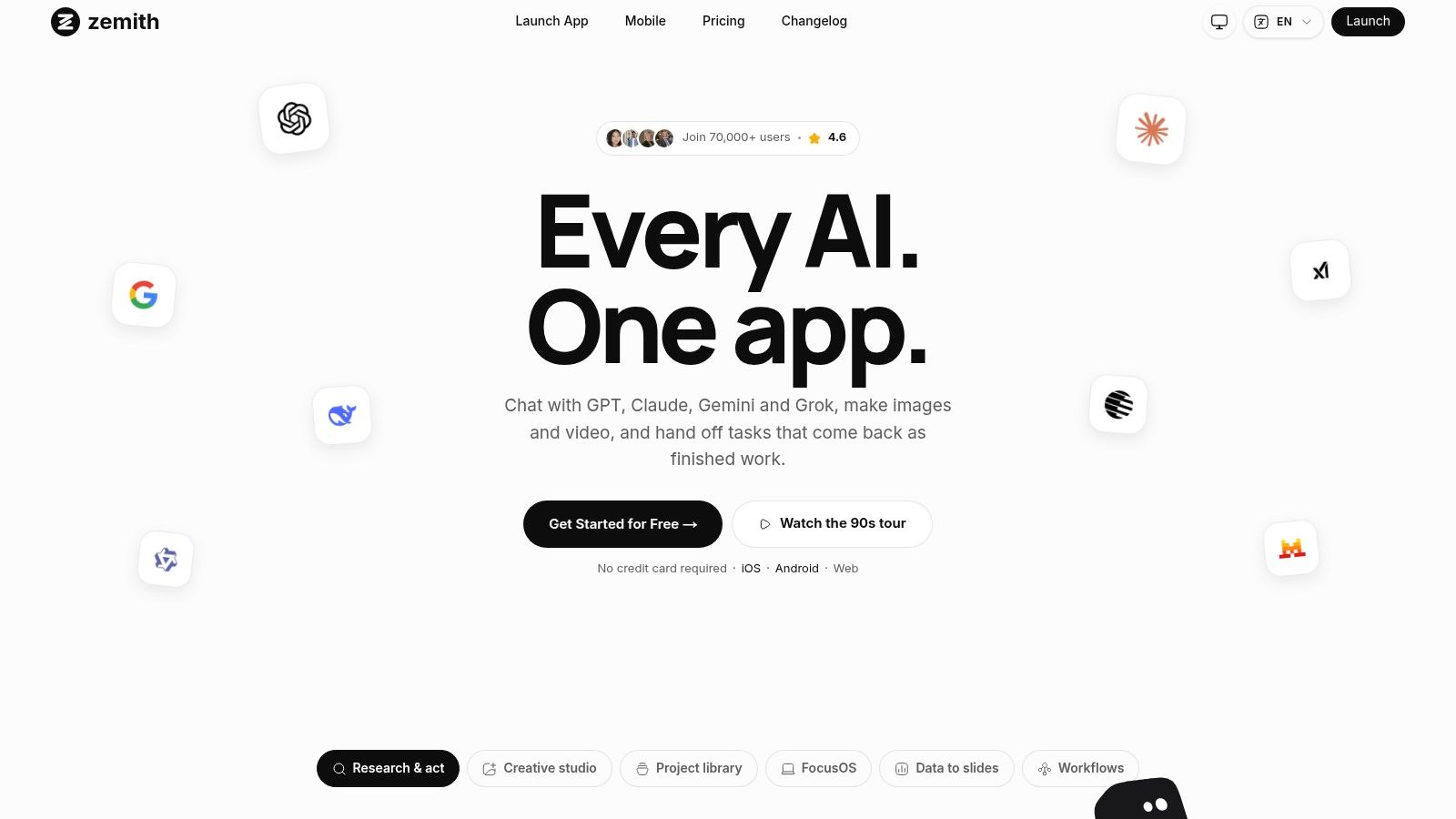
Zemith makes more sense when implementation is only one part of the job. It can help research an unfamiliar library, summarize its documentation, draft code, preview a component, prepare a technical handoff, and keep those materials in a Project with shared context. Cloud tasks and scheduled workflows can return documents, slides, sheets, images, or podcasts, rather than stopping at a chat answer.
The platform also supports shared chats, Library memory, integrations with Notion, Linear, Canva, and Airtable, mobile apps, and real-time voice with screen or camera sharing. Those features make it a project workspace rather than a conventional autocomplete plugin. The trade-off is onboarding: a wide feature set takes time to configure, and credit-based billing requires attention. Monthly credits expire at the end of the billing period, while extra credits are available on demand.
The multi-model setup gives developers another practical choice. You can switch among Gemini, GPT, Claude, Grok, and open models during a task. One model may handle debugging more effectively, while another explains an unfamiliar codebase more clearly. That flexibility helps with mixed research and coding work, but it also makes a narrow tool easier to manage when all you need is inline completion.
The Zemith Plus plan is listed at US$15.99 per month, compared with an estimated US$234.70 per month for comparable individual subscriptions, according to Zemith's developer AI platform overview.
Practical rule: Use Zemith when coding, research, documentation, and delivery share the same context. Pair it with a narrower IDE assistant only when inline completion remains a separate bottleneck.
Pros
Zemith suits developers who want coding tools alongside the research and delivery work surrounding a software project.
GitHub Copilot remains the obvious starting point for teams already living in GitHub. It works inside popular IDEs, the terminal, GitHub.com, pull requests, and repository workflows, so developers don't need to move into a separate environment just to ask for a completion or explain a failing function.
Its strength is repository proximity. Copilot can provide inline completions, conversational help, pull request review, command-line assistance, and agent-style workflows while staying connected to the place where the code, issues, and reviews already live. Organization policies, administrative controls, and codebase indexing also make it easier to introduce across an established engineering team.
Copilot is less compelling if your team uses another source-control platform or wants a broad research and document workspace. It shines when the question is, “Can I get help with this repository, issue, or pull request without leaving GitHub?”
Teams should pay attention to usage metering. Many capabilities now involve GitHub AI Credits, and administrators need to configure budgets and policies before agentic usage turns into an unexpectedly enthusiastic invoice. Paid-plan completions may not consume credits, but that doesn't mean every newer feature behaves the same way.
For a closer look at how it compares with other assistants, see this comparison of AI coding assistants.
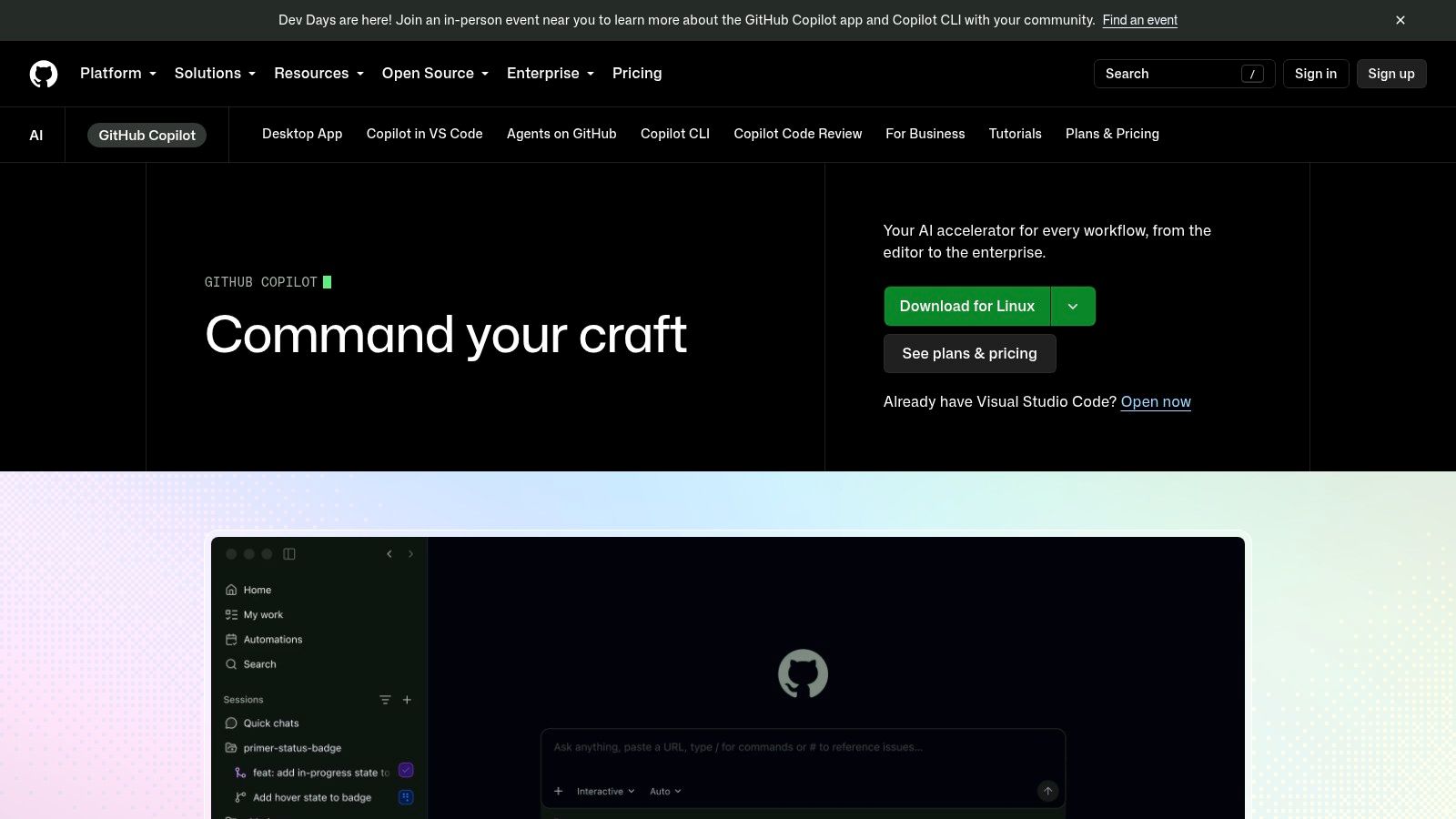
Best for: GitHub-centered teams that want inline coding help, pull request assistance, and repository-aware workflows.
Watch out for: Usage-based features, budget configuration, and the temptation to merge code just because the assistant wrote it with confidence.
GitHub Copilot is a strong default when your team already treats GitHub as the center of development life.
Amazon Q Developer is built for teams that write, run, and maintain software on AWS. It works across the IDE, command line, AWS Console, and AWS services, which makes it more useful for cloud-native work than a generic coding chatbot that doesn't know what your deployment environment looks like.
Its agentic features support code generation, questions, error diagnosis, and multi-step coding tasks. The automated transformation capabilities are especially relevant for modernization work, such as upgrading Java or .NET applications. That's the kind of task where manually repeating the same mechanical changes across a large codebase can drain a week without producing much intellectual satisfaction.
Q Developer makes the most sense when application code and infrastructure are tightly connected. A developer can move from a code question to an AWS configuration issue or deployment workflow without changing products. Organization administration through IAM Identity Center also gives teams a familiar way to manage access.
The limitation is equally clear. If your stack is mostly outside AWS, much of the platform's advantage disappears. Transformation features also use line-of-code allocations, and additional usage can create costs beyond the basic per-user arrangement. Teams should define which repositories and modernization tasks justify that spend before turning on broad access.
Reference tracking and suppression of public code suggestions are useful for organizations that care about provenance. They don't replace review, testing, or license checks, but they help reduce avoidable uncertainty.
Best for: AWS-heavy teams handling cloud development, debugging, deployment, and application modernization.
Watch out for: Code-transformation quotas and the fact that the strongest experience assumes AWS is already part of your daily workflow.
Visit Amazon Q Developer if your cloud console is practically another member of the engineering team.
Google Gemini Code Assist is the natural contender for teams invested in Google Cloud. It supports VS Code and JetBrains environments, understands local codebase context, and connects development assistance with services such as Firebase, BigQuery, Cloud Run, and Apigee.
The practical benefit is continuity between application code and cloud operations. Developers can get completion, generation, explanations, chat, code transformation support, and agent-style help without treating Google Cloud as a distant deployment target. For teams building serverless applications, data products, or Firebase-backed applications, that integration can save a surprising amount of documentation archaeology.
Gemini Code Assist offers Standard and Enterprise editions, with deeper Google Cloud integrations and governance at the higher end. Enterprise features are designed for organizations that need administrative controls and indemnification options, rather than a tool that developers install individually and forget about.
The main drawback is fit. A team that doesn't use Google Cloud won't get as much value from the service integrations. Hourly license metering for Standard and Enterprise can also be harder to forecast than a simple flat-seat model, especially when usage varies across contractors, full-time developers, and occasional contributors.
Use it where the cloud context matters. Don't choose it just because the model name sounds familiar.
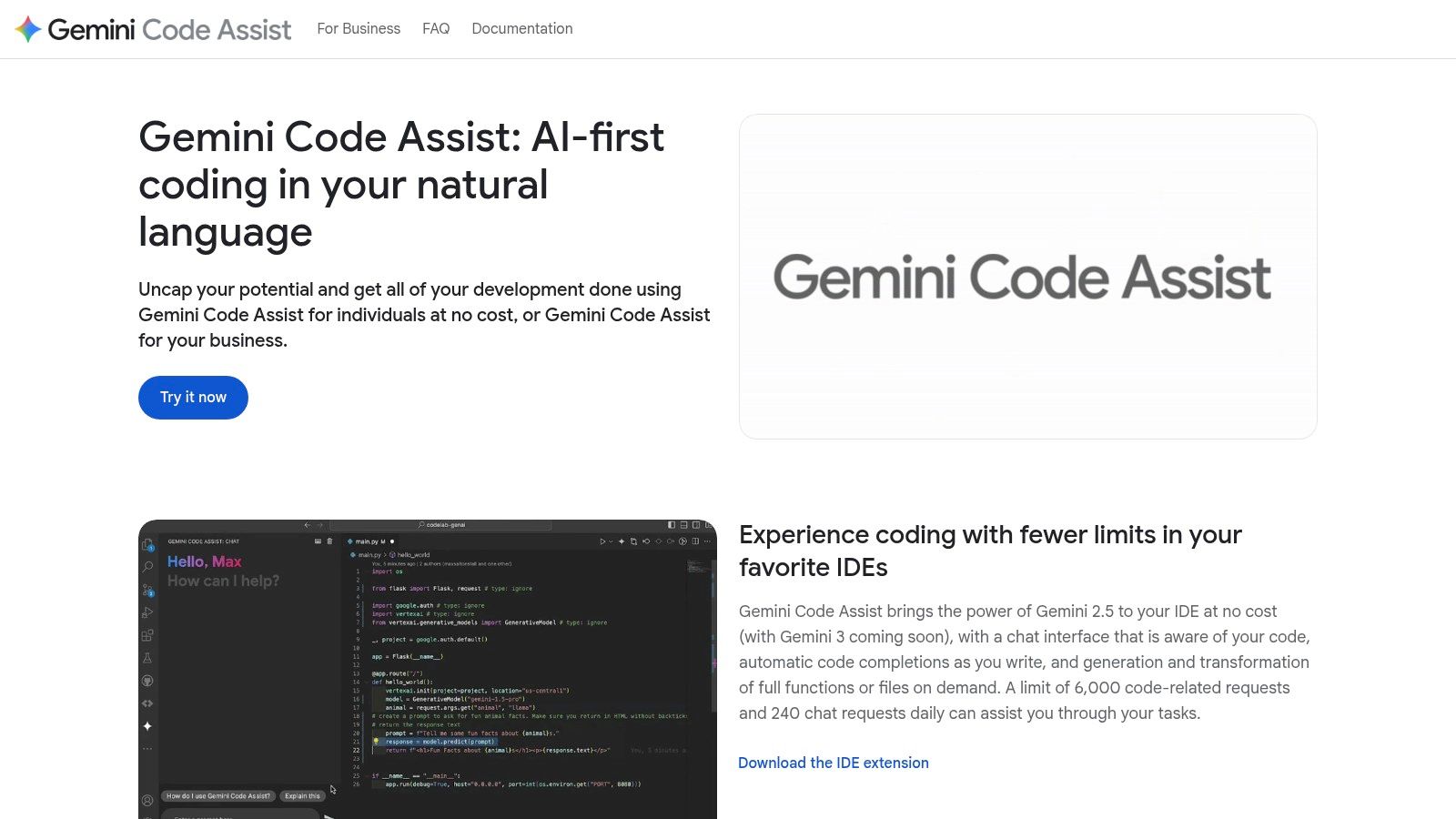
Best for: Google Cloud teams working across code, data, Firebase, and operations.
Watch out for: Hourly license complexity and weaker value outside a GCP-centered stack.
Google Gemini Code Assist deserves a serious trial when your development workflow already runs through Google Cloud services.
JetBrains AI Assistant is the least disruptive option for teams that have standardized on IntelliJ IDEA, PyCharm, Rider, or another JetBrains IDE. The assistant appears where developers already work, with chat, code generation, explanations, refactoring help, and review-oriented actions integrated into the editor.
That native experience matters. Developers don't need to learn a new IDE or copy a selected method into a browser. Quick actions can explain a class, rewrite a function, propose a refactor, or help generate tests while the surrounding project remains visible.
JetBrains AI Assistant supports multiple model backends, including OpenAI, Anthropic, and Google options. That flexibility is useful for teams that don't want to commit every task to one provider, although model and feature availability can vary by geography and provider restrictions.
The credit-based usage model requires some sizing before a team rolls it out widely. Organizational controls and enterprise options are available, but administrators still need to understand which actions consume credits and how usage maps to the selected plan. For an individual developer, this may be manageable. For a large team, it becomes part of procurement and governance rather than a small IDE preference.
Best for: JetBrains users who want AI assistance without leaving IntelliJ IDEA, PyCharm, Rider, or another familiar environment.
Watch out for: Credit planning, changing model availability, and assuming every feature has the same cost profile.
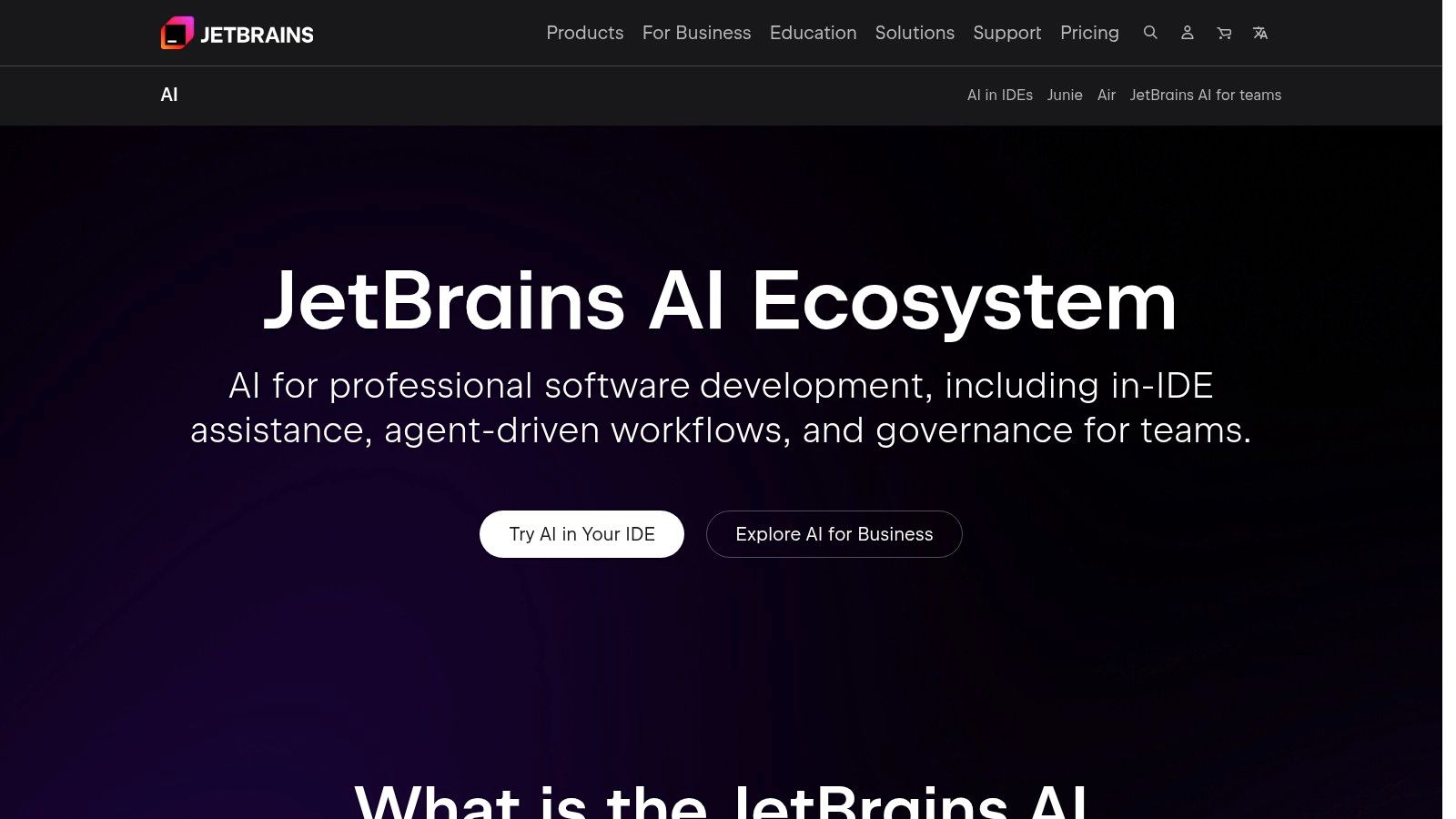
Try JetBrains AI Assistant if changing editors would create more disruption than productivity.
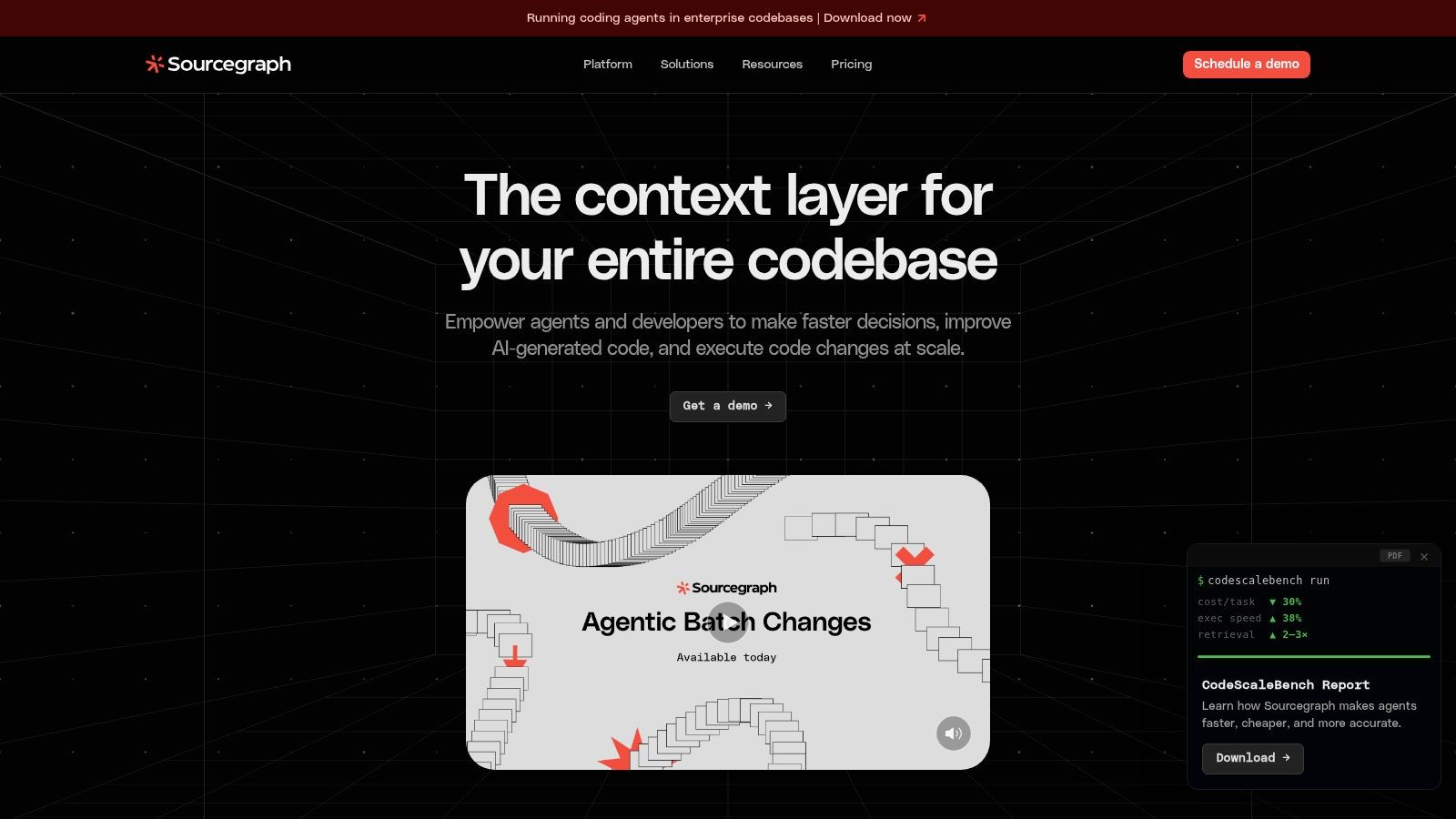
Sourcegraph Cody targets the problem that ordinary assistants often handle poorly: large repositories with too many services, dependencies, and historical decisions to fit comfortably into a casual chat. It combines AI assistance with Sourcegraph's code search and graph, giving it a strong foundation for cross-file and cross-repository context.
That makes Cody a good fit for monorepos, legacy systems, and organizations where the answer to “where is this behavior defined?” may involve several repositories and an unpleasant amount of archaeology. Developers can use chat, autocomplete, code search context, IDE extensions, web access, and CLI workflows while keeping the code graph nearby.
Cody's advantage isn't merely generating a polished function. It's retrieving the relevant implementation, dependency, usage pattern, and surrounding architecture before suggesting a change. That can reduce the number of times a developer has to explain the same internal system to an assistant.
The trade-off is enterprise orientation. Full capabilities and pricing are generally handled through sales, and teams may need cloud services or a direct vendor discussion for air-gapped requirements. BYO LLM keys and model flexibility help organizations shape the deployment, but they also mean the rollout needs more architecture and governance work than installing a lightweight extension.
Large-codebase assistance is only as good as the context retrieval behind it. A fluent answer based on the wrong service is still wrong, just with better punctuation.
Best for: Enterprises with large repositories, monorepos, and serious cross-repository search needs.
Watch out for: Enterprise pricing, deployment decisions, and the setup required to make repository indexing useful.
This overview of AI-powered coding assistants provides useful context before you evaluate Sourcegraph Cody.
Cursor is an AI-native, VS Code-compatible editor built around agent workflows rather than treating AI as a small autocomplete panel. Its chat-to-edit experience, Composer, inline actions, model selection, skills marketplace, cloud agents, and review automation make it appealing to developers who want the editor to actively coordinate multi-step work.
The benefit is speed of interaction. You can describe a change, let the agent inspect relevant files, review the proposed edits, and continue refining without moving between separate chat windows and editor panes. Shared project context and team features also make it easier to establish common conventions.
Cursor's agent-heavy workflow can generate more useful work, but it can also generate more model usage. Teams need to monitor on-demand overages and define expectations for when an agent should plan, edit, test, or stop. Otherwise, “just try one more approach” becomes a surprisingly expensive loop.
The other cost is behavioral rather than financial. To get the full experience, developers need to adopt Cursor as an IDE or run it alongside their existing editor. That isn't a dealbreaker, but editor switching affects shortcuts, extensions, settings, and muscle memory. The published individual, team, and enterprise pricing makes evaluation easier, while privacy mode, SAML/SSO, centralized billing, and usage analytics support team adoption.
Best for: Developers and teams that want an agent-first editor with cloud automation and extensibility.
Watch out for: Usage charges, agent overreach, and the adoption cost of a new editor.
Explore Cursor if you want to make agent workflows a first-class part of the coding environment.
Devin Desktop, formerly associated with Windsurf and Codeium, takes an editor-centered approach to multi-agent development. It combines AI code editing with planning, orchestration, Spaces, Kanban-style organization, and an Agent Command Center for managing work across multiple tasks.
This is useful when one coding session isn't enough. A team may have an agent planning a feature, another investigating a failing test, and a developer reviewing changes in the editor. Integrations with Slack, Jira, GitHub, and related team systems help connect that activity to existing project management rather than leaving it in an isolated AI playground.
Devin Desktop supports frontier models and vendor software-engineering models, with token and quota usage that varies by model and plan. That flexibility can be useful, but pricing is more nuanced than a simple “one editor, one bill” setup. Teams should examine how agents consume quotas before giving them broad permission to run unattended tasks.
The platform is most valuable when the team adopts both the editor and the surrounding agent workflow. Using only the autocomplete features leaves much of the Agent Command Center unused, while adopting the agents without clear task boundaries can create a queue of half-finished experiments. A smooth migration path for previous Windsurf users may reduce the disruption for teams already in that ecosystem.
Best for: Teams exploring multi-agent development, editor-based planning, and integrations with project tools.
Watch out for: Model-specific quotas, changing promotions, and the need to define which tasks agents may run independently.
See the current capabilities at Devin Desktop, especially if your team wants to coordinate more than one agent at a time.
Tabnine is built for organizations that care as much about deployment control and compliance as they do about code generation. It offers IDE assistance, chat, governance, analytics, a Context Engine, agentic capabilities, and Headless Agents for CI/CD automation.
The deployment flexibility is the differentiator. Teams can consider SaaS, VPC, on-premises, air-gapped, self-hosted, or BYO-LLM arrangements depending on their requirements. That makes Tabnine a credible option for regulated environments where sending source code to an ordinary hosted assistant is difficult or prohibited.
Tabnine's enterprise controls support provenance, governance, and analytics, while model choice gives teams more control over how code context is handled. The platform is now part of Tricentis, which may also appeal to organizations already evaluating software quality and delivery tooling in that ecosystem.
The trade-off is cost and administration. Tabnine's pricing is aimed at enterprise value rather than casual individual use. Teams using Tabnine-hosted LLM access should also account for the additional handling fee, listed as +5% in the product plan information. Self-hosting can reduce data exposure, but it doesn't eliminate the work of managing models, infrastructure, access, and upgrades.
For more practical selection guidance, read this comparison of AI coding tools.
Best for: Regulated enterprises that need privacy controls, flexible deployment, and CI/CD-oriented agents.
Watch out for: Enterprise pricing, operational overhead, and hosted-model handling costs.
Evaluate Tabnine when data residency and deployment control matter more than having the cheapest autocomplete.
Continue is the choice for teams that want control instead of another mandatory vendor subscription. It's an open-source coding agent for VS Code and JetBrains that can connect to local or cloud models, use BYO keys, integrate with tools and MCPs, and work alongside the IDE setup developers already know.
That model is appealing for privacy-sensitive teams, internal platforms, and developers who want to experiment with local inference. Continue can chat in the IDE, edit code, generate tests, refactor across files, and connect model endpoints to existing engineering workflows. The Apache-2.0 open-source core also gives teams room to inspect, extend, and self-host rather than treating the assistant as a sealed product.
The catch is that Continue doesn't provide the same one-vendor convenience as a hosted platform. Your team must choose models, manage keys, understand quotas, maintain endpoints, and decide how access should work. The software may be free, but infrastructure and administration are not imaginary, despite what the first enthusiastic spreadsheet says.
Enterprise controls may require additional tooling or a managed offering. Local models can be a strong privacy and cost-control option, but they may not match hosted models on every coding task. The right choice depends on whether your team values configurability enough to accept responsibility for the stack underneath it.
Best for: Developers and platform teams that want open-source flexibility, local models, and no mandatory subscription.
Watch out for: Model management, infrastructure ownership, and the absence of a single consolidated vendor bill.
Start with Continue if your team would rather configure its own AI coding stack than accept one provider's defaults.
The adoption numbers are strong, but the productivity story isn't universal. The 2025 Stack Overflow Developer Survey reports that 84% of respondents are using or planning to use AI tools in development, up from 76% in 2024. It also reports that 51% of professional developers use AI tools daily, while positive sentiment has softened to about 60% and 52% say AI tools or agents have positively affected their productivity.
That combination tells you what to do next. Don't choose a tool because every developer on the internet has a favorite screenshot. Start with the environment your team already uses, then test one representative workflow, such as generating a feature, diagnosing a failing test, reviewing a pull request, or documenting an API.
A tool that feels fast in a demo may create more review work in production. Research has found very different results depending on the task and measurement method. A 2025 enterprise randomized controlled trial involving 96 Google software engineers estimated a 21% reduction in time on task, while a separate controlled study of 16 experienced open-source developers found that AI users took 19% longer to complete issues, as summarized in the ICSE study record. The useful conclusion isn't that one side is correct forever. It's that your repository, task type, familiarity, and review process matter.
Use GitHub Copilot when repository and pull request integration are the priority. Choose Amazon Q Developer for AWS-heavy development and modernization. Gemini Code Assist fits GCP workflows, while JetBrains AI Assistant is the least disruptive option for JetBrains teams. Sourcegraph Cody is built for large codebases, Cursor and Devin Desktop favor agent workflows, Tabnine prioritizes privacy and deployment control, and Continue gives technical teams the most configuration freedom.
Zemith belongs in a different category. It makes sense when coding is only one part of the work and the same project also needs research, documentation analysis, document creation, reusable automations, multiple models, or finished deliverables. Its coding sandbox, live previews, document assistant, deep research, Projects, and workflow editor can reduce the number of places where context gets lost.
Set usage limits before enabling agentic features. Protect secrets and production credentials. Require developers to inspect generated code line by line, run tests, review permissions, and understand the final change before merging it. A tool that writes code quickly but increases rework isn't saving time, it's moving the invoice downstream.
Track time saved on the tested workflow, review effort, defect patterns, and whether the change ships. A Microsoft Research study combining results from 4,867 developers at Microsoft, Accenture, and a Fortune 100 company found that a generative AI coding assistant increased completed tasks by 26.08% overall, with larger gains among less-experienced developers, as reported in this Microsoft Research study. That result is encouraging, but it doesn't turn every task into a guaranteed win.
The same discipline applies to tool count. A multi-tool stack can be powerful when each tool has a clear job. It becomes a productivity tax when developers copy prompts, re-explain the repository, reconcile conflicting answers, and hunt through four billing dashboards. Keep the stack small enough that a new engineer can understand why each tool exists.
Measure the complete path from task definition to reviewed, working software. Completions are activity. Shipped, maintainable changes are the outcome.
For teams that want to connect coding with research, documents, reusable workflows, and multiple models, AI coding tools for developers is a useful additional reference before you shortlist vendors. If Zemith makes the shortlist, test it on a real feature and a real documentation task, not only a polished demo prompt. Keep its credit system in your evaluation, and give the team time to learn the wider workspace before judging the result.
Zemith brings coding assistance, live previews, technical document analysis, deep research, multiple AI models, and reusable workflows into one workspace, which makes it a practical option for developers tired of subscription sprawl and context switching. Try a real feature or debugging task in Zemith, then see whether keeping the surrounding research and documentation in the same place makes your workflow faster and easier to review.


Trusted by teams at


The top models, plus image, video and voice tools, in one plan.
Without Zemith
ChatGPT PlusUS$20.00Claude ProUS$20.00Google AI ProUS$19.99SuperGrokUS$30.00Perplexity ProUS$20.00 MidjourneyUS$10.00
 ElevenLabsUS$6.00Le Chat ProUS$14.99
 RunwayUS$15.00Kling StandardUS$8.80
 Gamma PlusUS$12.00
 Otter ProUS$16.99
 QuillBot PremiumUS$19.95
 Photoroom ProUS$12.99
 Quizlet PlusUS$7.99
Total if paying separatelyUS$234.70/mo
"I love the way multiple tools they integrated in one platform. Going in the right direction."
— simplyzubair
"The quality of data and sheer speed of responses is outstanding. I use this app every day."
— barefootmedicine
"The credit system is fair, models are perfect, and the discord is very responsive. Quite awesome."
— MarianZ
"Just works. Simple to use and great for working with documents. Money well spent."
— yerch82
"The organization of features is better than all the other sites — even better than ChatGPT."
— sumore
"It lives up to the all-in-one claim. All the necessary functions with a well-designed, easy UI."
— AlphaLeaf
"The team clearly puts their heart and soul into this platform. Really solid extra functionality."
— SlothMachine
"Updates made almost daily, feedback is incredibly fast. Just look at the changelogs — consistency."
— reu0691
Hand off the research, writing, design and follow-ups. Zemith picks the tools it needs and brings back finished work.
Search the web, run deep research, read files, create images and run code with GPT, Claude, Gemini, Grok and more.
Zemith keeps working in the cloud and pings you when it's done.
Notion, Linear, Canva, Airtable and more. It asks before it creates or changes anything.
Docs, slides, sheets and PDFs, ready to send.
Chain models and tools on a visual canvas, from one prompt to a finished promo video.
Briefings, reports and reminders run on a schedule and are ready when you need them.
Real-time voice that can see your camera or screen.
The best image and video models, in one studio.
Turn PDFs, links and YouTube videos into podcasts, quizzes, flashcards and mind maps.






 Podcast
 Quiz
Quiz Flashcards
 Mind map
 Infographic